1. Select:
URL / Website
WhatsApp
Wi-Fi
Pix Generator
Business card
Link aggregator
PDF file
Event
GPS / Location
Excel
App Store
Coupon
Video
Business
Photo gallery
Menu
Audio

What would you like to create today?

Hover over the types
PRO
2. Fill in:
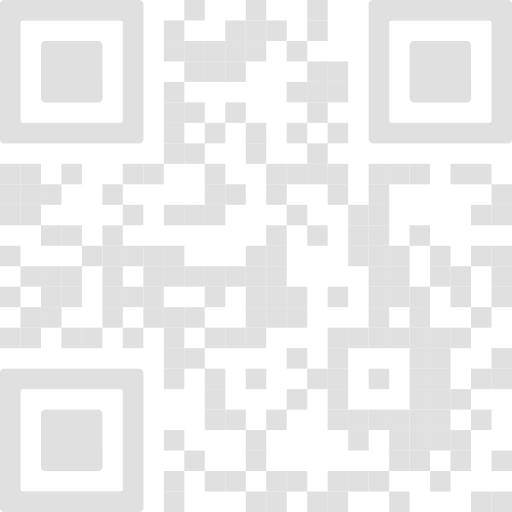
QR Code preview Your QR Code will appear here
Generating QR Code... Please wait a few seconds
Logo Library

Choose a brand or icon to apply to the QR Code.

Free vCard QR Code

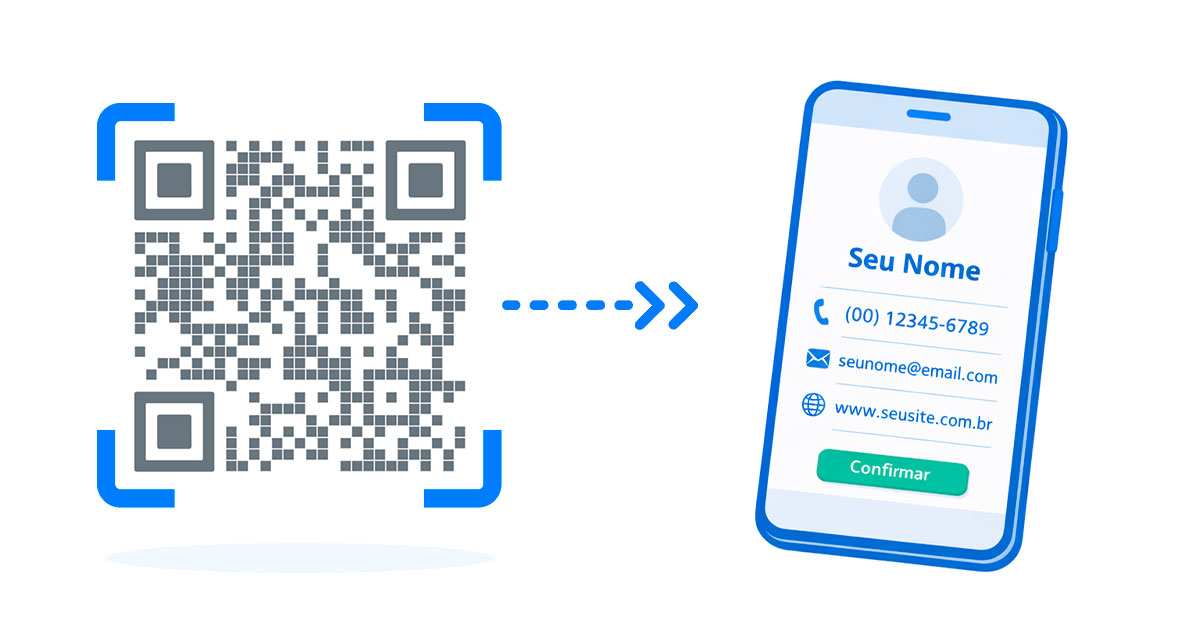
vCard QR Code generator for digital business cards

Create a vCard QR Code to share name, phone, email, company, job title, website and address. Use Dynamic VCard when you also need links, social profiles and later edits.

Save contact in one tapSimple setup for printed, digital and commercial use.
Professional profileSimple setup for printed, digital and commercial use.
Static or dynamic optionsSimple setup for printed, digital and commercial use.
Step by step

How to create this QR Code

1

Add contact details

Follow this step carefully and test the final QR Code before publishing it.
2

Customize the QR Code

Follow this step carefully and test the final QR Code before publishing it.

3

Generate, test and download

Follow this step carefully and test the final QR Code before publishing it.

Configuration

What should a vCard include?

  • Name and company: make the contact easy to recognize.
  • Phone and email: include the main channels people should use.
  • Website and address: add professional context when relevant.
  • Links and social profiles: use Dynamic VCard when you need a richer editable profile.
Best use

Static vCard or Dynamic VCard?

Static vCard works for basic contact details. Dynamic VCard is better when you need editable information, links, social profiles and a more complete professional content.

Professional networking

Make your business card easier to save

Add the QR Code to printed cards, badges, email signatures, presentations and event materials to reduce manual typing.

Create now
Frequently asked questions

FAQ about vCard QR Codes

It is a QR Code that lets people open and save your contact information on a phone.

For static vCard, include name, phone, email, company, job title, website and address. Dynamic VCard can also organize links and social profiles.

Only with Dynamic VCard. Static vCards need a new QR Code when the contact data changes.

Use it on business cards, badges, email signatures, brochures, presentations, events and professional profiles.

Yes. Use colors and visual details that keep enough contrast for reliable scanning.

Yes. Scan the QR Code and confirm that the phone displays the contact fields correctly.

Need more features?

Try PRO

Dive into an intelligent data ecosystem and turn your QR Codes into high-performance conversion channels.

Dynamic

Edit your link destination in real time without reprinting the physical code.

Analytics

Track every interaction with geographic reports, device data and peak times.

Customization

Custom design that reflects your brand identity in every visual detail.
Starting at
R$ 22,90 /month
CONFIADO
POR MUITOS
Logo WEG
Logo Chevrolet
Logo Nissin
Logo Vizi
Logo Prevent Senior
Logo SESC
Logo M. Dias Branco
Logo Carrefour
Logo Osesp
Logo Havaianas
Logo Suzano
Logo Seara
Logo Marca Fácil
Logo Magalu
Logo Skeelo
Logo SmartFit
Logo Datafolha
Logo AkzoNobel
Logo Shopee
Logo Pizza Hut
Logo Grupo Boticário
Logo JBS
Logo Michelin
Logo Alcoa
Logo Coca-Cola FEMSA
Logo McDonald's
Logo Netshoes
Logo Zé Delivery
Logo Hospital Albert Einstein
Logo Swift
Logo Leroy Merlin
Logo Leão Alimentos e Bebidas
Logo DHL
Logo B3
Logo CIELO
Logo Hotmart
Logo Experian
Logo Ambev
Logo TOTVS
Logo Roldão
Logo SEBRAE
Logo Mercado Livre
Logo Botafogo
Logo Polícia Militar de SP
Logo Banco do Brasil
Logo LATAM
Logo 99
Logo Itaú
Logo Whirlpool
Logo USP
Logo CEMAG
Logo Restaurante Camarões
Logo Panasonic
Logo Nestlé
Logo Logitech
Logo Selfit Academias
Logo Premia Pão
Logo Cyrela
Logo Vale
Logo Café 3 Corações
Logo O Boticário
Logo Laticínios Porto Alegre
Logo Protege
Logo General Mills
Logo Riocard Mais
Logo Friboi
Logo Montblanc
Logo Coral
Logo MALWEE
Logo Louis Dreyfus Company
Logo Coca-Cola
Logo BASF
Logo Frango Assado
Logo Honda
Logo Sodiê Doces
Logo HBO MAX
Logo WEG
Logo Chevrolet
Logo Nissin
Logo Vizi
Logo Prevent Senior
Logo SESC
Logo M. Dias Branco
Logo Carrefour
Logo Osesp
Logo Havaianas
Logo Suzano
Logo Seara
Logo Marca Fácil
Logo Magalu
Logo Skeelo
Logo SmartFit
Logo Datafolha
Logo AkzoNobel
Logo Shopee
Logo Pizza Hut
Logo Grupo Boticário
Logo JBS
Logo Michelin
Logo Alcoa
Logo Coca-Cola FEMSA
Logo McDonald's
Logo Netshoes
Logo Zé Delivery
Logo Hospital Albert Einstein
Logo Swift
Logo Leroy Merlin
Logo Leão Alimentos e Bebidas
Logo DHL
Logo B3
Logo CIELO
Logo Hotmart
Logo Experian
Logo Ambev
Logo TOTVS
Logo Roldão
Logo SEBRAE
Logo Mercado Livre
Logo Botafogo
Logo Polícia Militar de SP
Logo Banco do Brasil
Logo LATAM
Logo 99
Logo Itaú
Logo Whirlpool
Logo USP
Logo CEMAG
Logo Restaurante Camarões
Logo Panasonic
Logo Nestlé
Logo Logitech
Logo Selfit Academias
Logo Premia Pão
Logo Cyrela
Logo Vale
Logo Café 3 Corações
Logo O Boticário
Logo Laticínios Porto Alegre
Logo Protege
Logo General Mills
Logo Riocard Mais
Logo Friboi
Logo Montblanc
Logo Coral
Logo MALWEE
Logo Louis Dreyfus Company
Logo Coca-Cola
Logo BASF
Logo Frango Assado
Logo Honda
Logo Sodiê Doces
Logo HBO MAX
Discover why so many prominent businesses trust QR Plus

Frequently asked questions

Learn more about our QR Codes and plans

A QR Code (Quick Response Code) is a modern type of barcode that can store many kinds of information, such as links, text, contacts, and more, and can be easily scanned by phones with a camera.

Yes. All QR Codes generated on QR Plus can be used freely, including for commercial purposes.

No. Static QR Codes do not have scan limits and will keep working permanently.

Static QR Codes have fixed content. Dynamic QR Codes redirect through an intermediate link, allowing you to edit the destination and access scan statistics. Learn more

Yes. The Plus plan is free and includes access to the main features, with some limits. If you need more features, you can upgrade to the Pro plan.

We accept credit card, bank slip, and PIX. All payments are processed in Brazilian reais, with no extra fees.

Immediately after payment confirmation. You will receive an email with all access information.

No. Plans do not have a grace period and can be cancelled at any time directly in the system.

After cancellation, your QR Codes remain active for up to 48 hours. To keep using them or access statistics, simply reactivate your subscription.

Yes. You can upgrade from Plus to Pro at any time. Downgrading is not available due to the limits of the free plan.

Direct migration is not available. However, you can recreate your QR Codes on QR Plus using the same data.