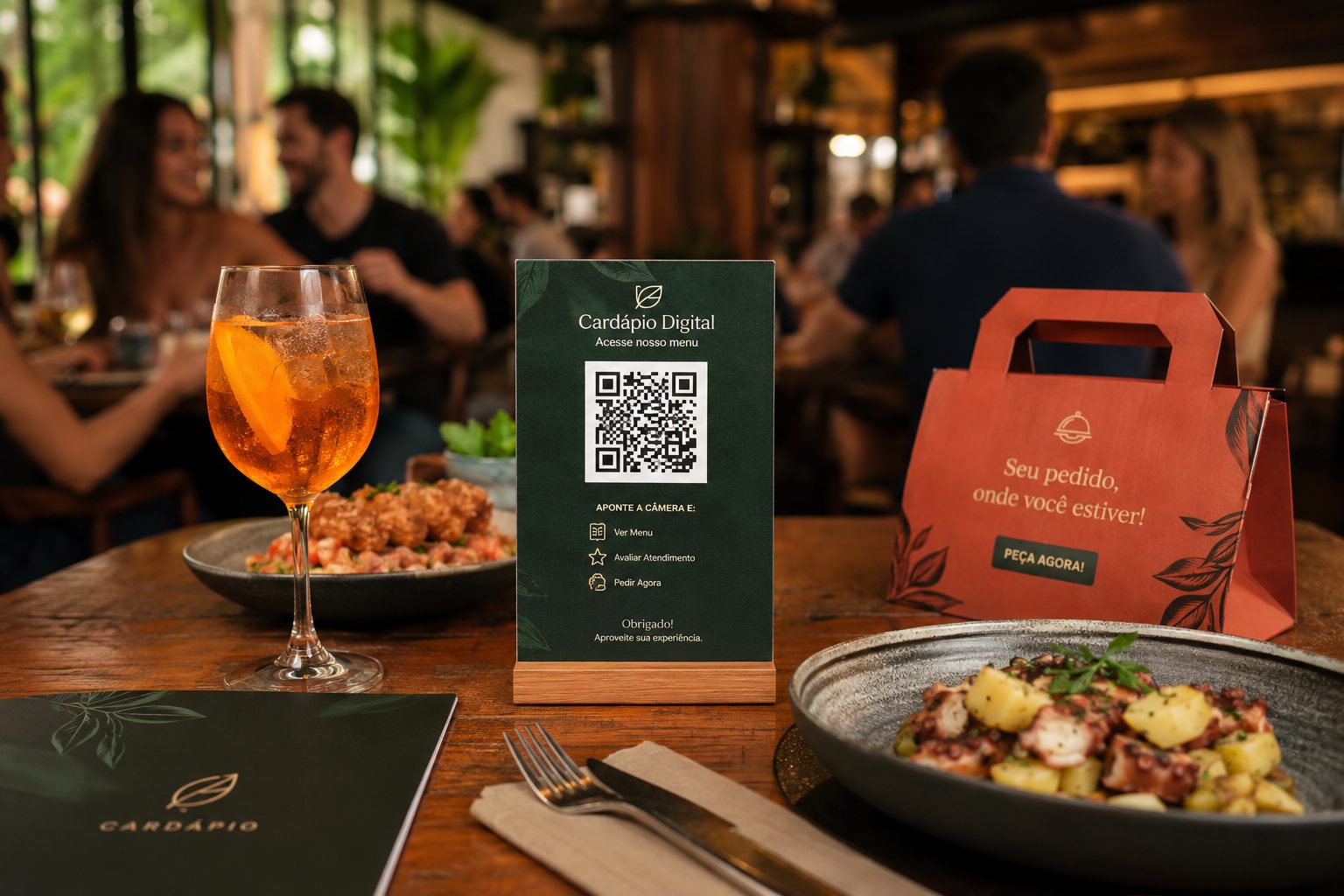
Restaurants and delivery
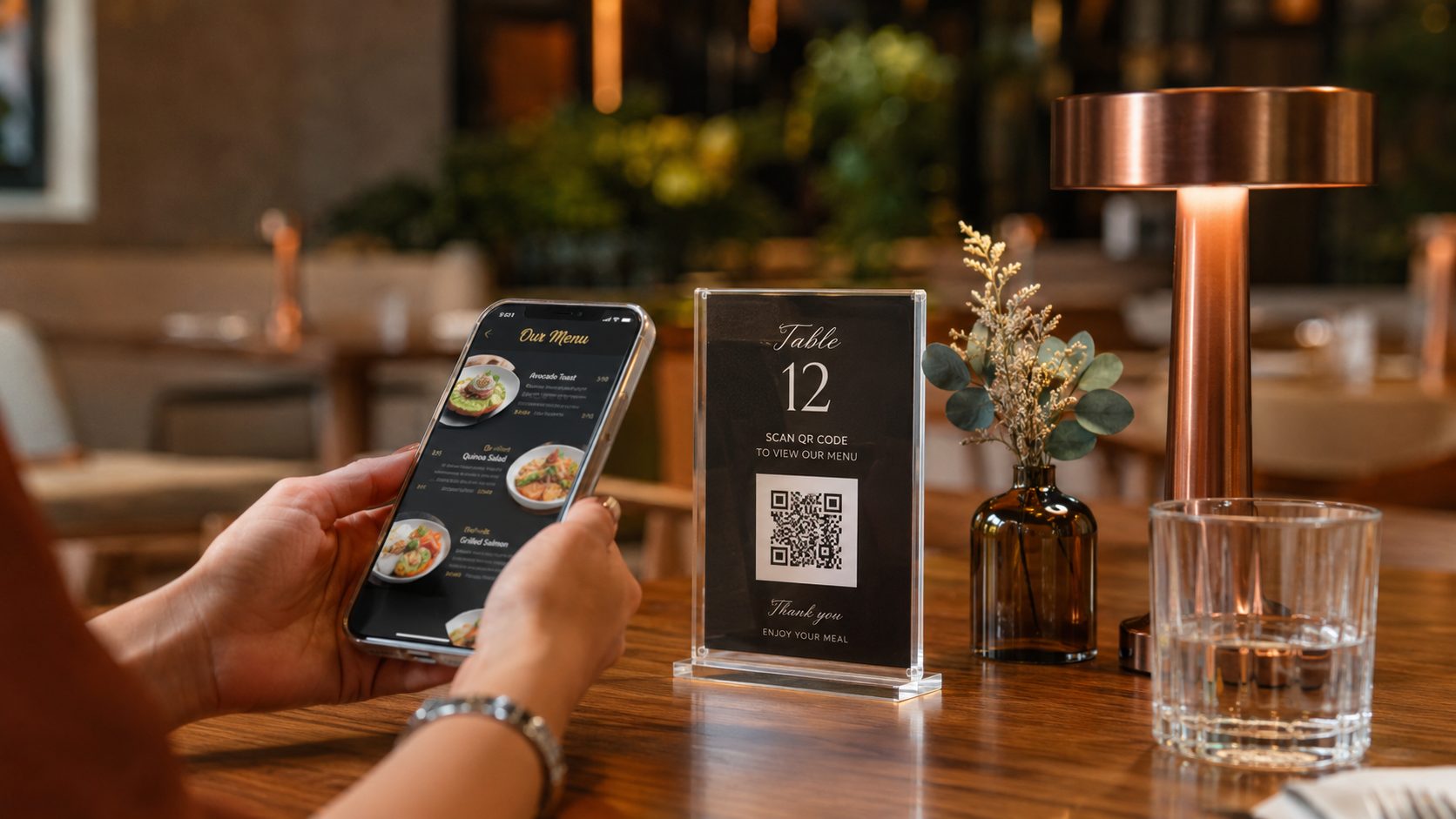
Use QR Codes for menus, Pix payments, guest Wi-Fi, WhatsApp orders and restaurant location.
Menu, Pix, Wi-Fi, WhatsApp and GPS View full guideEach segment uses QR Codes differently. A restaurant may need menus, Pix, Wi-Fi and WhatsApp. A store may need coupons, catalogs and reviews. An event depends on signups, schedules, location and contact. This page helps you choose the right type before generating the code.
Use these cards as a starting point to understand which QR Code types fit each routine, channel and material best.
Use QR Codes for menus, Pix payments, guest Wi-Fi, WhatsApp orders and restaurant location.
Menu, Pix, Wi-Fi, WhatsApp and GPS View full guide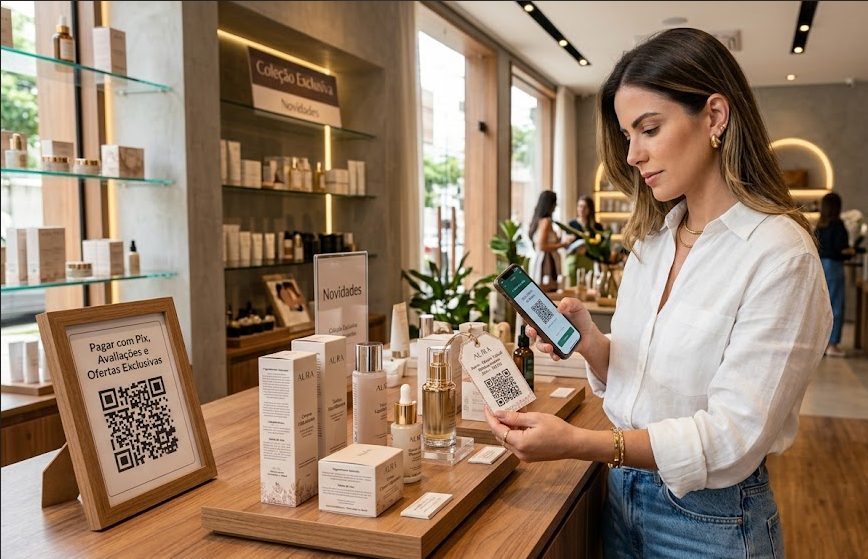
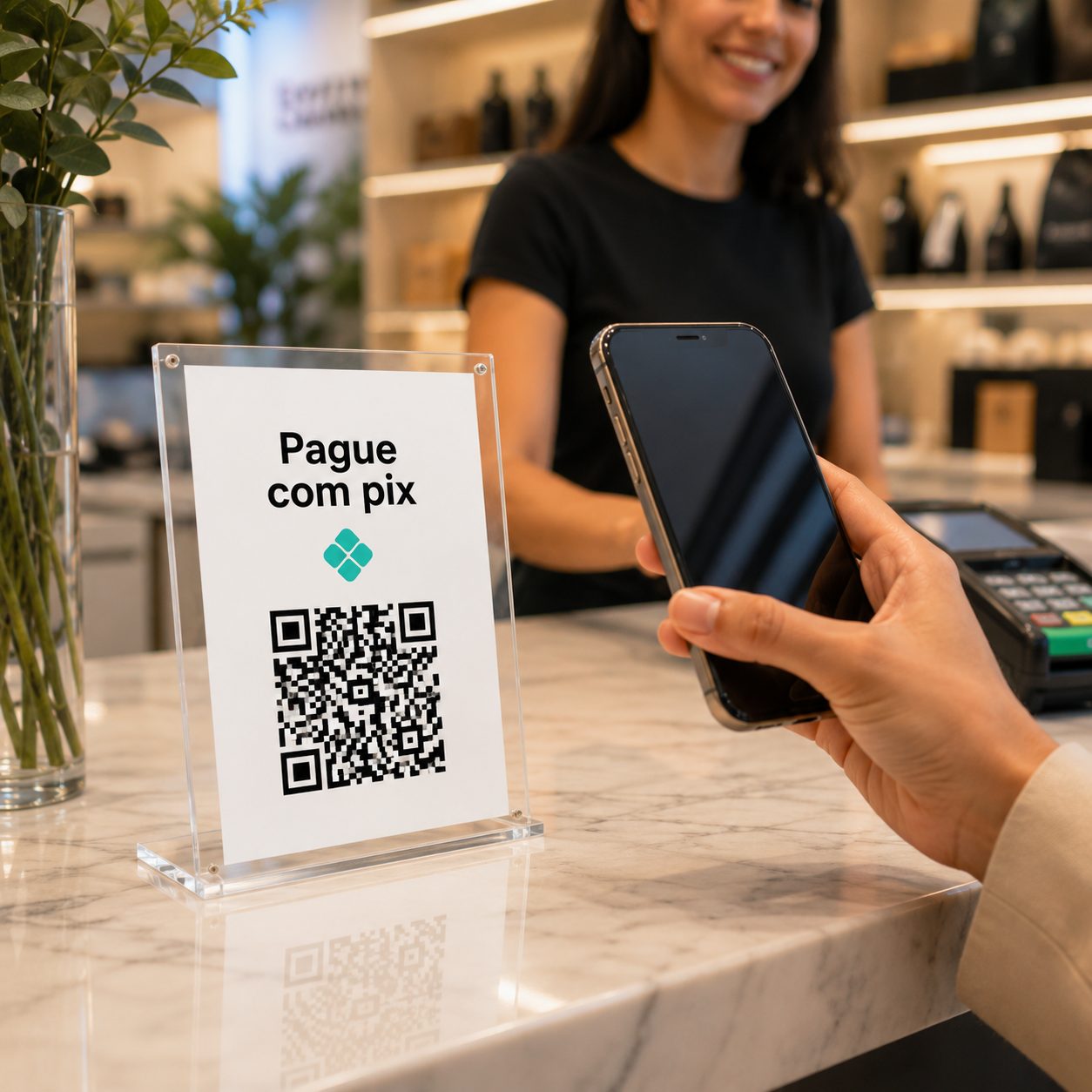
Make Pix payments easier and connect customers to catalogs, coupons, reviews, social profiles or WhatsApp support.
Pix, URL, Coupon, WhatsApp and Links View full guide
Use QR Codes on badges, posters, booths and support materials for schedules, signups, maps, contact and post-event content.
Event, URL, PDF, vCard and GPS View full guide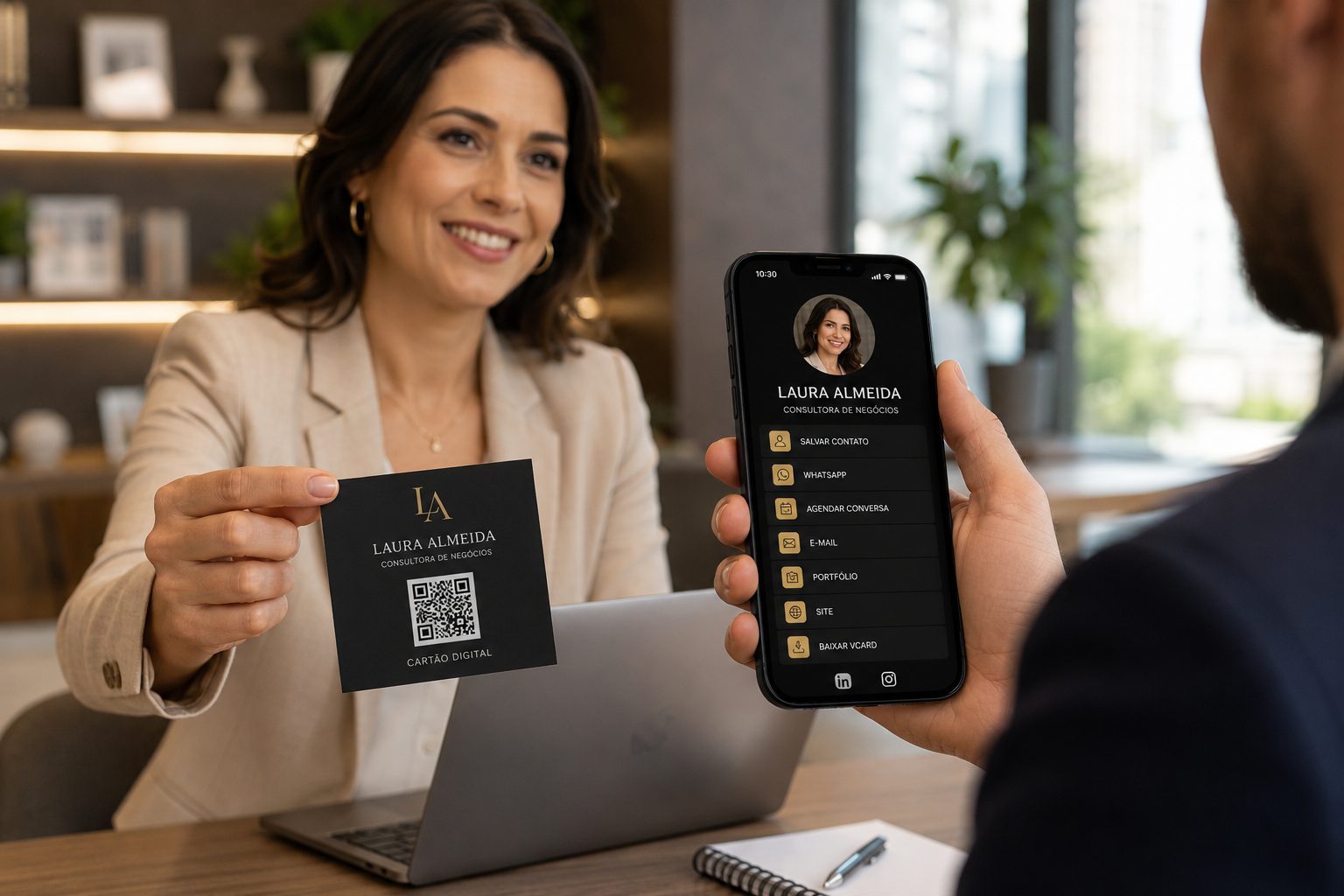
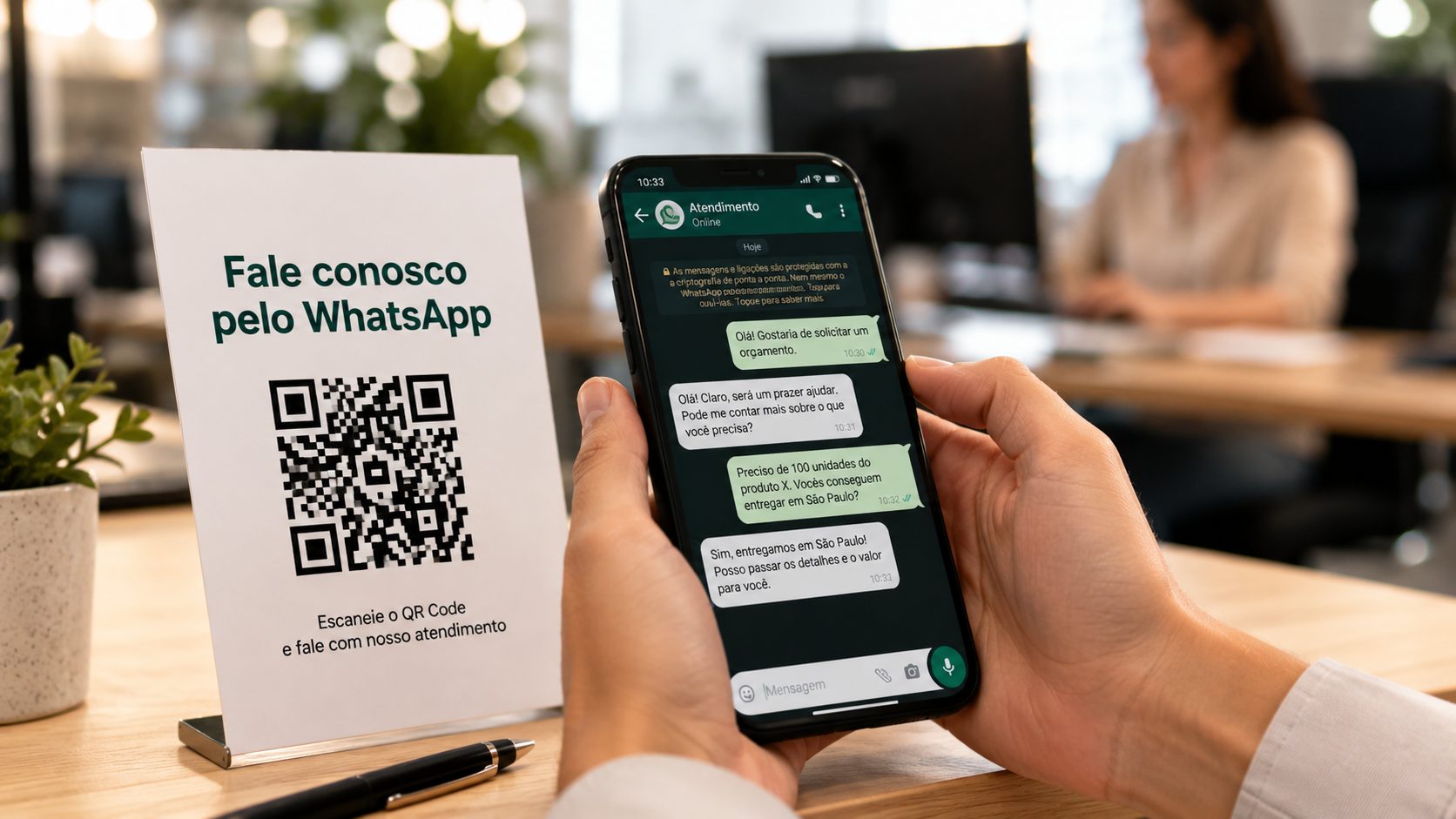
Turn business cards, email signatures, badges or proposals into a direct path to save contacts, open portfolios and start WhatsApp chats.
vCard, WhatsApp, URL, Links and PDF View full guide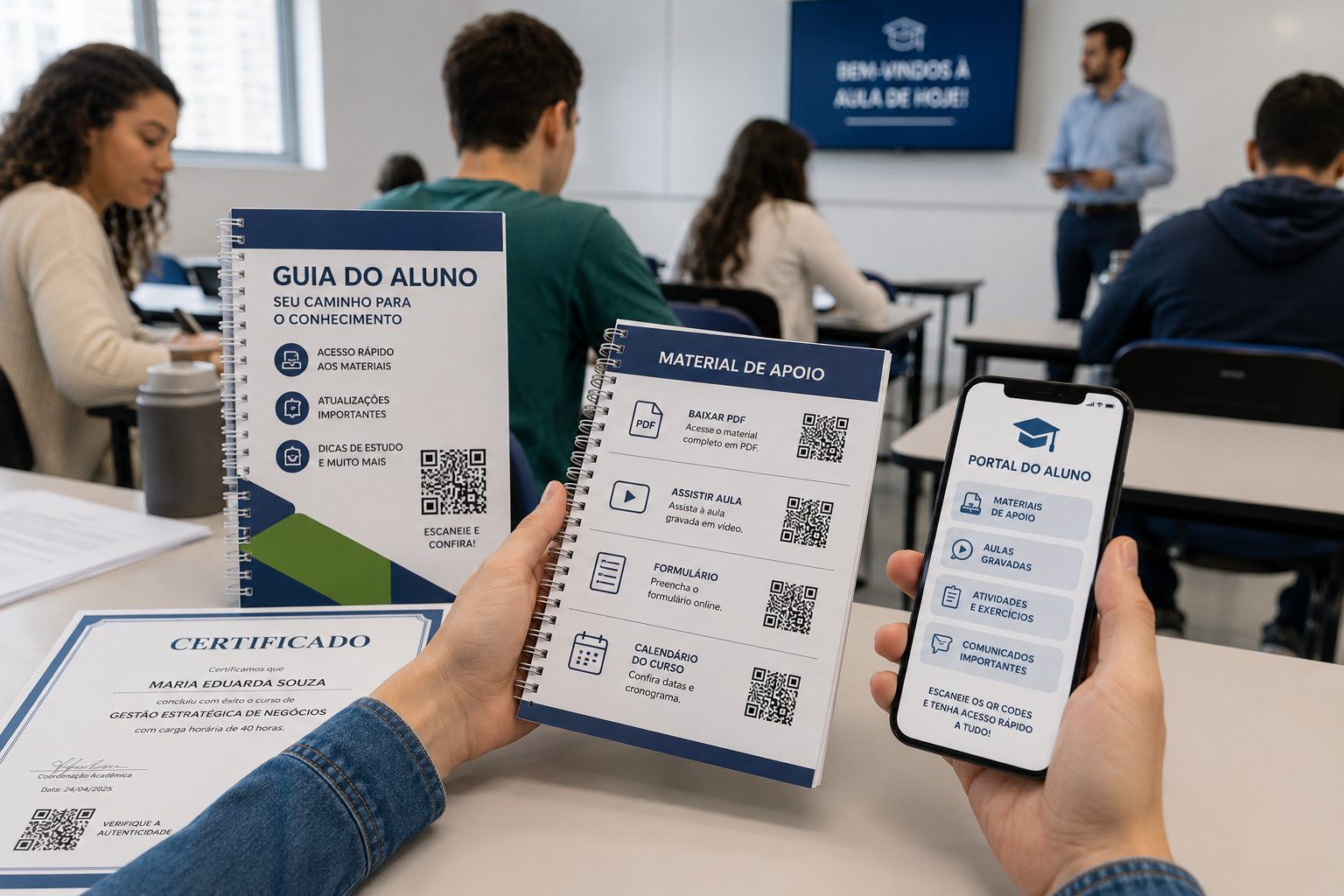
Share class materials, forms, attendance, calendars, videos, campus maps and office contacts without long links.
PDF, URL, Video, Event and GPS View full guide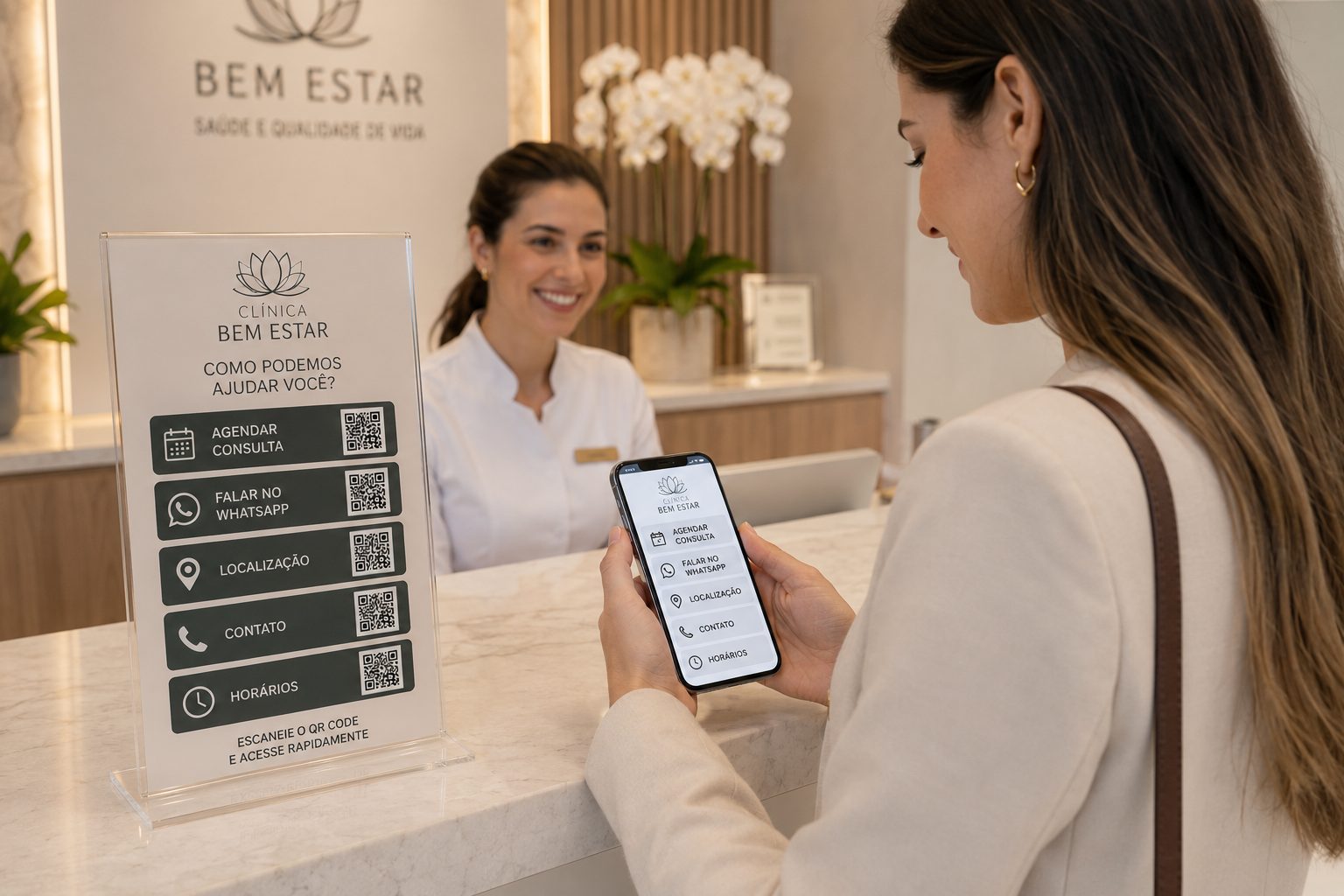
Help customers find the address, book service, save contacts, access documents, pay deposits or talk to the team.
GPS, WhatsApp, vCard, Pix, PDF and URL View full guide
Guide patients with QR Codes for booking, WhatsApp, location, preparation, documents, Pix, follow-up and after-service.
WhatsApp, GPS, PDF, vCard, Pix and Links View full guide
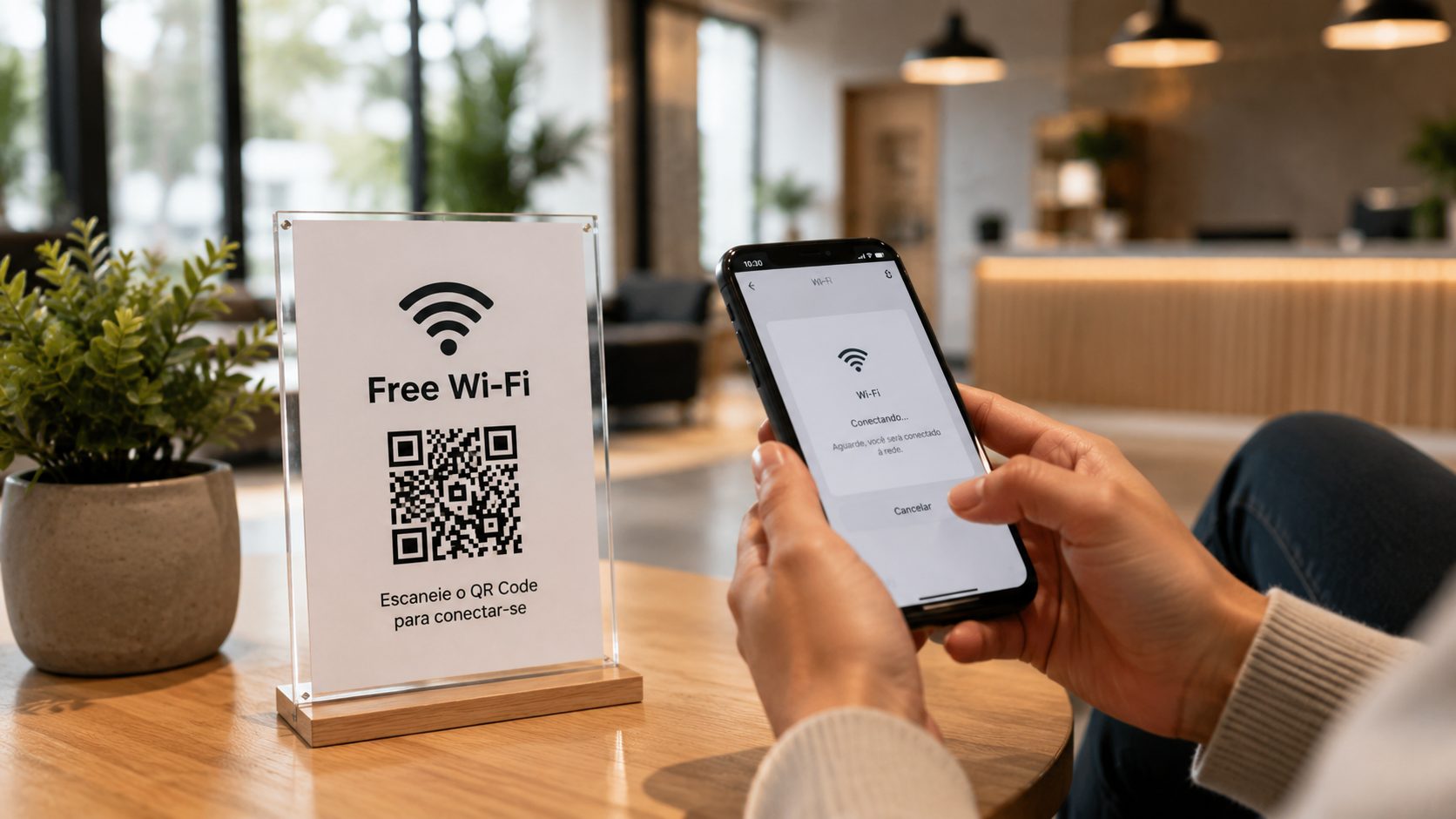
Improve booking, check-in, Wi-Fi, menus, location, service, rules and guest reviews.
Wi-Fi, WhatsApp, GPS, PDF, Pix and Links View full guide
Use QR Codes on signs, storefronts and listings for viewings, tours, location, property details, documents and agent contact.
WhatsApp, GPS, URL, PDF, vCard and Links View full guide
Use QR Codes for booking, services, location, Pix, portfolios, reviews and customer return visits.
WhatsApp, GPS, Links, PDF, Pix and vCard View full guide
Use QR Codes for membership, classes, training, schedules, location, Pix, events and member service.
WhatsApp, Event, PDF, GPS, Pix and Links View full guide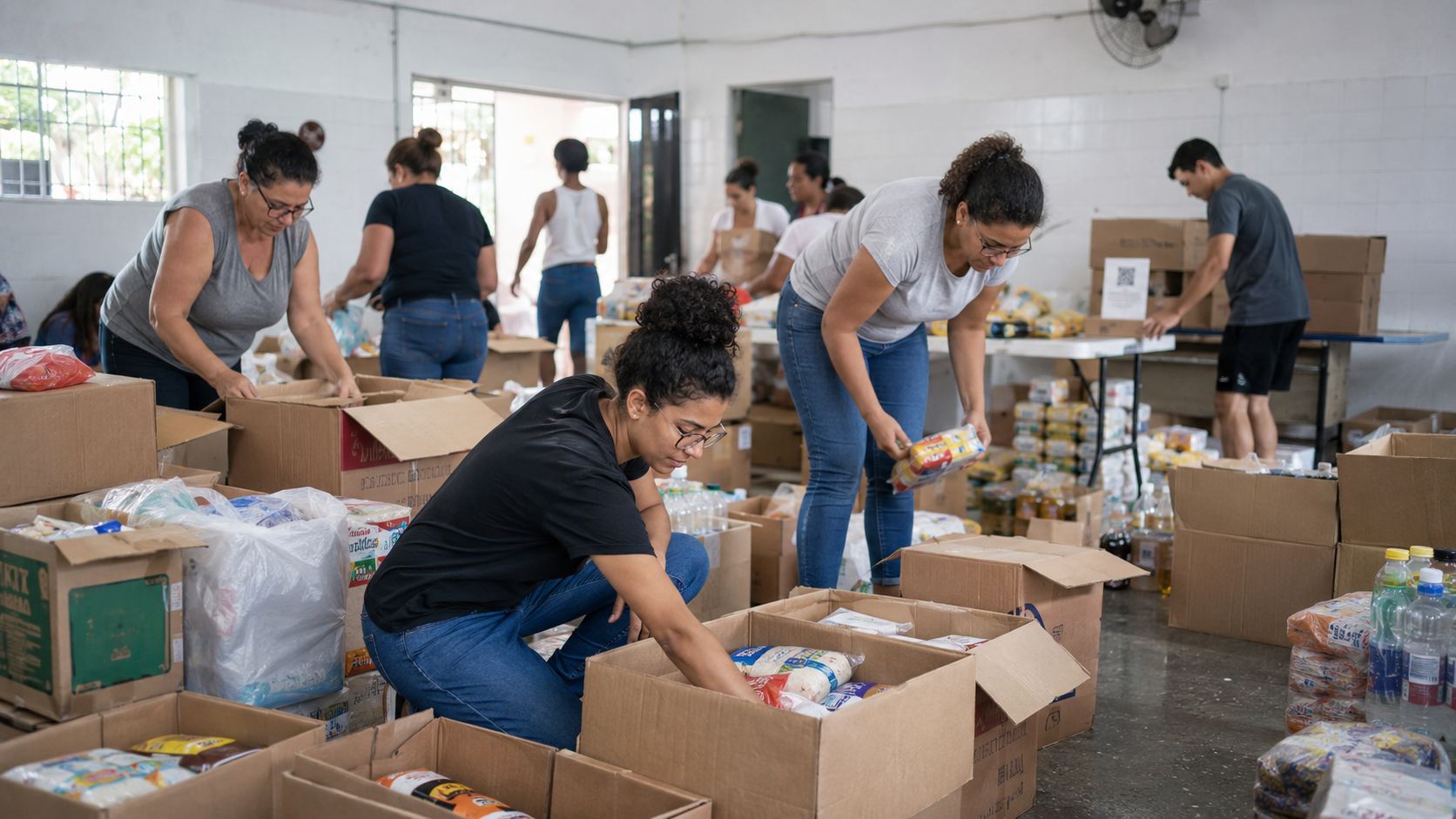
Use QR Codes for schedules, events, Pix donations, location, materials, volunteering and community contact.
Event, Pix, WhatsApp, GPS, PDF and Links View full guide
Use QR Codes for itineraries, maps, attractions, service, tickets, materials, Pix and visitor reviews.
GPS, WhatsApp, Event, PDF, Pix and Links View full guideA good QR Code is not only visually polished: it solves an action. For payment, use Pix. For chat, use WhatsApp. For saving details, use vCard. For directions, use GPS. For opening a page, use URL or Links.
The same segment can use QR Codes in many places. The chosen material affects size, contrast, call to action and destination type.
Good for menus, Pix, reviews, Wi-Fi and WhatsApp.
Link to instructions, warranty, campaigns, coupons, videos or product pages.
Connect printed material to sites, forms, maps, catalogs or promotions.
You can start with a free QR Code and move to dynamic features when you need to edit destinations, track scans or organize campaigns.