On invitations
Use QR Codes on invitations, posters and social media to take people to schedules, location, signups or WhatsApp conversations.
Churches, communities, social projects, associations and nonprofits need to share information accessibly at gatherings, campaigns and in printed materials. QR Codes help connect schedules, events, Pix donations, location, WhatsApp, documents, volunteering and projects without turning every poster into a block of links.
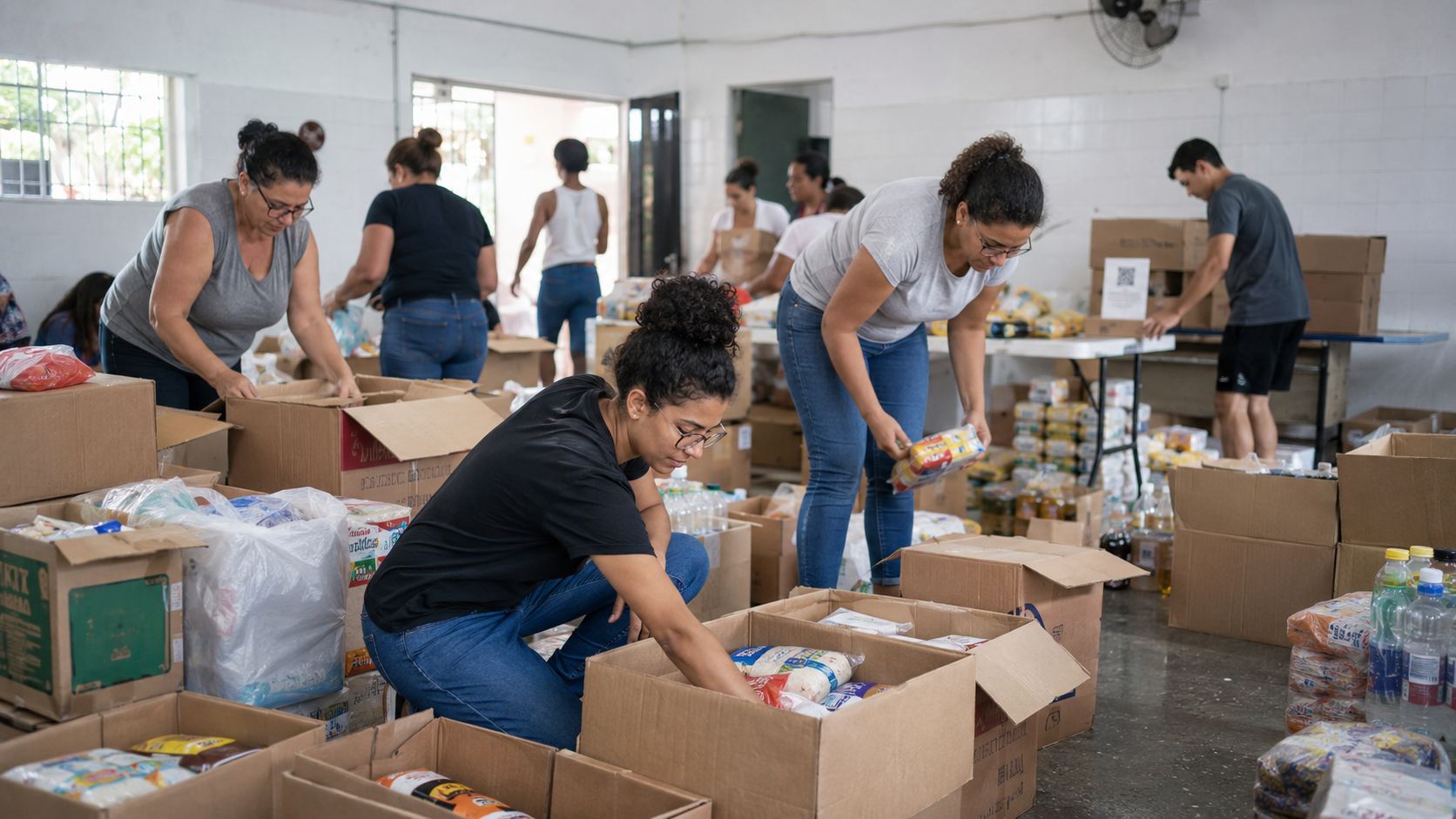
In a church or nonprofit, QR Codes can answer simple questions when they arise: where an action takes place, how to take part, what the schedule is, where to find material, how to get in touch or contribute. A clear next action makes invitations more welcoming and service more organized.
Think of each code as a door to a specific piece of information. That way, an event poster does not need the same QR Code as a donation campaign or volunteer material.
Use QR Codes on invitations, posters and social media to take people to schedules, location, signups or WhatsApp conversations.
At entrances, murals, seats, tables or booths, present schedules, Wi-Fi, materials, donations, forms, contact or support information.
Share materials, upcoming gatherings, thanks, projects, feedback, contact or ways to keep following the initiative.
Event organizes schedules and gatherings. Pix facilitates contributions. WhatsApp opens support. GPS leads to the place. PDF distributes materials. Links gathers important channels. The choice depends on the action the community needs to take next.
Promote services, celebrations, meetings, campaigns, courses, fairs, community gatherings or social actions with date and location.
Create eventUse Pix QR Codes for contributions, offerings, campaigns, registrations or fundraising with verified recipient details.
Create PixOpen a ready conversation to ask for information, join a group, ask questions, learn about a project or talk to the team.
Create WhatsAppTake visitors to the entrance, hall, church, headquarters, parking, support point or correct project address.
Create GPSShare schedules, rules, reports, studies, guides, manuals, presentations or accountability material in PDF.
Create PDFGather schedules, streams, projects, donations, Instagram, address, WhatsApp and participation options on one page.
Create linksThe same QR Code does not need to be everywhere. Adjust the content to the purpose of each action: campaigns, volunteering, printed communication or project follow-up. This makes scanning clearer for newcomers and existing participants.
Use a specific call to action, such as donate with Pix, discover the campaign or follow the project. People should know what action they will take before scanning.
Direct people to forms, schedules, WhatsApp or a page with activities and coordinator contact details.
Posters, newsletters, flyers, badges and signs gain value when they lead to content that does not fit on paper.
Use QR Codes to open public materials, reports, calendars, photos, accountability information and project updates when appropriate.
In campaigns, community gatherings or social initiatives, people need to know safely where they will go. Use short text, keep the Pix recipient name correct and explain what will open before scanning. This is especially important when QR Codes appear in public places.
When schedules, event pages, campaigns or contact can change, URL, WhatsApp and Links allow updates. For location, fixed PDFs and verified Pix details, a static QR Code can work well.
After a gathering, a QR Code can lead to thanks, next steps, materials, photos, calendars, future participation or team contact. For churches, social projects and nonprofits, this path helps maintain a connection with people who discovered the initiative and want to follow it more closely.
Churches and nonprofits naturally connect with events, education and local services when they need to share schedules, guide audiences and open service channels.

Use QR Codes for registration, schedules, credentials, maps, materials and post-event content.
Event, URL, PDF, vCard and GPSView ideas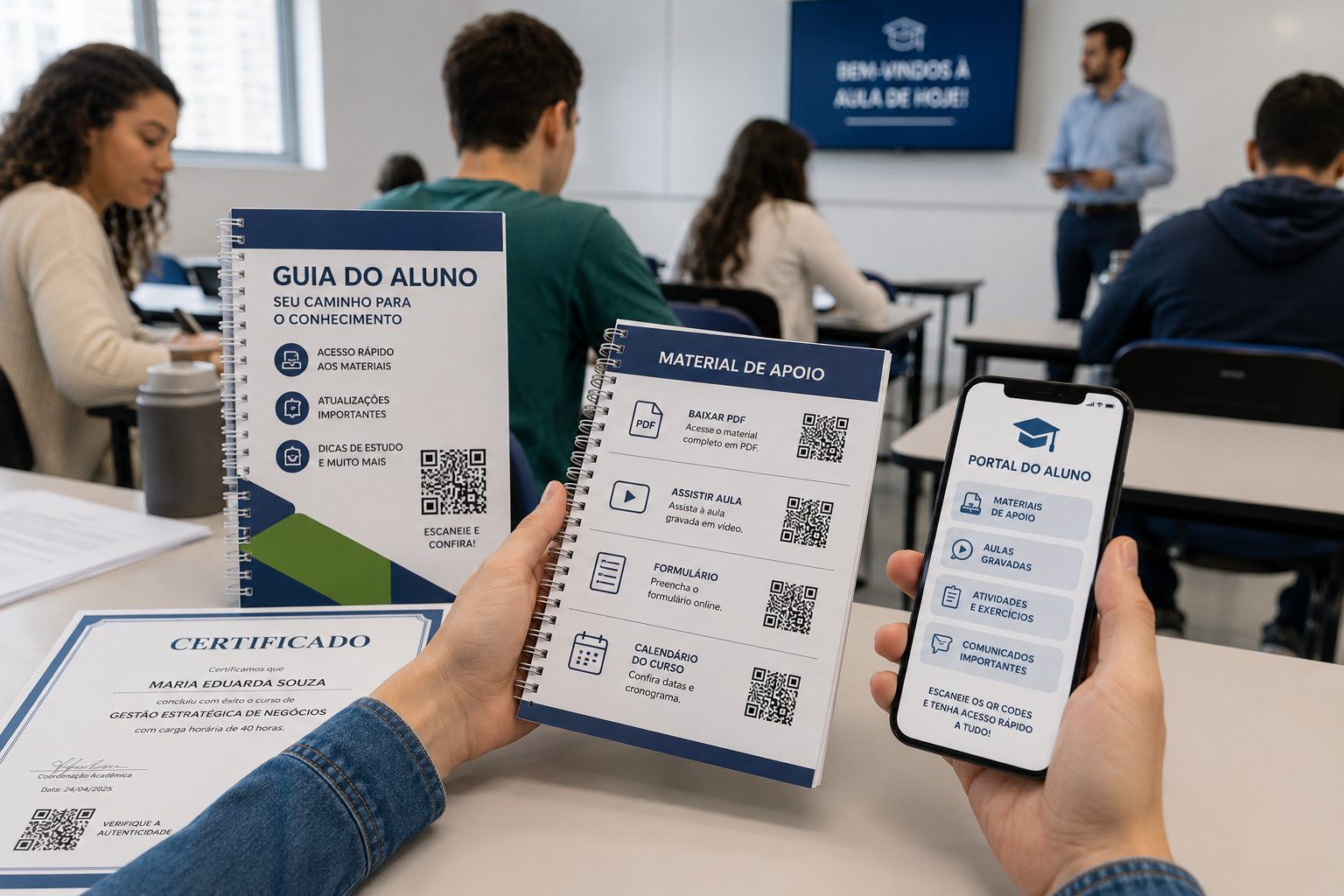
Organize materials, attendance, calendars, video, forms and team contact.
PDF, URL, Video, Event and GPSView ideas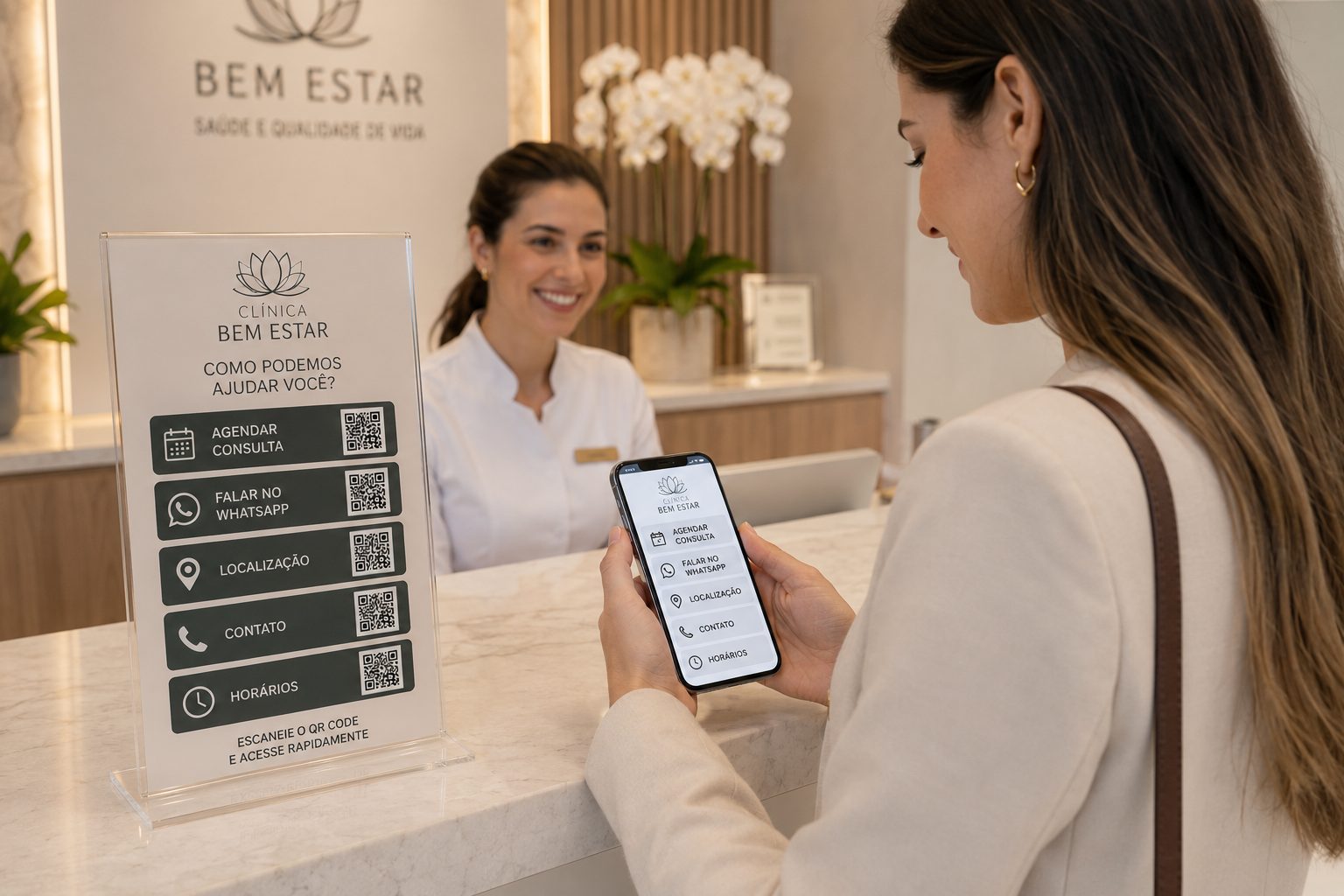
See ideas for location, contact, documents, service and useful daily information.
GPS, WhatsApp, PDF, vCard and URLView ideasStart with free QR Codes for Event, Pix, WhatsApp, GPS and PDF. In URL, WhatsApp and Links, use dynamic features when you need to update destinations, organize campaigns or track scans.