Before the appointment
Use QR Codes to open preparation instructions, document lists, WhatsApp confirmation, unit routes, accepted insurance and arrival instructions.
Clinics, offices, dentistry, aesthetics, physical therapy and healthcare need to guide patients before, during and after service. QR Codes help open booking, WhatsApp, location, preparation, documents, Pix, professional vCards, reviews and follow-up instructions without long links.
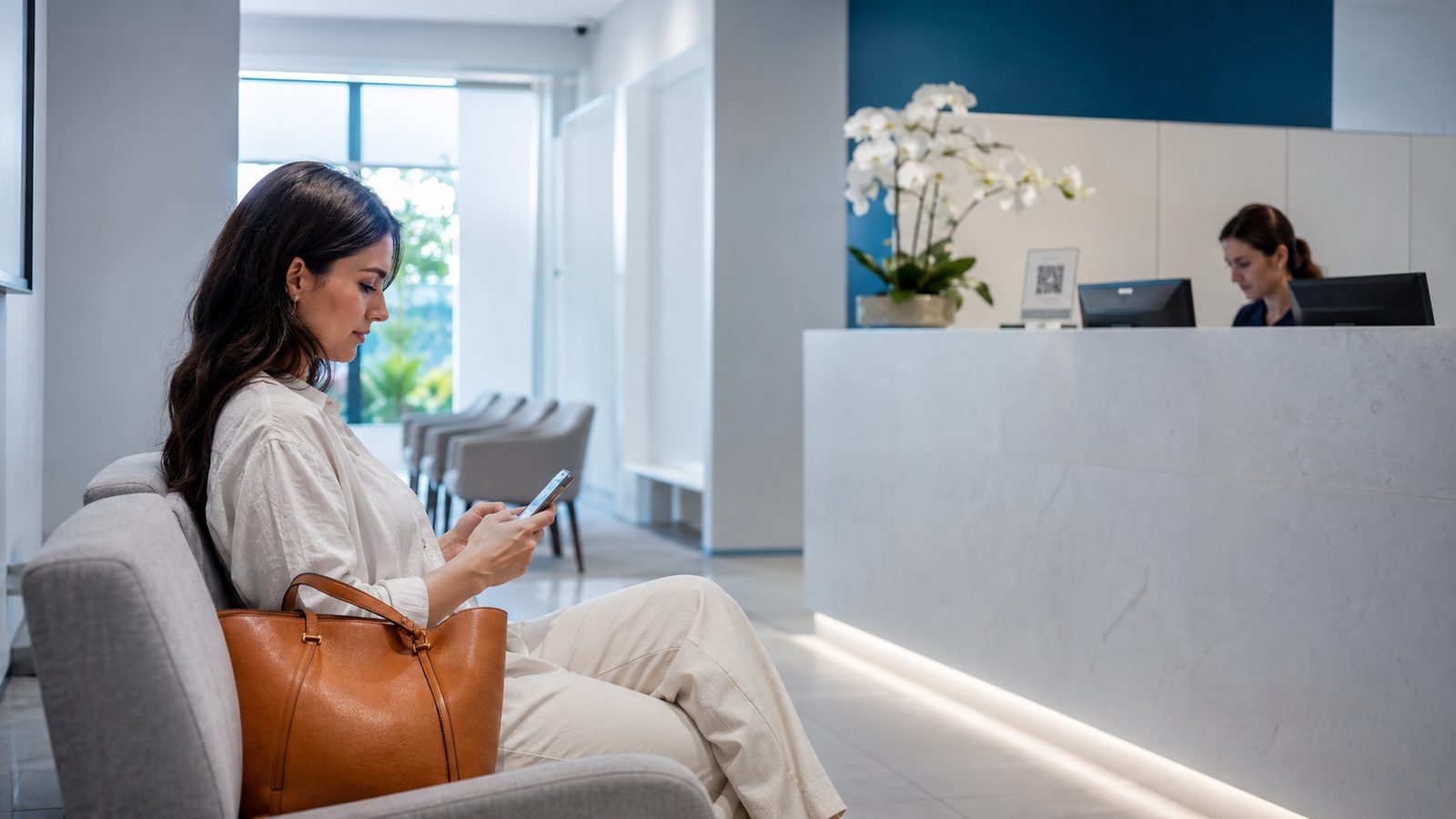
A clinic should not place the same QR Code on every material. A patient reading a flyer may want to book. Someone at reception may need forms, Wi-Fi or payment. Someone leaving an appointment needs care instructions, follow-up, documents and quick contact.
That is why it helps to separate clinic QR Codes, office QR Codes, booking QR Codes, exam preparation QR Codes, clinic WhatsApp QR Codes and review QR Codes according to the action patients need to take.
Use QR Codes to open preparation instructions, document lists, WhatsApp confirmation, unit routes, accepted insurance and arrival instructions.
QR Codes can reduce lines with forms, terms, Pix, Wi-Fi password, reviews, waiting instructions and team contacts.
Deliver aftercare, follow-up booking, digital prescriptions, warranty, support channel, reviews and new appointments.
The best choice depends on the touchpoint. At reception, forms and payment work well. On return cards, WhatsApp and GPS help more. In reports, quotes or follow-up, PDF, URL and Links organize instructions and documents.
Open a conversation with a ready message to book appointments, confirm times, ask questions or talk to reception.
Create WhatsAppTake patients directly to the clinic, office, parking lot, correct entrance or service unit.
Create GPSShare exam preparation, authorizations, terms, care guides, contracts, forms or instructions before appointments.
Create PDFHelp patients save contacts for doctors, dentists, therapists, specialists, reception or service teams.
Create vCardUse Pix QR Codes to receive appointment payments, deposits, fees, procedures, follow-ups or counter payments, always with checked data.
Create PixGather booking, location, WhatsApp, documents, insurance info, reviews, social profiles and patient area in one place.
Create linksPlacement changes intent. The same QR Code that works on a folder may not work at reception or on a return card. Use short text next to the code: book your appointment, confirm your time, view preparation, pay with Pix or review your service.
Links to WhatsApp confirmation, directions, preparation and rescheduling.
Helps with forms, Wi-Fi, documents, payment, reviews and instructions.
Opens complementary documents, explanations, follow-ups, contracts, Pix or team contacts.
Connects ads, storefront signs, flyers and referrals to booking, WhatsApp, location and insurance info.
In healthcare, QR Codes need to feel trustworthy. Avoid confusing destinations, pages exposing sensitive data and generic calls to action. Patients must understand exactly what happens after scanning.
When the destination changes often, such as booking, forms, campaigns or instructions, prefer URL, WhatsApp, vCard or Links with update options. For fixed addresses, guest Wi-Fi and checked Pix data, a static QR Code may be enough.
Many clinics use QR Codes only before appointments, but the biggest gain may happen afterward. A QR Code on prescriptions, reports, quotes, return cards or printed messages can open aftercare, support channels, reviews, follow-up bookings, documents and new instructions.
This kind of content improves patient experience and makes it clearer when to use after-appointment QR Codes, care instruction QR Codes, clinic review QR Codes and follow-up QR Codes.
Clinics connect with local services, professionals and education. These guides help adapt QR Codes for contact, documents, service, courses, instructions and relationships.
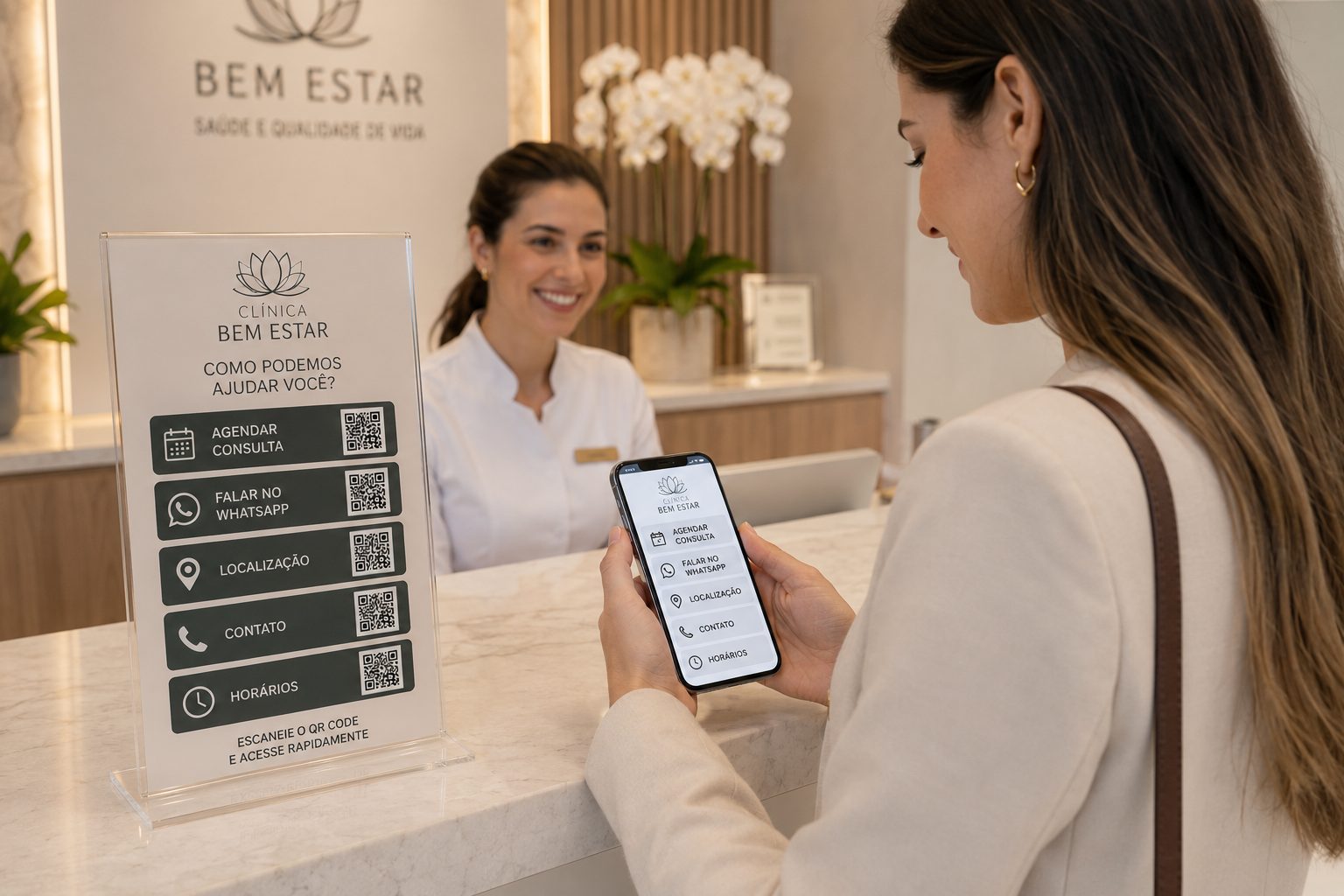
See ideas for addresses, booking, documents, payments, contacts and service.
GPS, WhatsApp, vCard, Pix, PDF and URL View ideas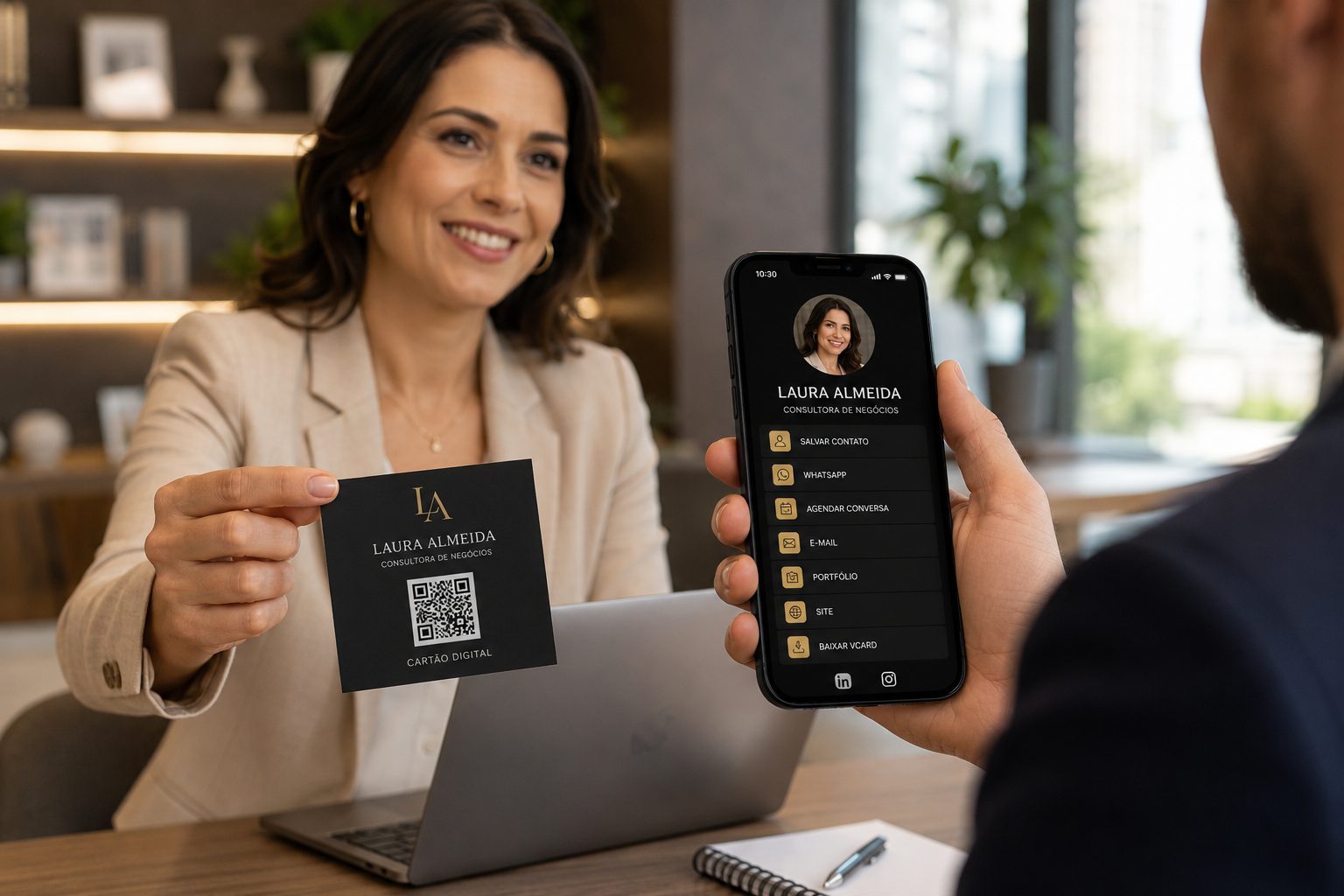
Good for professional contact, portfolios, proposals, vCard, WhatsApp and links.
vCard, WhatsApp, URL, Links and PDF View ideas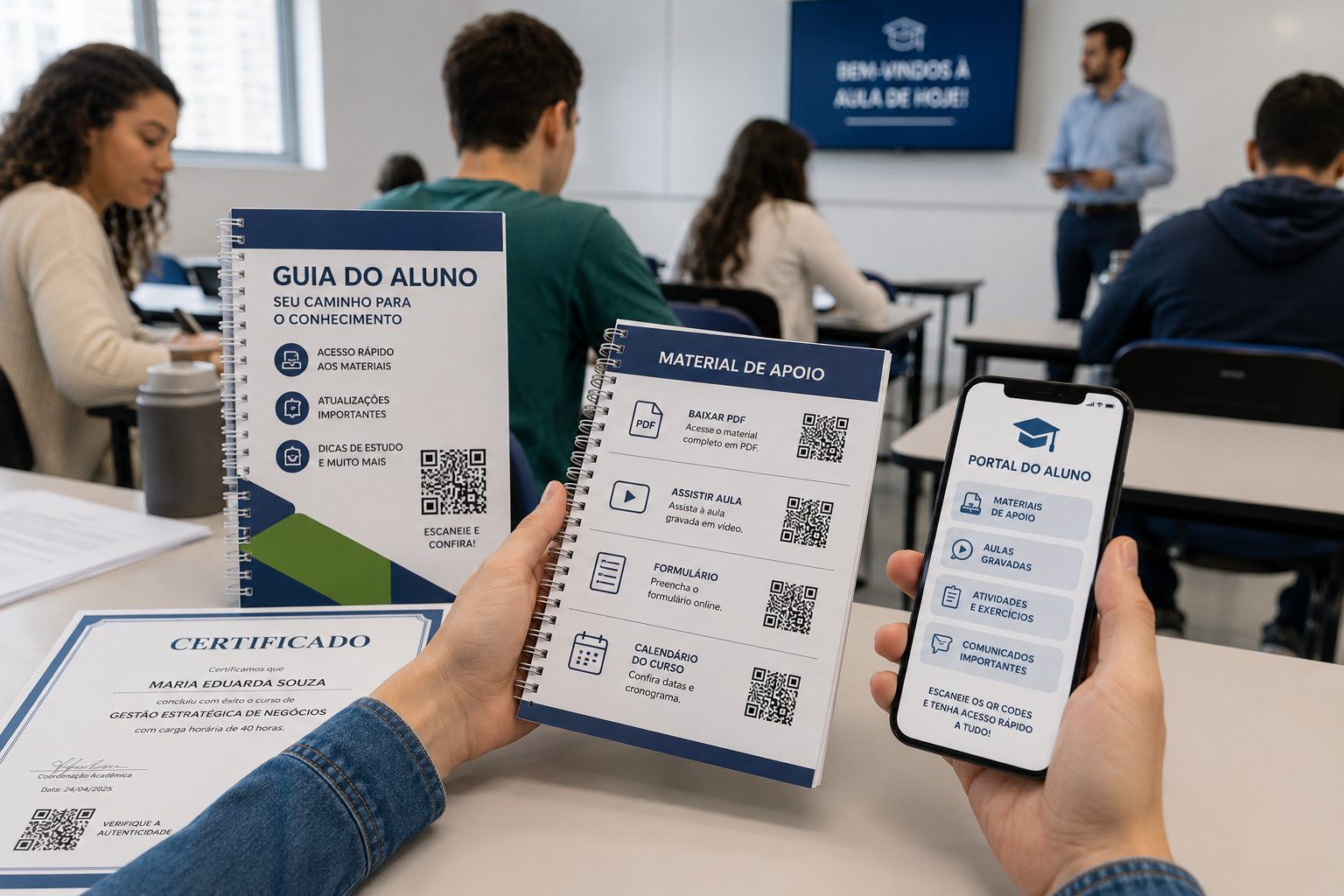
Use QR Codes for materials, forms, attendance, calendars, videos, certificates and maps.
PDF, URL, Video, Event and GPS View ideasStart with free QR Codes for WhatsApp, GPS, PDF, vCard, Pix and URL. For URL, WhatsApp, vCard and Links, use dynamic features when you need to change destinations, organize campaigns or track scans.