Promote signups, tickets, maps, schedules, rules and official pages on posters, social posts, invitations and print media.
QR Codes for better organized events, fairs and tickets
For events, QR Codes help before, during and after the experience. They can open signups, tickets, maps, schedules, PDFs, badges, exhibitor contacts, WhatsApp support, certificates, surveys and post-event content. The key is using each code with a clear action, on the right material and with easy scanning.
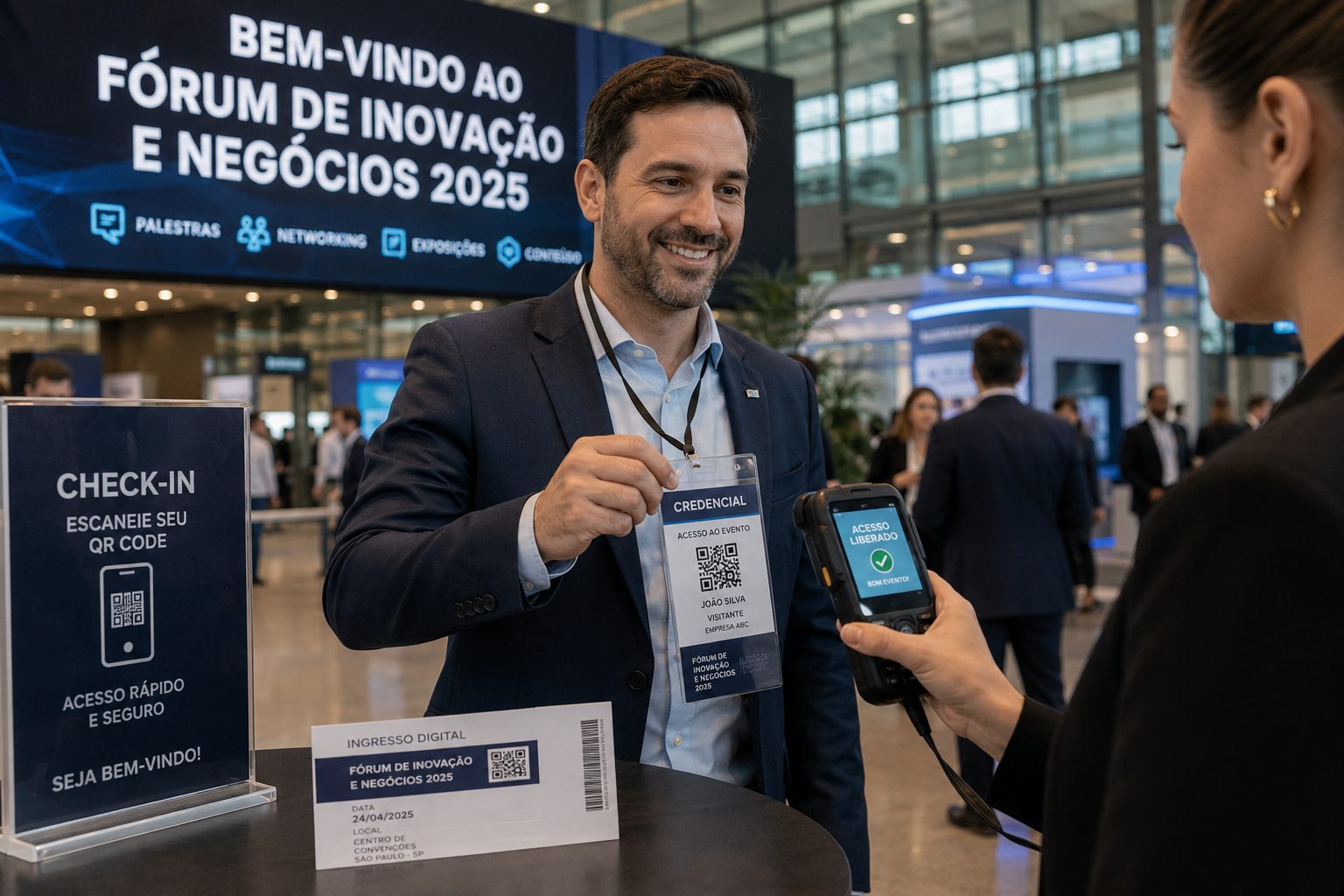
Use on badges, booths, posters, tickets, counters and support materials
QR Codes should follow the rhythm of the event
An event has very different moments: promotion, signup, arrival, circulation, networking, content consumption and follow-up. The same QR Code rarely solves everything well. For fairs, conferences, talks, workshops, shows, festivals or corporate meetings, it is better to create codes with separate goals and clear supporting text.
This structure makes it easier to choose between signup QR Codes, event schedule QR Codes, event map QR Codes, badge QR Codes, certificate QR Codes and survey QR Codes, each with a clear action for the audience.
At check-in, booths and signage, use QR Codes for schedules, Wi-Fi, maps, contacts, forms, menus and quick support.
After the event, send people to surveys, certificates, photos, recordings, support materials, sales proposals or the next edition.
Which QR Codes should events use?
The right type depends on the journey point: promotion, check-in, guidance, lead capture, material distribution or follow-up after the event. Combine different types to avoid a generic QR Code that does not explain the next step.
Event QR Code
Ideal for date, time, location, description and key information for talks, fairs, meetups, workshops or presentations.
Create eventSignup and landing page
Use URL for forms, event pages, ticket sales, waitlists, rules or sponsor campaigns.
Open URLSchedule PDF
Share schedules, venue maps, rules, menus, sales decks or support materials without printing everything.
Create PDFMap and location
Guide visitors to the right address, parking, main entrance, room, booth or pickup point.
Open GPSExhibitor contact
Use vCard to save contacts for sales reps, speakers, exhibitors, producers, support teams or representatives.
Create vCardWhatsApp support
Use a ready message for questions about tickets, check-in, schedules, location or event-day support.
Abrir WhatsAppThink about the material before creating the QR Code
A badge, a large poster and a small label do not need the same size, text or destination. At events and fairs, QR Codes must scan quickly, often with people moving, lines, uneven lighting and phones in motion. Contrast, quiet zone, short CTA and distance tests matter.
Also consider the scanning context. A QR Code on a screen must be large and simple. A QR Code on a badge can open contact, schedule or certificate. A booth QR Code should capture leads, open catalogs, sales WhatsApp or spec sheets. A ticket QR Code should prioritize access, map, time and support.
After the event, QR Codes keep working
Many people remember QR Codes only for signups or entry, but post-event content also creates value. A code on screens, badges, emails or printed material can lead to surveys, certificates, photos, recordings, sponsor catalogs, sales proposals or the next edition signup. This increases engagement and creates useful pages for event QR Code searches.
If the event has sponsors, exhibitors or speakers, each one can have its own QR Code for extra materials, sales contact, portfolio, coupon, demo or list signup. This improves attendee experience and avoids depending on one generic link.
Segments that connect with events
Events connect with retail, professionals and education. Use these guides to plan booths, networking, courses, support materials, campaigns and service.
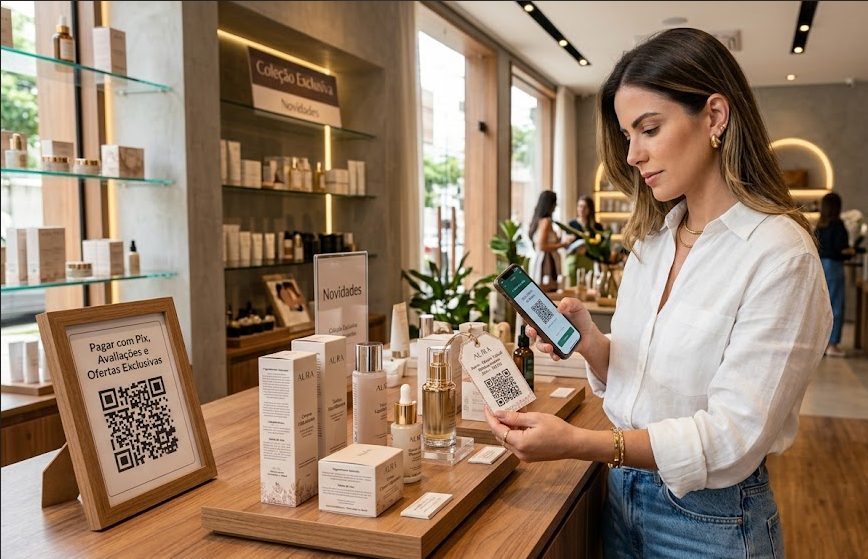
Stores and retail
Use catalog, coupon, Pix, WhatsApp and storefront ideas for event promotions.
Pix, URL, Coupon, WhatsApp and Links View ideas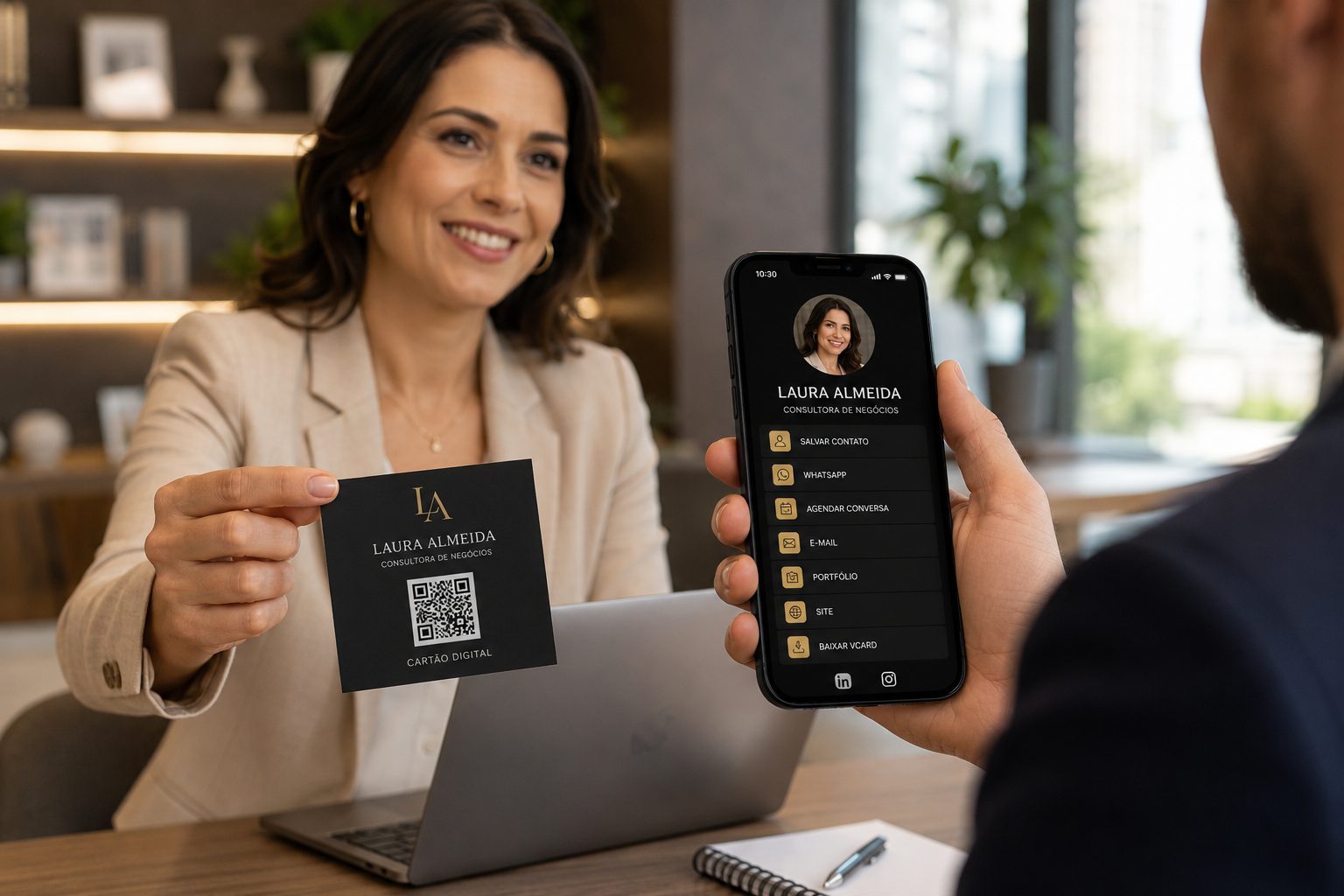
Professionals and service
Good for networking, digital cards, proposals, portfolios, speaker contacts and support.
vCard, WhatsApp, URL, Links and PDF View ideas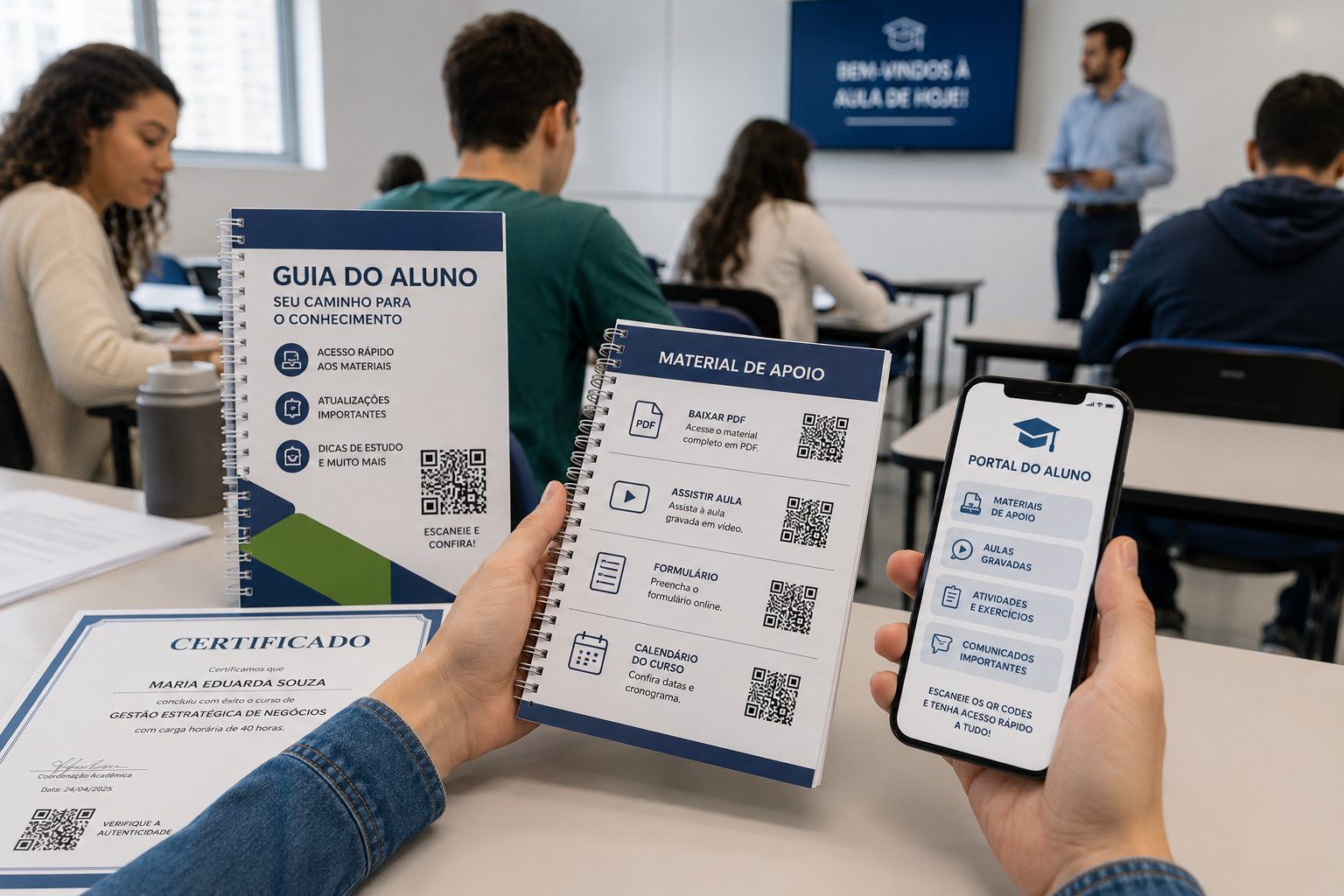
Schools and training
Connect classes, attendance, certificates, study materials, maps and forms.
PDF, URL, Video, Event and GPS View ideasPlan the scan
Create QR CodeCreate event QR Codes with a clear destination
Start with a free QR Code. For URL, WhatsApp, vCard and Links, use dynamic features when you need to change destinations, organize campaigns or track scans.