Discover the gym
On storefronts, flyers, campaigns or referrals, take interested people to classes, schedules, plans, location, trial sessions and WhatsApp.
Gyms, studios, fitness boxes, dance schools, pilates and personal training need to guide people at different moments: before membership, on arrival, during training and after class. QR Codes help open schedules, WhatsApp, workouts, timetables, location, Pix, events and member information with a few taps.
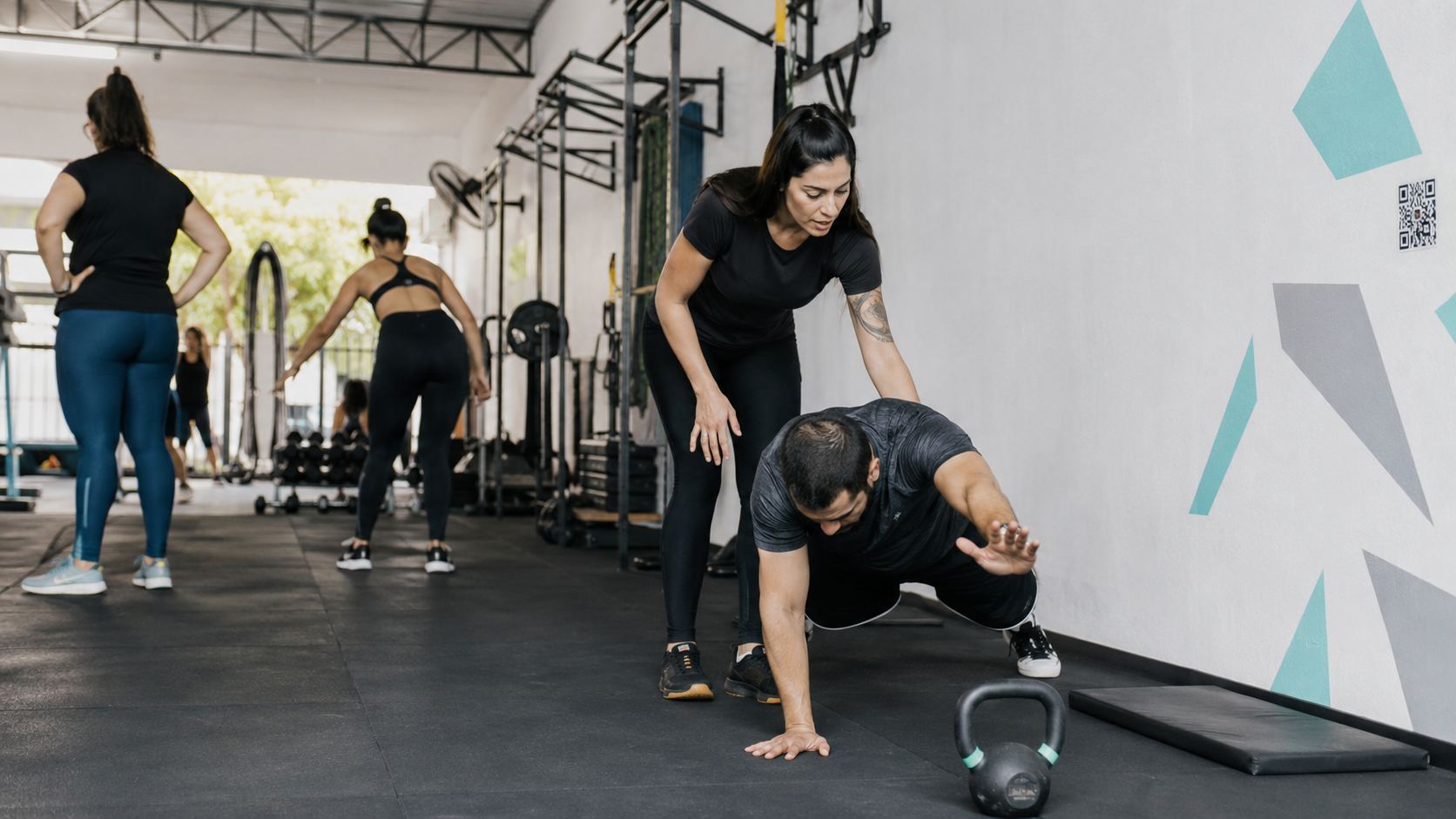
It does not make sense to use one QR Code for membership, training, payment and reviews. People discovering the gym need plans and conversation. Existing members look for schedules, guidance and support. After class, they can review, return or discover a new activity.
Following these touchpoints helps create a more direct experience in neighborhood gyms, boutique studios, functional training boxes, swimming or dance schools, and personal training services.
On storefronts, flyers, campaigns or referrals, take interested people to classes, schedules, plans, location, trial sessions and WhatsApp.
At reception, QR Codes can open Wi-Fi, rules, class schedules, internal maps, forms, team contact and payment options.
On equipment, murals and studios, connect members to videos, exercise guidance, class schedules, instructors, materials and question channels.
After class or assessment, invite members to return, try a new class, review, refer, attend events, follow social media or speak to the team.
WhatsApp is useful for membership and support. Event organizes classes and special actions. PDF delivers materials. GPS guides arrivals. Pix receives plan and day-pass payments. Links gathers important channels. Choose one type for each action with a short call to action near the code.
Open a ready conversation for trial classes, membership, renewals, support, plan information or reception service.
Create WhatsAppPromote special classes, group training, challenges, assessments, workshops, races or gym events.
Create eventShare assessments, plans, rules, usage guides, workouts, contracts or class materials in PDF.
Create PDFTake members and visitors to the address, parking, gatehouse or correct gym and studio entrance.
Create GPSUse Pix QR Codes for membership, day passes, single classes, products, fees or events with verified details.
Create PixGather plans, schedules, WhatsApp, Instagram, reviews, location, videos and service channels on one page.
Create linksQR Codes work very well to complement guidance: they can open videos, rules, schedules, contact and service information. But they should not replace in-person instruction, proper assessment or qualified professional supervision when needed.
When schedules, plans, training links, campaigns or contact can change, URL, WhatsApp and Links allow updates. For Wi-Fi, GPS and Pix with verified data, a static QR Code can be enough.
A QR Code that opens the right schedule, helps find a class or makes it easier to contact the team reduces daily friction. After the experience, it can also open reviews, events, referrals, updates and the next conversation to keep members close to the gym.
Gyms connect with education, professional service and events when they need to guide people, welcome visitors, share schedules and build relationships.
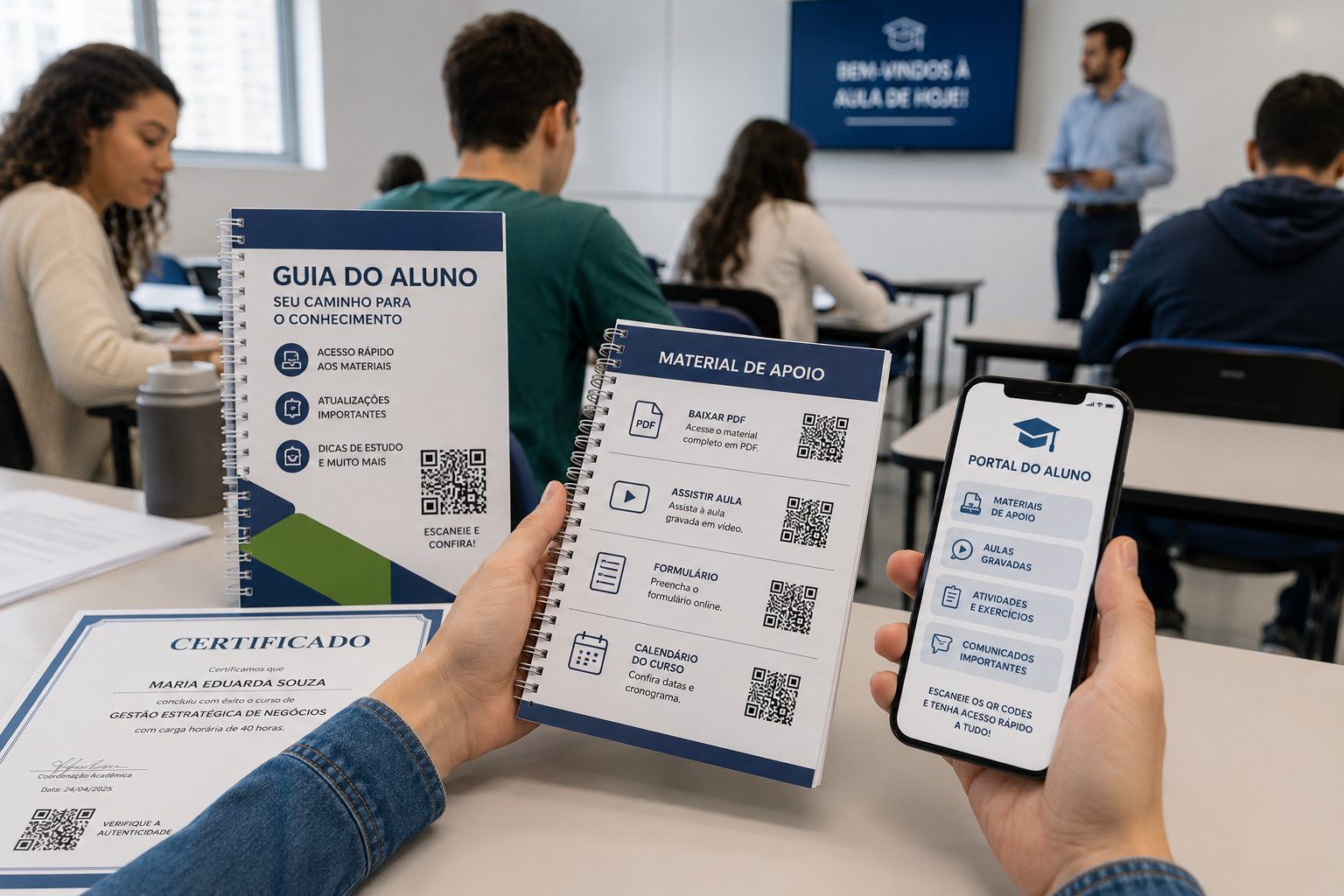
Use QR Codes for materials, attendance, calendars, videos, forms and team contact.
PDF, URL, Video, Event and GPSView ideas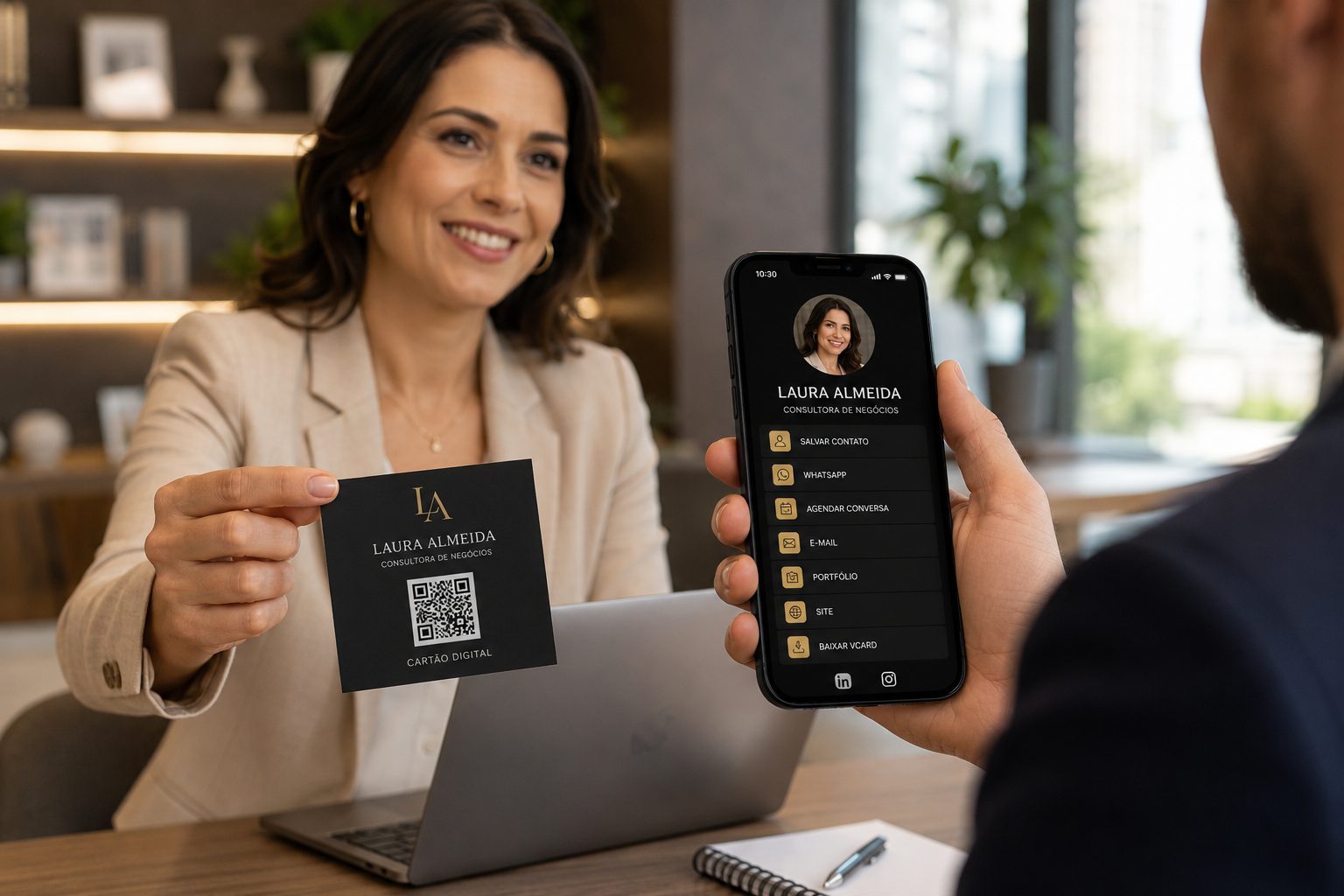
Show services, professional contact, portfolios, proposals, vCards and WhatsApp without long links.
vCard, WhatsApp, URL, Links and PDFView ideas
Promote challenges, workshops, races, open classes, schedules and campaign materials.
Event, URL, PDF, vCard and GPSView ideasStart with free QR Codes for WhatsApp, Event, PDF, GPS and Pix. In URL, WhatsApp and Links, use dynamic features when you need to update destinations, organize campaigns or track scans.