Before the trip
Confirmation, directions, parking, check-in time, documents and reception WhatsApp shorten the path to arrival.
Hotels, inns, cabins, hostels and vacation rentals welcome people who need quick information without searching for papers or typing long links. Use QR Codes for booking, check-in, Wi-Fi, menus, maps, rules, WhatsApp, Pix, services and reviews throughout the stay.
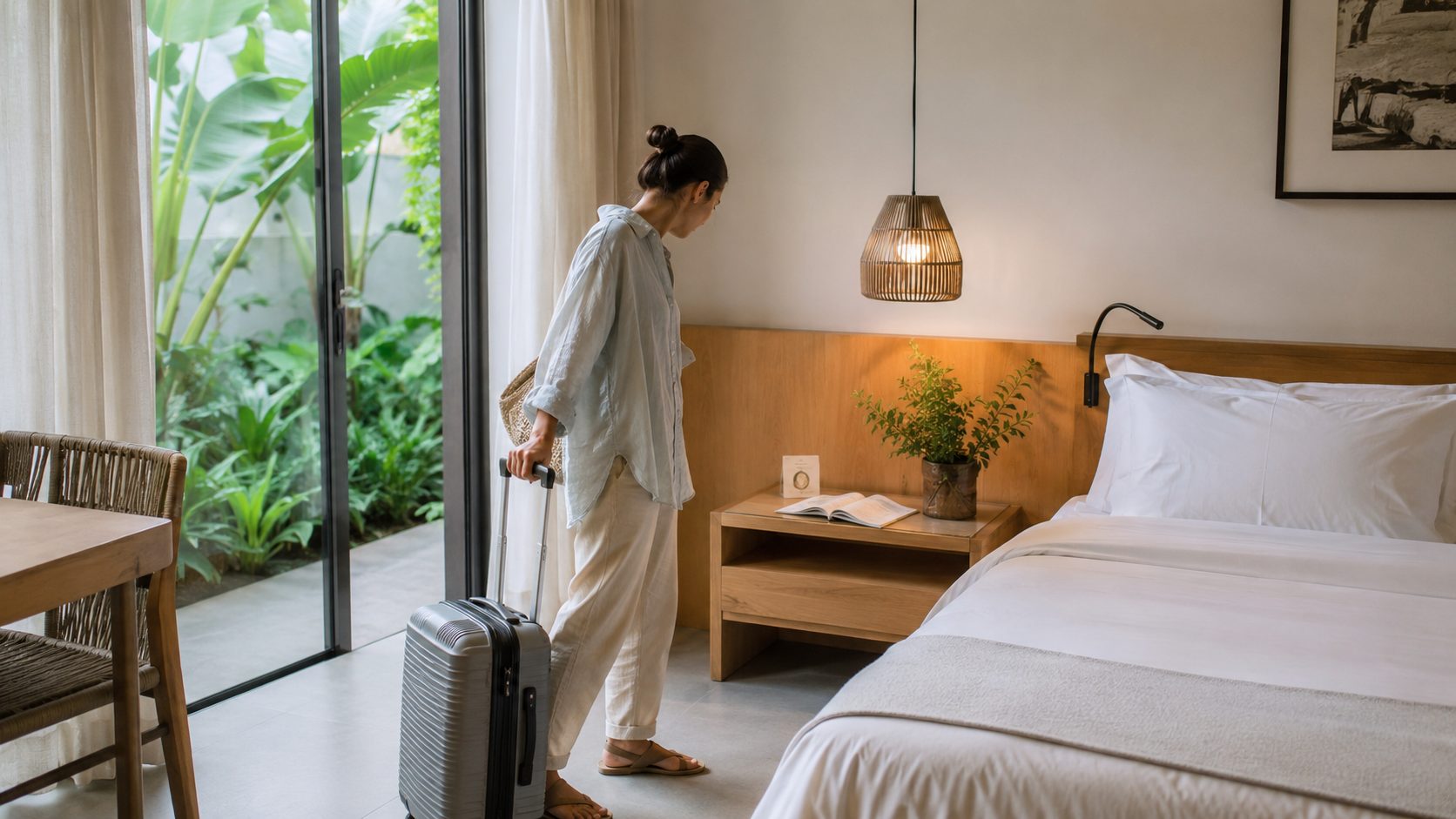
The best strategy is not placing the same QR Code everywhere. Travelers planning their trip need directions and confirmation; newly arrived guests look for Wi-Fi, rules and service; guests who checked out can review, return or recommend the accommodation.
This separation helps hotels and inns use QR Codes for check-in, Wi-Fi, menus, service, maps and reviews with one clear action on each material.
Confirmation, directions, parking, check-in time, documents and reception WhatsApp shorten the path to arrival.
At reception, in rooms and common spaces, guests look for Wi-Fi, rules, menus, services, maps, local tips and quick contact.
Reviews, a new booking, photos, return coupons and referrals keep the relationship going after the trip.
Choose the type according to the question guests ask at that moment. For internet access, use Wi-Fi. To contact reception, WhatsApp. To arrive, GPS. For rules and itineraries, PDF. To pay, Pix. To gather everything, Links.
Let guests connect without typing the network name and password in rooms, reception, breakfast areas, pools and common spaces.
Create Wi-FiOpen a ready conversation for questions, item requests, arrival confirmation or team support.
Create WhatsAppTake travelers to the correct entrance, parking lot, reception, cabin, beach or meeting point.
Create GPSShare schedules, local guides, breakfast information, arrival instructions, menus or room manuals.
Create PDFUse Pix QR Codes for deposits, daily rates, purchases, tours or counter payments, always with verified data.
Create PixGather booking, website, Instagram, menu, map, reviews, rules and contacts on one page.
Create linksA QR Code in a booking confirmation helps before arrival. A QR Code in the room solves stay questions. On departure material, the action may be a review or planning the next trip. A short phrase next to the code makes the destination clear.
Directions, check-in, documents, accommodation policy and reception WhatsApp.
Wi-Fi, essential rules, team contact, internal map and Pix payment.
Menu, services, requests, local guide, instructions and support channels.
Reviews, a new booking, photos, return coupons and referrals.
In accommodations, the right information at the right moment avoids repeated questions and gives guests autonomy. Well-placed QR Codes help reception and improve the experience for late arrivals, people in rooms, visitors in common spaces or early departures.
For changing destinations such as booking pages, promotions, services and contact channels, URL, WhatsApp and Links allow updates. For Wi-Fi, location and verified Pix details, a static QR Code is usually enough.
A QR Code in a thank-you message, departure card or printed material can take guests to reviews, a new reservation, photos, a return coupon or team WhatsApp. It is a simple way to keep the accommodation present after the trip.
Accommodations also connect with food, events and local services. Explore these guides to choose the right QR Code when guests need to eat, attend a program or find a nearby service.
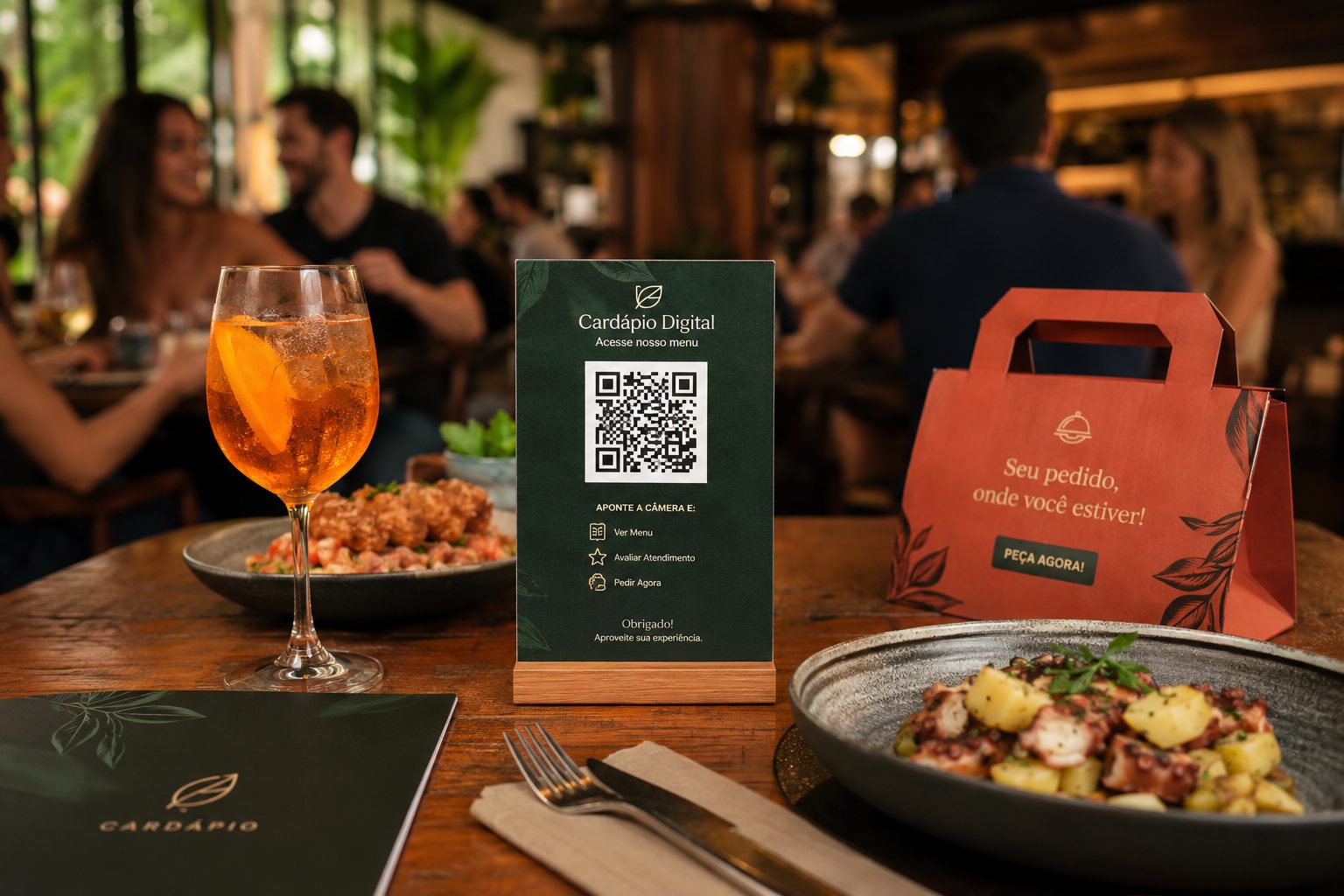
Menus, Pix, orders, Wi-Fi and service for cafes, bars and food areas.
Menu, Pix, Wi-Fi and WhatsAppView ideas
Direct visitors to schedules, credentials, maps, registration and nearby event information.
Event, GPS, PDF, URL and WhatsAppView ideas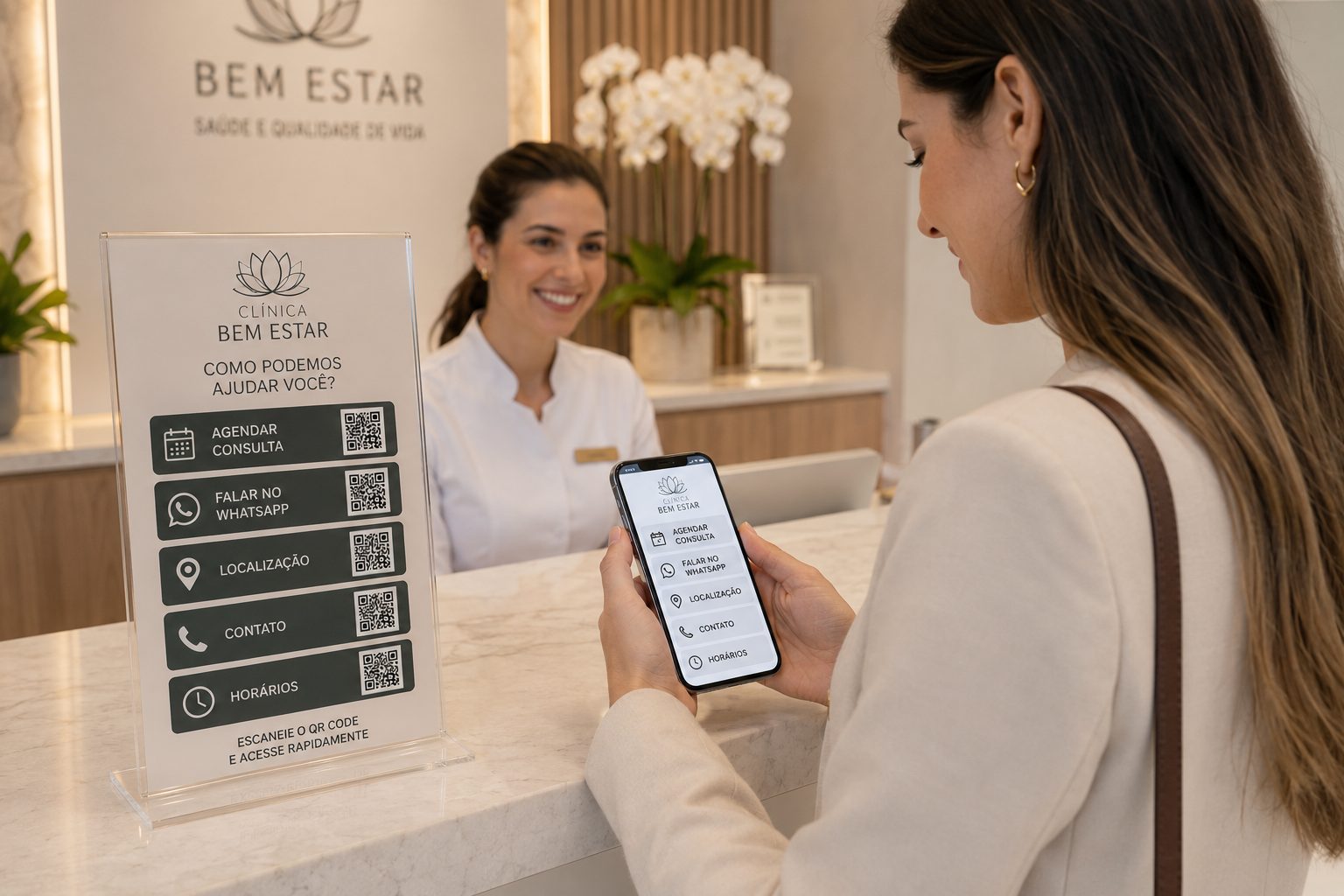
Ideas for location, contact, documents, booking and smoother service.
GPS, WhatsApp, PDF, vCard and URLView ideasStart for free with Wi-Fi, WhatsApp, GPS, PDF, Pix and URL. Use dynamic features in URL, WhatsApp and Links when you need to change a destination, organize campaigns or track scans.