Before the visit
QR Codes help find addresses, choose units, confirm time, prepare documents, understand preparation and talk to support.
For salons, repair shops, technical support, real estate, consulting and local services, QR Codes reduce questions before and after service. They can open location, WhatsApp, booking, documents, quotes, Pix, team contacts, reviews and useful links in seconds.
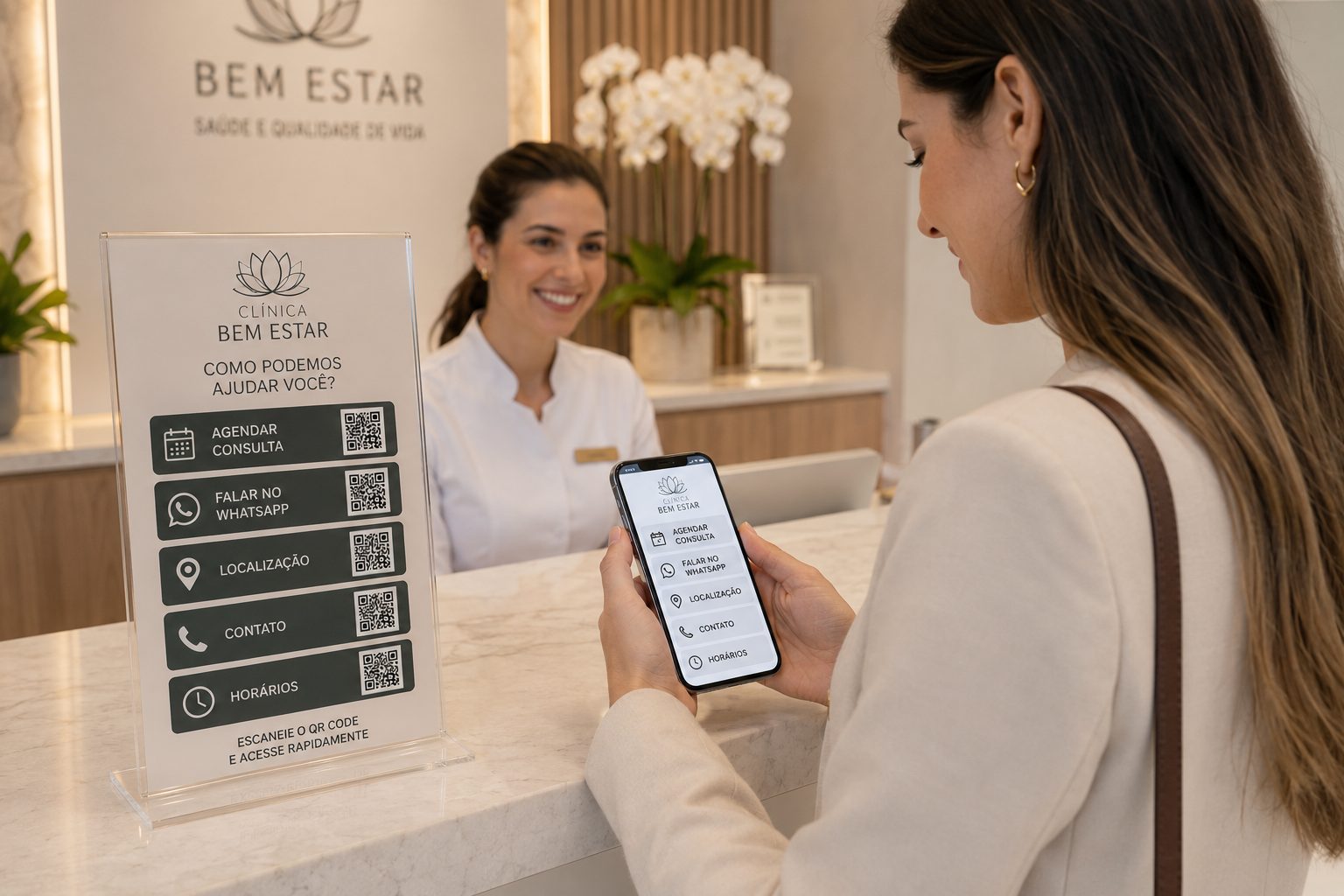
In local services, customers usually want something practical: where it is, how to book, which documents to bring, how much to pay, who to talk to, how to track service or what to do afterward. A good QR Code strategy separates these actions into clear service points.
This helps the page answer searches such as clinic QR Code, booking QR Code, location QR Code, WhatsApp QR Code, document QR Code, Pix payment QR Code and service QR Code.
QR Codes help find addresses, choose units, confirm time, prepare documents, understand preparation and talk to support.
At reception, counters, rooms or signs, it can open forms, terms, Pix, forms, instructions, Wi-Fi, reviews or team contacts.
After an appointment, visit or delivery, QR Codes can lead to care instructions, follow-up, reviews, receipts, warranty, support, rebooking and referrals.
The best type depends on the action: find an address, book, save contact, pay a deposit, send documents, open instructions or talk to the team. Combine different QR Codes on reception desks, cards, signs, quotes, forms and after-service materials.
Take customers directly to offices, clinics, salons, repair shops, service stores, reception desks, parking or the right unit on the map.
Create GPSUse a ready message to book time, request quotes, confirm appointments, send questions or talk to the team.
Open WhatsAppHelp customers save contacts for reception, professionals, consultants, technicians, agents, therapists or service owners.
Create vCardShare preparation instructions, authorizations, price lists, contracts, care guides, exams, quotes, forms or required documents.
Create PDFUse Pix QR Codes to receive deposits, appointments, fees, approved quotes, recurring services or counter payments.
Create PixGather booking, location, documents, WhatsApp, reviews, social profiles, forms and customer area in one simple page.
Create linksEach service has a different urgency. A clinic needs to guide and prepare. A salon needs booking and loyalty. A repair shop needs quotes and status. Real estate needs contact, route and documentation.
booking, preparation, location, WhatsApp, documents, payment, follow-up and post-appointment instructions.
service catalog, price list, booking, Pix, aftercare and reviews.
quotes, service status, location, warranty, manual, deposit payment and technician contact.
agent contact, property route, form, proposal, documents, scheduled visit and property portfolio.
A QR Code should not be decoration on signs, cards or reception desks. It should reduce repeated questions, speed up booking, prevent address mistakes, organize documents, make payment easier and clarify the customer's next step.
After an appointment, procedure, quote, technical visit or delivery, customers still need guidance. A QR Code can open care instructions, warranty, support channels, reviews, receipts, documents, follow-up, referrals, communities or new bookings.
This content improves the experience and creates new search opportunities: after-service QR Code, review QR Code, warranty QR Code, follow-up QR Code and support QR Code.
Local services connect with clinics, professionals, stores and education. These guides help adapt QR Codes for contact, service, documents, events, materials and relationships.
See ideas for booking, preparation, documents, WhatsApp, Pix, location and after-service.
WhatsApp, GPS, PDF, vCard, Pix and Links View ideas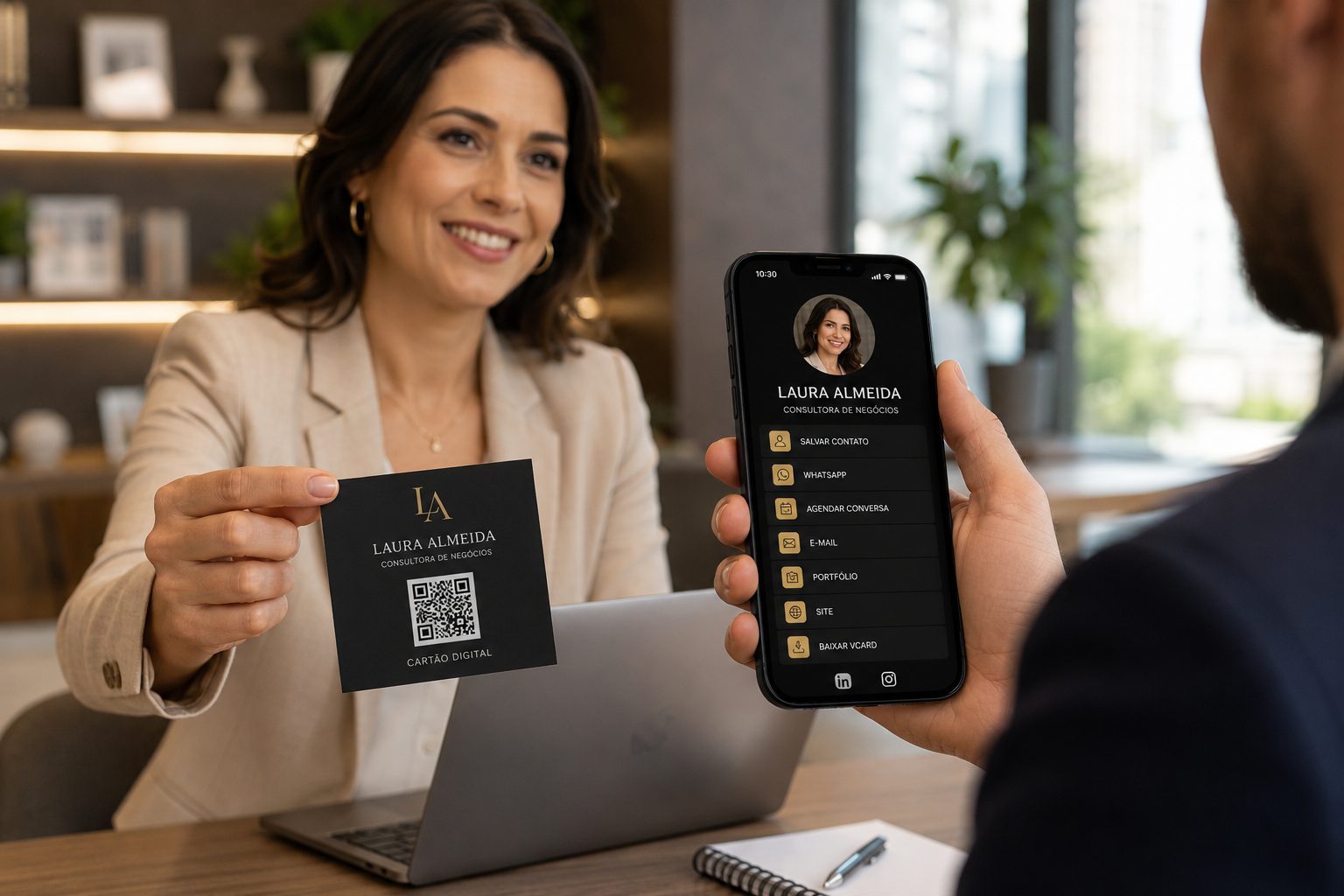
Use ideas for vCard, WhatsApp, portfolios, proposals and professional contact.
vCard, WhatsApp, URL, Links and PDF View ideas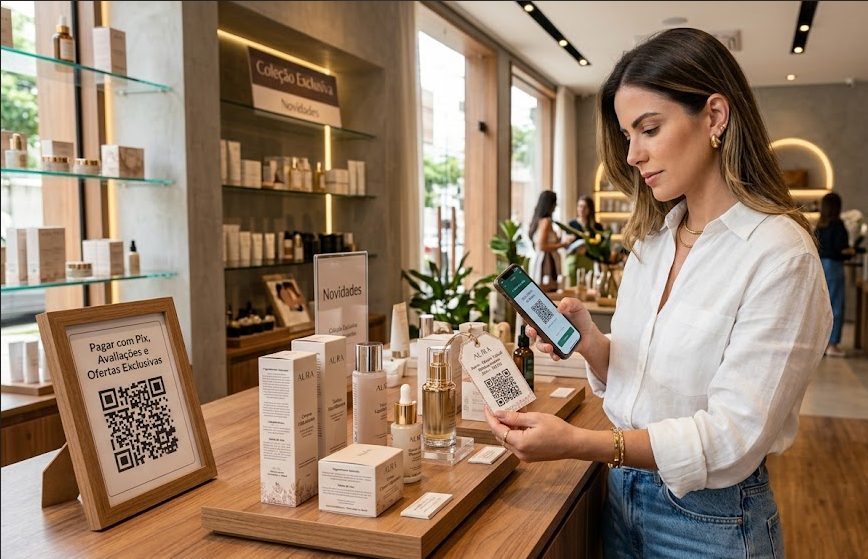
See ideas for catalogs, coupons, Pix, reviews, social profiles and counter service.
Pix, URL, Coupon, WhatsApp and Links View ideas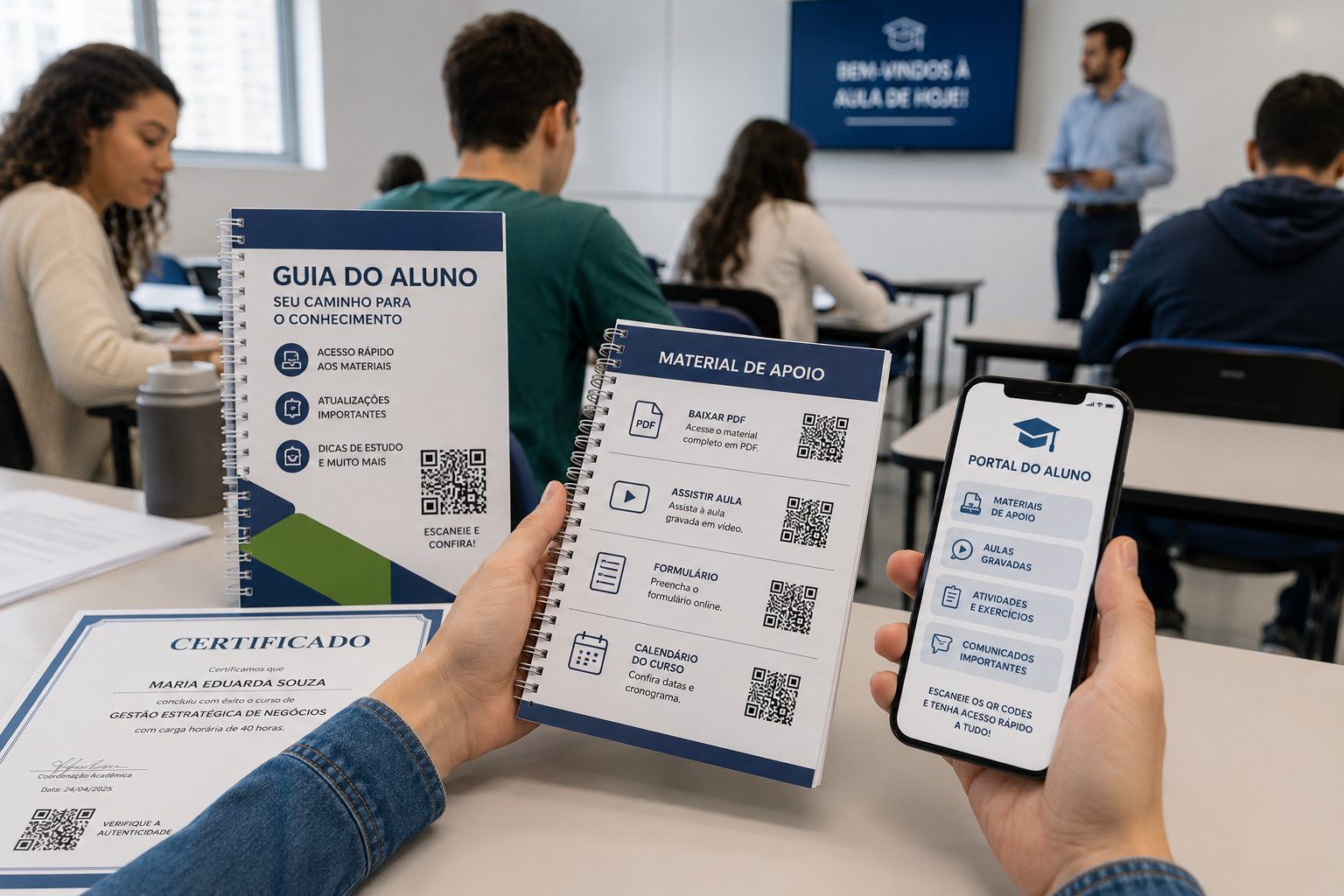
Good for materials, forms, attendance, calendars, videos, certificates and maps.
PDF, URL, Video, Event and GPS View ideasStart with free QR Codes for GPS, WhatsApp, vCard, Pix, PDF and URL. For URL, WhatsApp, vCard and Links, use dynamic features when you need to change destinations, organize campaigns or track scans.