On cards, badges or counters, the QR Code should quickly explain who you are and what action people should take.
QR Codes for professionals to turn contact into service
For freelancers, consultants, sales reps, clinics, service providers and support teams, a QR Code can become a complete digital business card. With a dynamic vCard, people can save your contact, see your photo, open links, social profiles, portfolio, WhatsApp, location and service channels in an experience that looks like your brand.
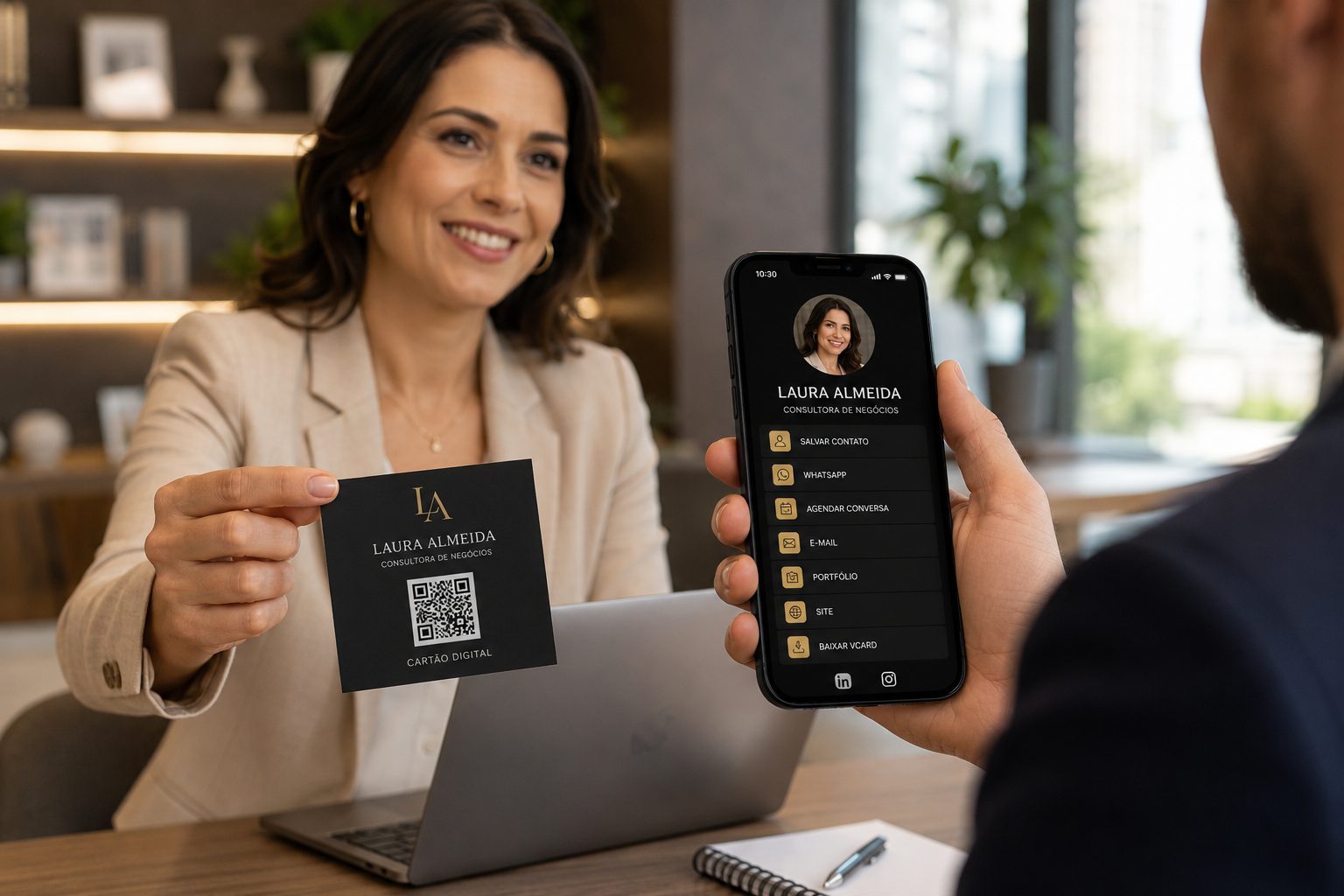
Good for business cards, proposals, badges, email, portfolios and WhatsApp
Before choosing the type, think about the relationship stage
A professional QR Code works best when it answers a clear intent. Someone who just met you may want to save your contact. Someone comparing options needs portfolio, cases, testimonials and proposals. Someone ready to act needs WhatsApp, booking, payment, address or service forms.
This separation helps users and strengthens SEO: the page can work with terms such as business card QR Code, vCard QR Code, professional WhatsApp QR Code, portfolio QR Code, sales proposal QR Code and service QR Code.
When customers are still deciding, lead them to portfolios, testimonials, before-and-after, proposals, media kits or service pages.
When interest already exists, make WhatsApp, booking, quotes, Pix payment, location or briefing forms easier.
After a conversation or service, use QR Codes for reviews, referrals, extra materials, contracts, support and new bookings.
A dynamic vCard is more than a saved phone contact
A traditional vCard solves the basics: name, phone, email and company. A dynamic vCard goes further because it works as a configurable professional page. It can include visual identity, photo, logo, description, buttons, links, social profiles, portfolio, location, WhatsApp, forms, calendar and support materials.
This is especially useful for printed business cards, event badges, email signatures, sales proposals, reception desks, clinics, physical portfolios and sales materials. If you change your phone, add a new social profile or update your portfolio, the QR Code stays the same and the content can evolve.
Your branded look
Use photo, professional name, role, company, colors, logo and a presentation that matches your positioning.
Links and social profiles
Add website, Instagram, LinkedIn, portfolio, calendar, catalog, WhatsApp, address, videos and important pages.
Update without reprinting
When phone, links, campaigns, portfolio or service channels change, update the dynamic vCard destination and keep the printed QR Code.
Paths to service
Lead to quotes, support, booking, proposals, forms, Pix, location or WhatsApp with a ready message.
Which QR Codes should professionals use?
The choice depends on what you want people to do after scanning. A dynamic vCard can become the center of your professional presence, gathering contact data, social profiles, links, portfolio and buttons. On other materials, combine WhatsApp, URL, PDF, GPS, links and event according to business cards, proposals, badges, email signatures or in-person service.
Dynamic and customizable vCard
Create a digital card with photo, colors, contact data, company, role, links, social profiles, portfolio and action buttons. If you need to update it, you do not need to reprint materials.
Create vCardWhatsApp with ready message
Help customers start a quote, support request, booking or question without figuring out what to write first.
Open WhatsAppProfessional link page
Gather portfolio, resume, calendar, Instagram, LinkedIn, website, proposal, documents and service channels in one QR Code.
Create linksProposal or portfolio PDF
Share service catalogs, sales decks, proposals, media kits, resumes, price lists or initial contracts.
Create PDFService location
Point to an office, studio, salon, clinic, coworking space, meeting room or in-person service address.
Open GPSSchedule and professional events
Use for meetings, talks, sessions, evaluations, technical visits, appointments or networking events with clear date and place.
Create eventWhere professional QR Codes work best
The best place is where people already intend to save, compare or contact. On business cards, the QR Code should be discreet and direct. On proposals, it should build trust. On badges, it helps networking. In email signatures, it turns regular messages into a path to booking, portfolio or WhatsApp.
Business card
Good for vCard, portfolio, website, LinkedIn, Instagram and WhatsApp with a ready message.
Proposal and quote
Link to PDFs, sales videos, service details, contracts, approvals, payment or support.
Badge and event
Helps with networking, fairs, conferences, talks, technical visits and in-person service.
Email signature
Turn messages into a path to book, save contact, open portfolio or start WhatsApp.
Make clear what happens after scanning
The text next to the QR Code is almost as important as the code itself. Instead of just writing scan here, use calls such as save my contact, view my portfolio, request a quote, book a conversation, download the proposal or chat with me on WhatsApp. This improves scan rates and reduces doubts.
Segments related to professionals
Professionals connect with retail, events and local services. These guides help adapt QR Codes for service, networking, sales, booking and relationships.
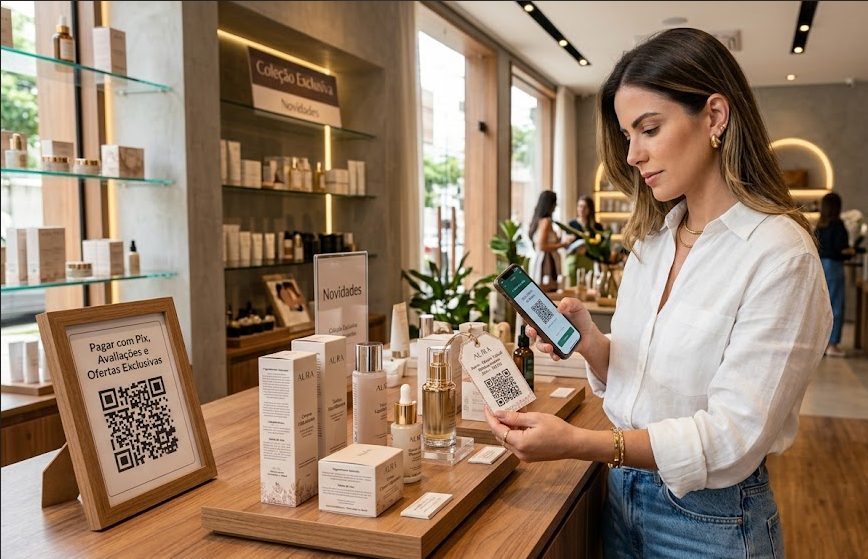
Stores and retail
See ideas for catalogs, coupons, Pix, storefronts, WhatsApp and quick service.
Pix, URL, Coupon, WhatsApp and Links View ideas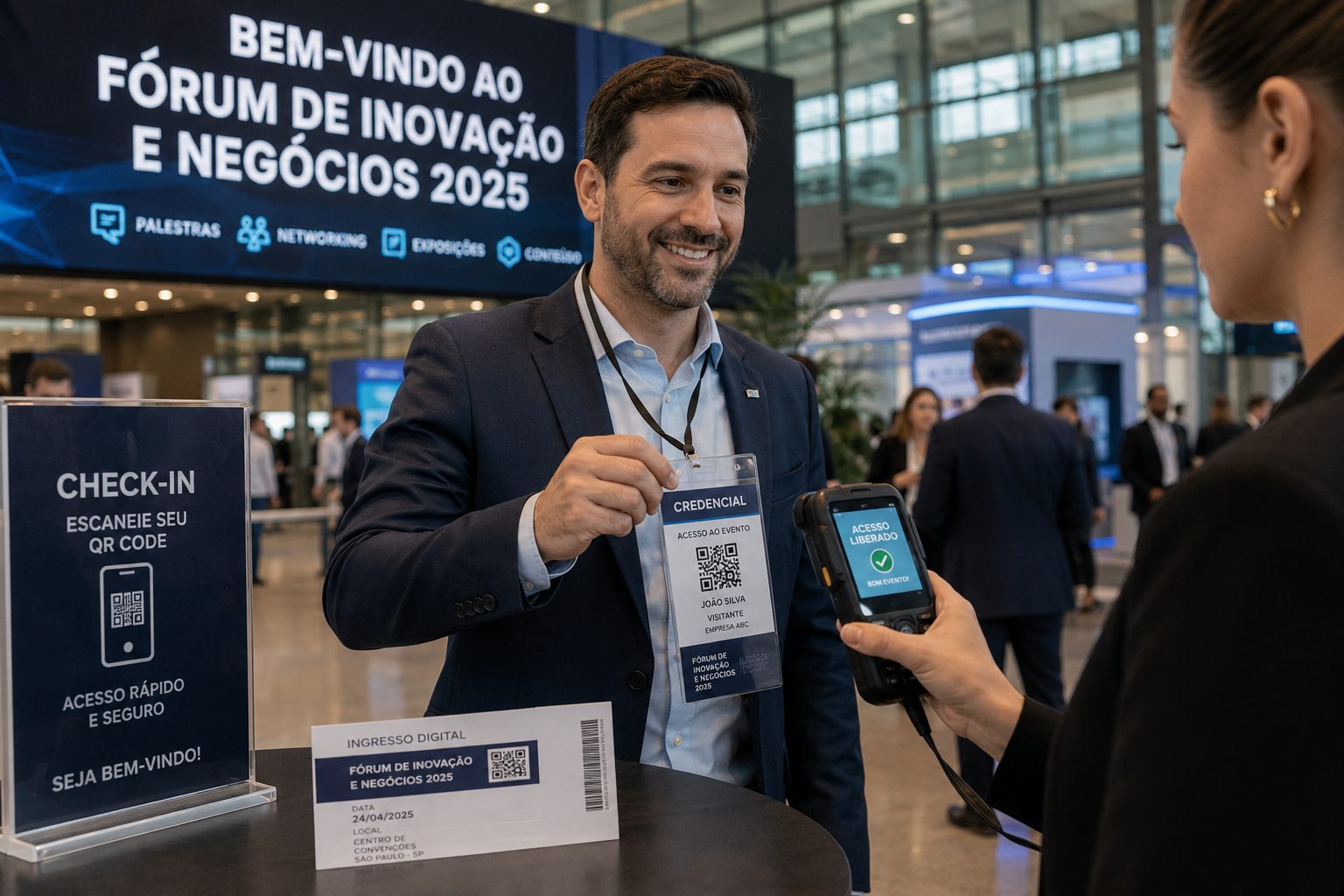
Events and fairs
Use QR Codes on badges, booths, schedules, signups, contacts and post-event content.
Event, URL, PDF, vCard and GPS View ideas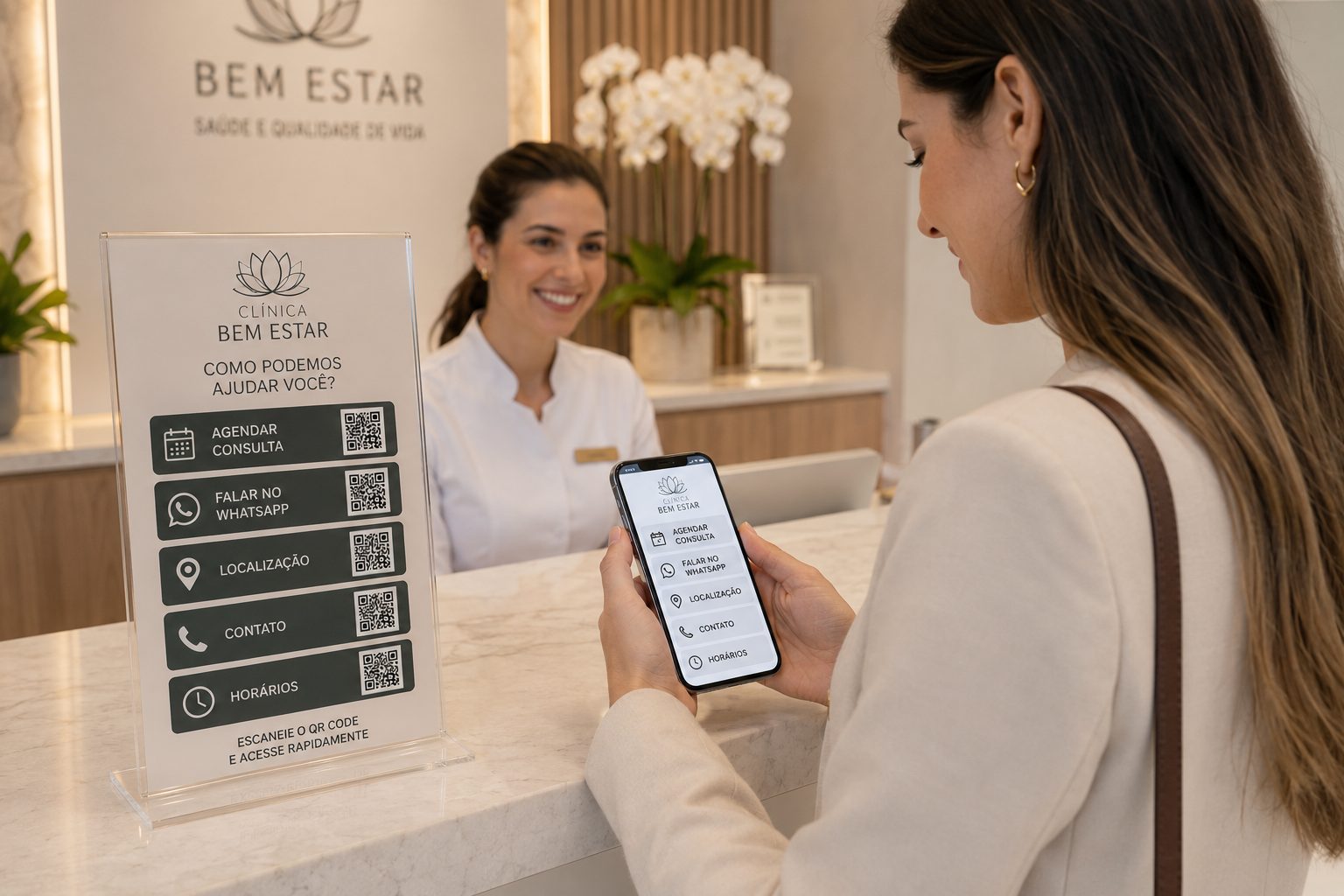
Local services and clinics
Good for addresses, booking, contacts, documents, payment and service teams.
GPS, WhatsApp, vCard, Pix, PDF and URL View ideasFrictionless contact
Create QR CodeCreate QR Codes to turn interest into conversation
Start with a free QR Code and move to dynamic features when you need to change links, organize campaigns or track scans.