Show photos, tours, location, property details and agent contact to people passing by.
QR Codes for real estate: from listings to property visits
Real estate agencies, agents, builders and developers use many touchpoints: signs, storefronts, folders, listings, sales offices, model apartments and messages. QR Codes turn each of them into a direct path to property information, viewings, tours, location, WhatsApp and documents.

Use onsigns, storefronts, folders, print listings, sales offices, model apartments and agent cards
Every property stage needs a next action
People seeing a sign want to discover the property. In a listing, they may want to book a viewing. During a viewing, people compare details. Afterwards, they may need a proposal and documents. Organizing these paths makes service clearer and avoids generic QR Codes.
Take interest to a clear page, form, viewing, WhatsApp chat or list of similar properties.
Use QR Codes to explain rules and open tours, floor plans, specifications, documents and next steps.
Connect customers to documents, updates, contact, moving guides, local services and referrals.
Which QR Codes help sell or rent properties?
For quick conversations, WhatsApp. To reach a viewing, GPS. For the property page, URL. For floor plans and materials, PDF. For the agent, vCard. To gather options, Links. The right type depends on what interested people need to do next.
WhatsApp for viewings
Open a ready conversation to book a viewing, ask for details, negotiate, send documents or talk to an agent.
Create WhatsAppProperty location
Take interested buyers to the street, gatehouse, parking, sales office, condominium or correct property entrance.
Create GPSProperty page
Connect signs, storefronts, listings or folders to tours, galleries, videos, property details, prices and forms.
Create URLDetails and documents
Share floor plans, specifications, rules, proposals, tables, contracts or institutional materials without long links.
Create PDFAgent contact
Help customers save professional contact details, phone, email, agency, social profiles and support channels.
Create vCardDevelopment links
Gather available properties, simulations, location, tours, WhatsApp, financing and social profiles on one page.
Create linksA sign does not need to do all the work
A good sign, folder or print listing gets attention and offers an easy action. The QR Code can open full details, galleries, tours, videos, maps or a conversation. This gives room to present the property without overloading physical material.
When the destination changes, such as availability, property pages, campaigns or agent contact, URL, WhatsApp, vCard and Links are more appropriate because they can be updated. For a fixed location, a GPS QR Code remains simple and effective.
The viewing does not end when people leave the property
After a viewing, a QR Code in a proposal, message, card or presentation can lead back to property details, documents, agent contact, simulations, similar properties or next steps. This keeps the conversation organized and reduces friction for people still deciding.
Segments that also use QR Codes to start conversations
Real estate connects with professional service, retail and local services. These guides bring ideas for presentations, storefronts, location and quick contact.
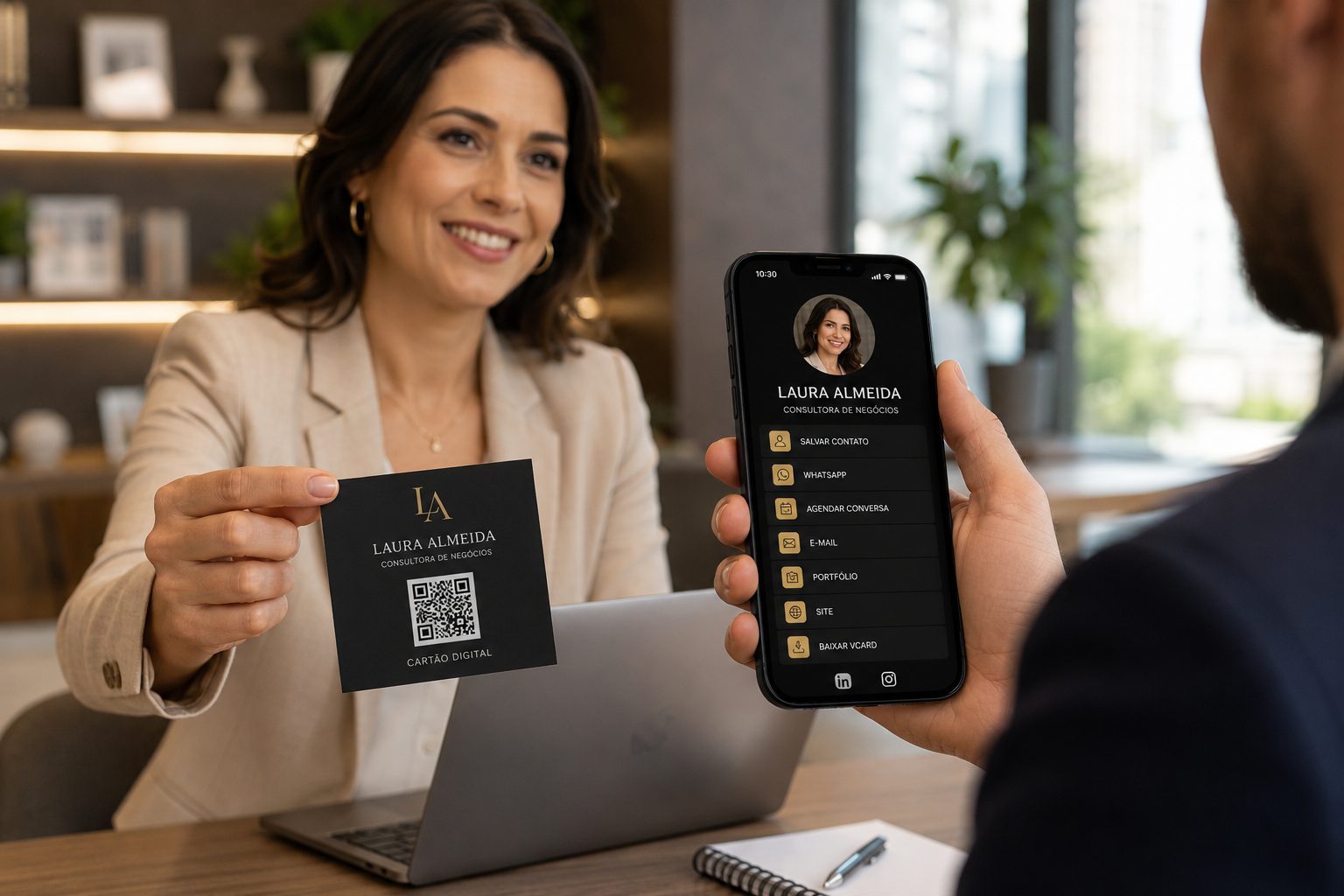
Professionals and service
Improve contact, presentation, portfolios, proposals, vCards and WhatsApp service.
vCard, WhatsApp, URL, Links and PDFView ideas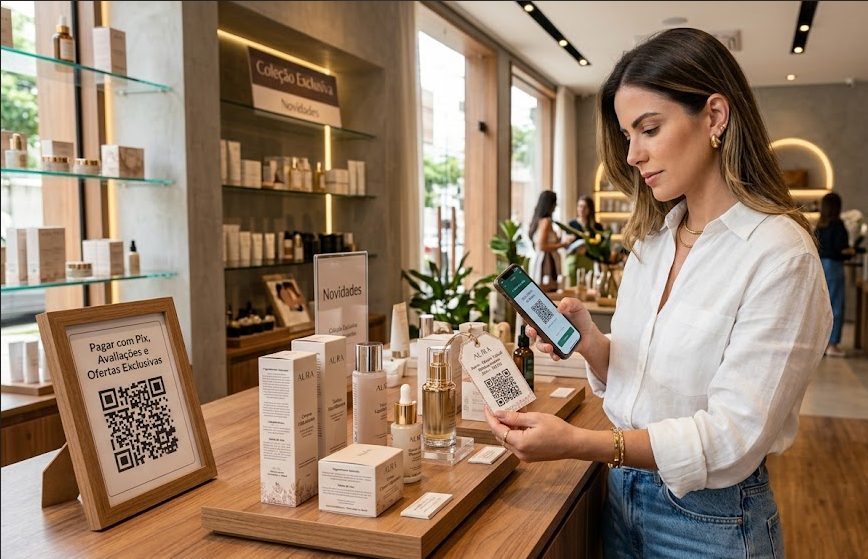
Stores and retail
Ideas for storefronts, catalogs, service, campaigns, coupons and point-of-sale payments.
Pix, URL, Coupon, WhatsApp and LinksView ideas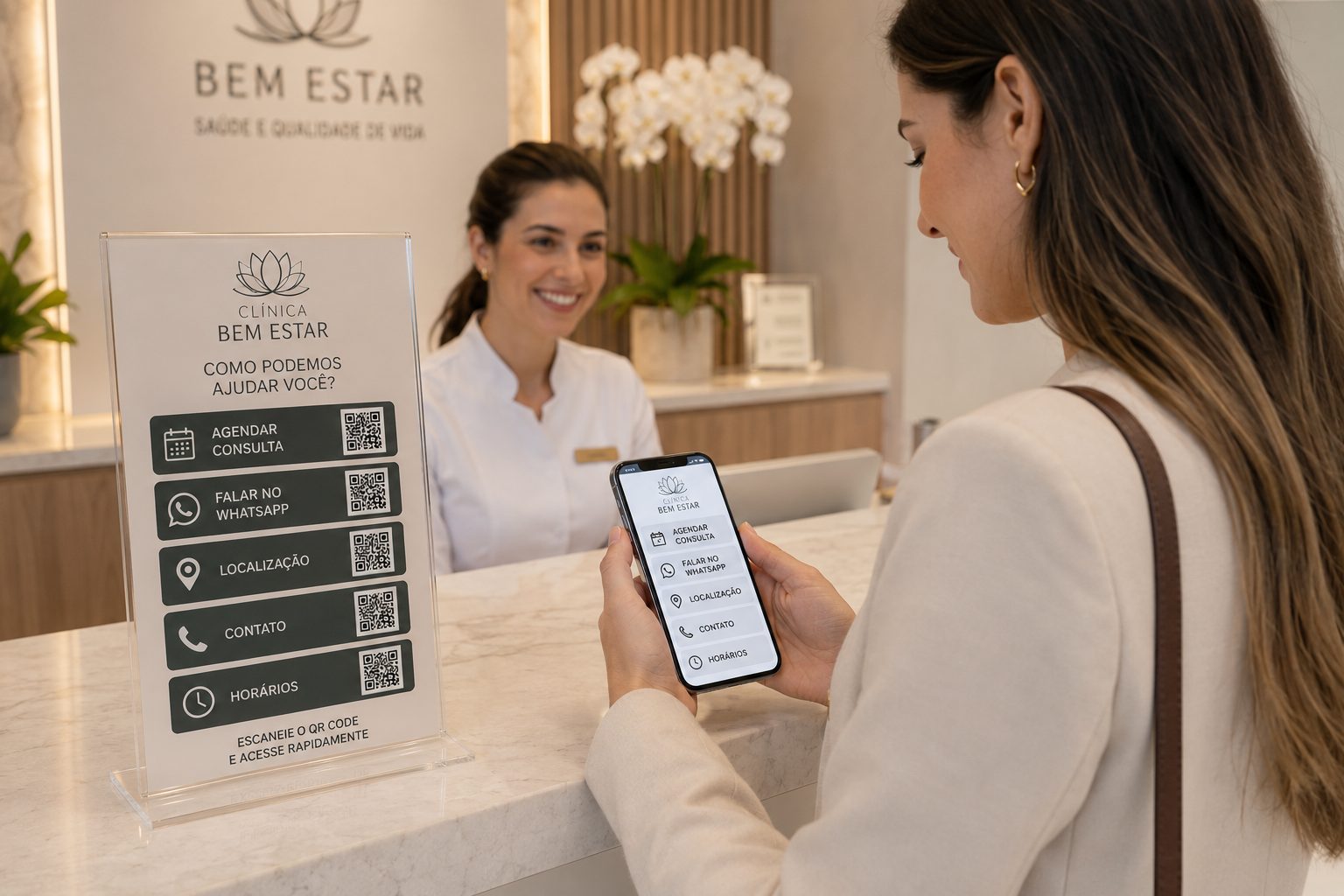
Local services
Use QR Codes for addresses, contact, documents, service and information that makes visits easier.
GPS, WhatsApp, PDF, vCard and URLView ideasSmoother property viewings
Create QR CodeCreate QR Codes to advertise, schedule and present properties
Start with free QR Codes for WhatsApp, GPS, PDF, vCard and URL. In URL, WhatsApp, vCard and Links, use dynamic features when you need to update destinations, organize campaigns or track scans.