Attract
Storefronts, posters, flyers and social posts lead customers to offers, catalogs, WhatsApp or store location.
A retail QR Code can be much more than a shortcut to a website. It can open Pix payment, online catalogs, discount coupons, WhatsApp support, reviews, social profiles, store location and storefront campaigns. The goal is to connect customers to the next step without long links, typing or counter explanations.
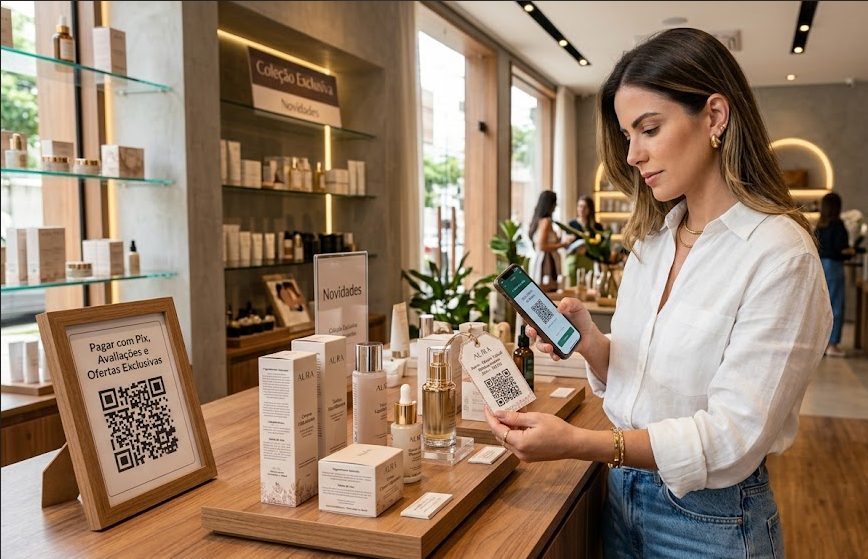
In retail, each store touchpoint has a different intent. The storefront attracts. The label explains. Checkout reduces lines. Packaging brings customers back. When QR Codes follow that journey, they improve the experience and create internal pages with relevant keywords such as store Pix QR Code, catalog QR Code, coupon QR Code and WhatsApp QR Code.
Storefronts, posters, flyers and social posts lead customers to offers, catalogs, WhatsApp or store location.
At counters, labels or fitting rooms, QR Codes reduce friction for Pix payment, details, sizes or assistance.
After purchase, packaging, bags and receipts can open coupons, reviews, social profiles or WhatsApp broadcast lists.
The best choice depends on the goal: sell, inform, retain, support or move customers to a digital channel. These are the most useful types for physical stores, pickup points, boutiques, markets, local shops, showrooms and franchises.
Make checkout payments faster at counters, storefronts, service desks or delivery. Customers scan, check the amount and pay without typing a Pix key.
Create PixUse URL QR Codes when people need an online catalog, product page, offer, form, return policy or digital storefront.
Open URLTurn packaging, bags, labels or receipts into return coupons. It helps loyalty, seasonal campaigns and stores with repeat purchases.
Create couponUse a ready message for questions, quotes, stock checks, product reservations or follow-up after the store visit.
Open WhatsAppGather Instagram, WhatsApp, location, catalog, return policy, marketplace and offers in one simple link page.
Create linksOn ads, labels, giveaways and social posts, a location QR Code helps customers open the map and reach the right store.
Open GPSThe most common mistake is using the same QR Code for everything. In a store, separate QR Codes for sales, service and post-purchase. Sales include Pix, catalog, new collection, featured products and offers. Service includes WhatsApp, location, hours, exchanges and FAQs. Post-purchase includes coupons, reviews, warranty, product care and social profiles.
For printed materials, always add a clear call to action next to the code: pay with Pix, view the catalog, get a coupon, chat on WhatsApp, review your purchase or find the store. This text tells customers why to scan and improves scan rates.
QR Code placement changes the expected action. On storefronts, it should work after hours. At checkout, it must be fast. On labels, it explains the product. On packaging, it continues the relationship after purchase.
Stores also connect with restaurants, events, service and local businesses. These guides help reuse ideas when QR Codes appear in partnerships, fairs, counters, storefronts, packaging or support.
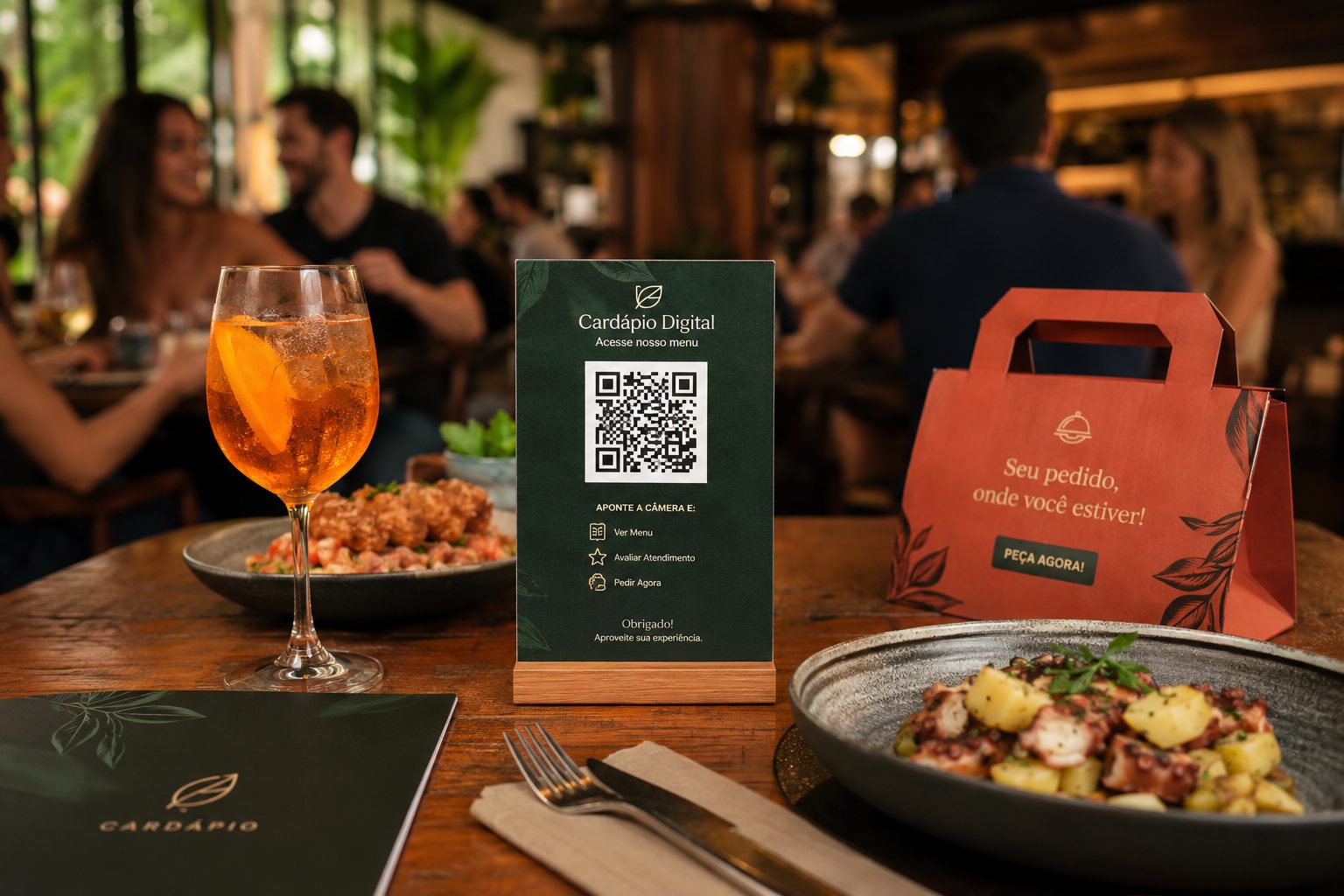
See ideas for menus, Pix, Wi-Fi, WhatsApp and location on tables, counters and delivery.
Menu, Pix, Wi-Fi, WhatsApp and GPS View ideas
Use QR Codes on badges, booths, schedules, signups, maps and support materials.
Event, URL, PDF, vCard and GPS View ideas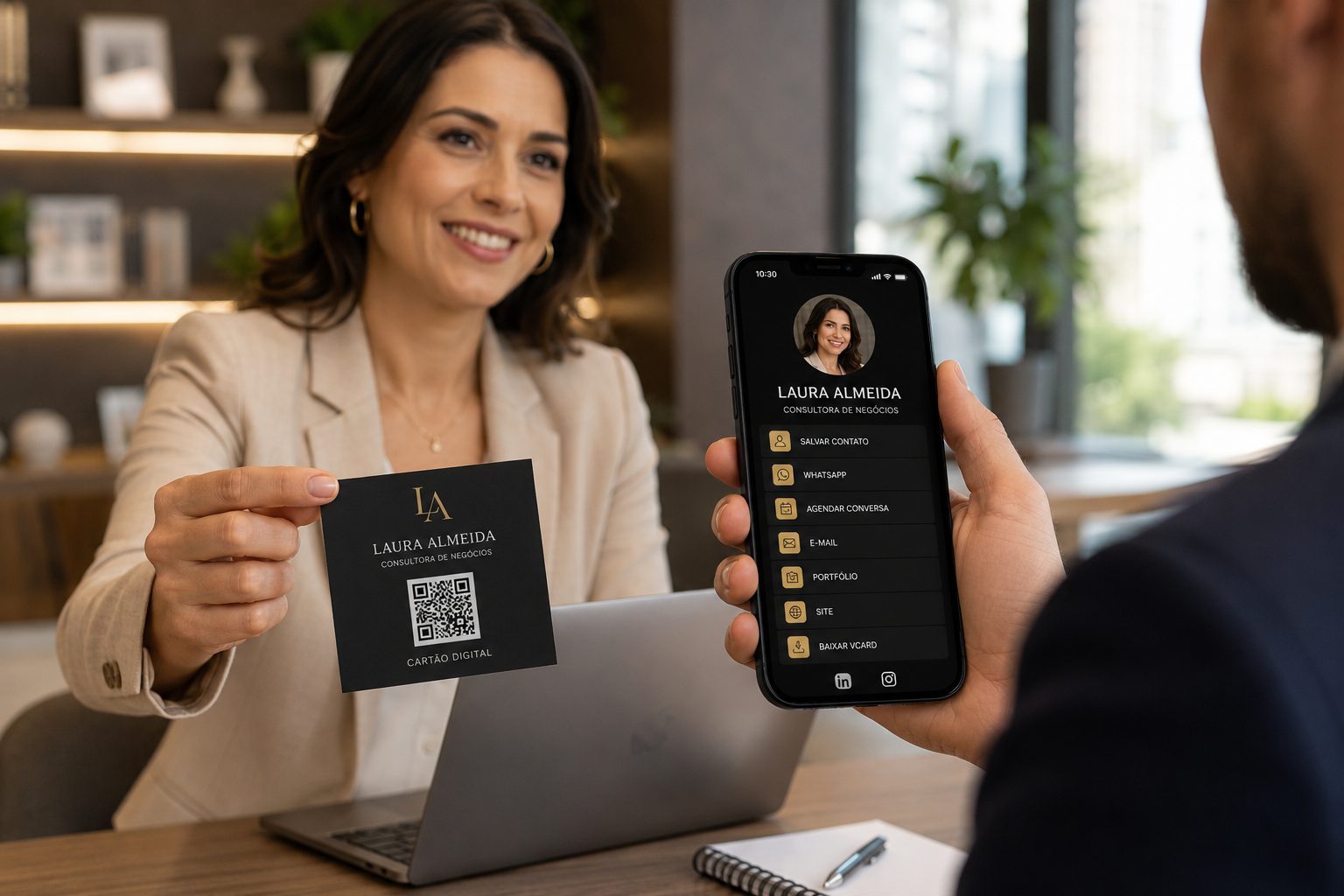
Connect cards, proposals, badges and service with contacts, portfolios, WhatsApp and links.
vCard, WhatsApp, URL, Links and PDF View ideasYou can start with free QR Codes. For URL, WhatsApp, vCard and Links, move to dynamic features when you need to change destinations, organize campaigns or measure scans.