Use QR Codes on invitations, calendars, boards, emails, WhatsApp and signup pages to lead to enrollment, forms, material lists, rooms or campus maps.
QR Codes for schools, courses and training with fewer lost links
In schools, courses, colleges, corporate training and in-person classes, QR Codes connect printed materials to digital content. They can open PDF handouts, class videos, attendance forms, calendars, campus maps, office contact, certificates, evaluations, signups and extra materials.
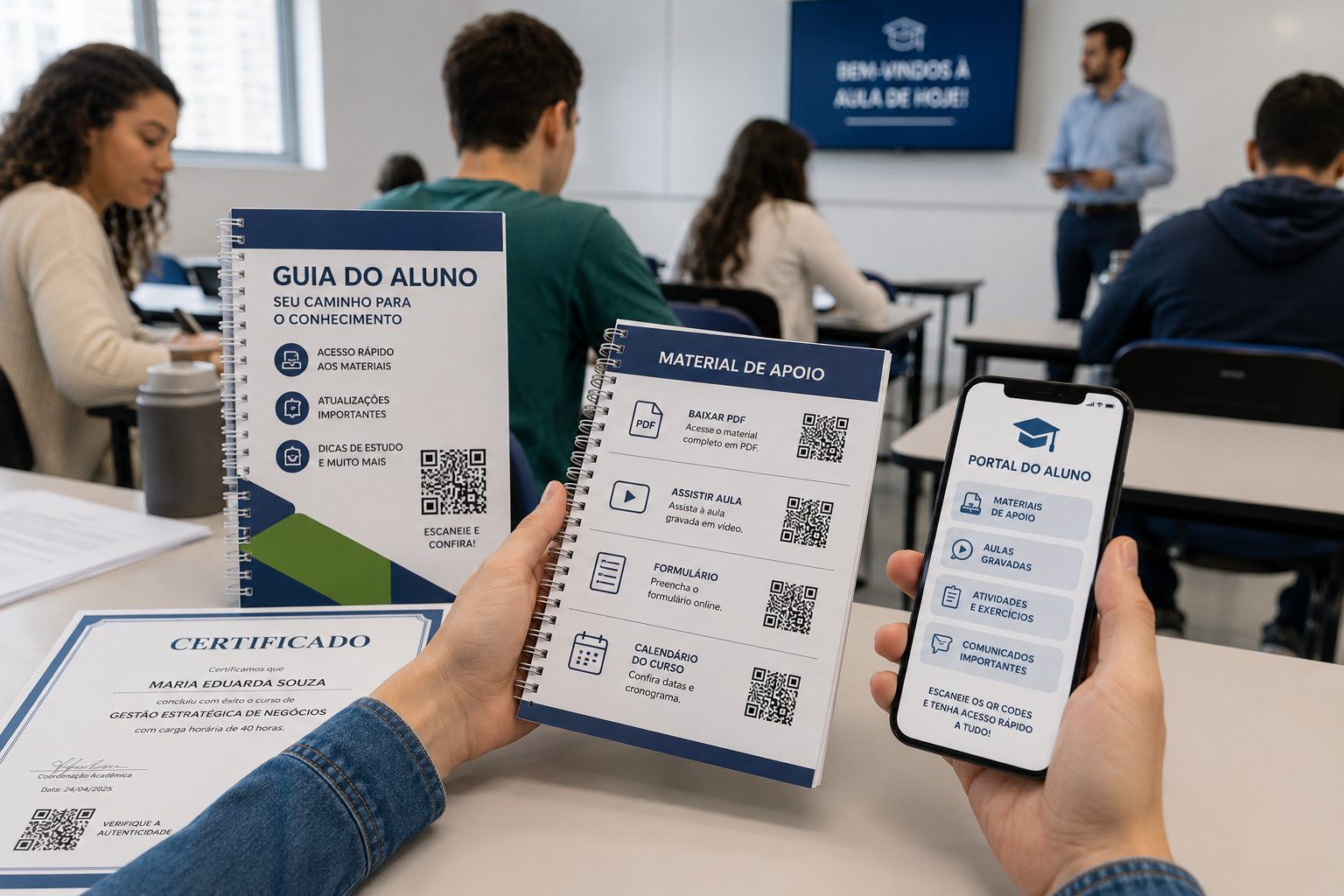
Use on handouts, boards, certificates, rooms, notices, signups and training
QR Codes organize the learning journey
The strongest use in education is not placing a random QR Code on materials. It is thinking about what students, parents or participants need at that moment: sign up, arrive at the place, download content, confirm attendance, watch an explanation, fill an evaluation, contact the office or access a certificate.
This structure makes it clearer when to use a QR Code for school, a QR Code for courses, handouts, attendance, certificates, forms and training, without mixing every destination into one code.
On handouts, slides, partial certificates and labs, QR Codes open PDFs, videos, exercises, evaluations, attendance, answer keys, extra materials or question channels.
At the end, use QR Codes for certificates, satisfaction surveys, student portfolios, recordings, next modules, communities, referrals and team contact.
Which QR Codes should schools and courses use?
The right type depends on the material and expected action. A handout may need PDF or video. A board may need calendar, form or WhatsApp. A certificate may lead to validation or final material. A physical campus may need map and contact.
PDF for handouts and notices
Share handouts, exercises, rules, calendars, notices, extra materials or certificates without long links.
Create PDFURL for forms and pages
Send students and parents to signups, enrollment, forms, virtual classrooms, waitlists, evaluations or class pages.
Open URLClass video or tutorial
Use video QR Codes on handouts, boards, certificates, lab materials, internal training and reinforcement content.
Create videoEvent, class or calendar
Organize date, time, room, campus, teacher, meeting, talk, exam, workshop or parent meeting.
Create eventCampus map
Help students, visitors and parents find offices, rooms, auditoriums, parking, labs or the right campus.
Open GPSOffice WhatsApp
Use a ready message for enrollment, billing, support, duplicate documents, course questions or student service.
Open WhatsAppChoose by what the student needs to do
In education, clarity matters more than quantity. A QR Code on a handout should say whether it opens a video, PDF or activity. A QR Code on a board should explain whether it confirms attendance, opens a calendar or leads to service. Less doubt means more scans.
good for handouts, slides, summaries, activities, recordings and extra reading.
leads to signups, enrollment, confirmation, attendance lists and surveys.
helps find campus, room, auditorium, parking and correct time.
works for offices, support, teachers, coordination and billing service.
Where QR Codes work best in education routines
The same school can use QR Codes in many places, but each place should have a role. In learning materials, it deepens content. In rooms, it guides. On certificates, it validates. In communication, it reduces friction between students, parents and the office.
Handouts and printed materials
Add QR Codes for videos, updated PDFs, answer keys, extra exercises, checklists, forms or question channels.
Rooms, labs and boards
Show calendars, rules, attendance, internal maps, equipment, safety rules and class schedules.
Certificates and completion
Lead to digital certificates, validation, satisfaction surveys, portfolios, communities or next modules.
Parent communication
Use on notices, messages, enrollment and events to open forms, WhatsApp, calendars or information pages.
Care for scanning and content updates
Before printing on handouts, certificates, boards or signs, test the QR Code at the real size and reading distance. For content that changes often, such as calendars, attendance lists, forms and extra materials, prefer destinations that are easy to update.
Segments related to schools and training
Education connects with events, professionals and local services. These guides help plan talks, in-person courses, service, office contact, maps, certificates and support materials.

Events and fairs
Use QR Codes on schedules, signups, badges, talks, maps, certificates and post-event content.
Event, URL, PDF, vCard and GPS View ideas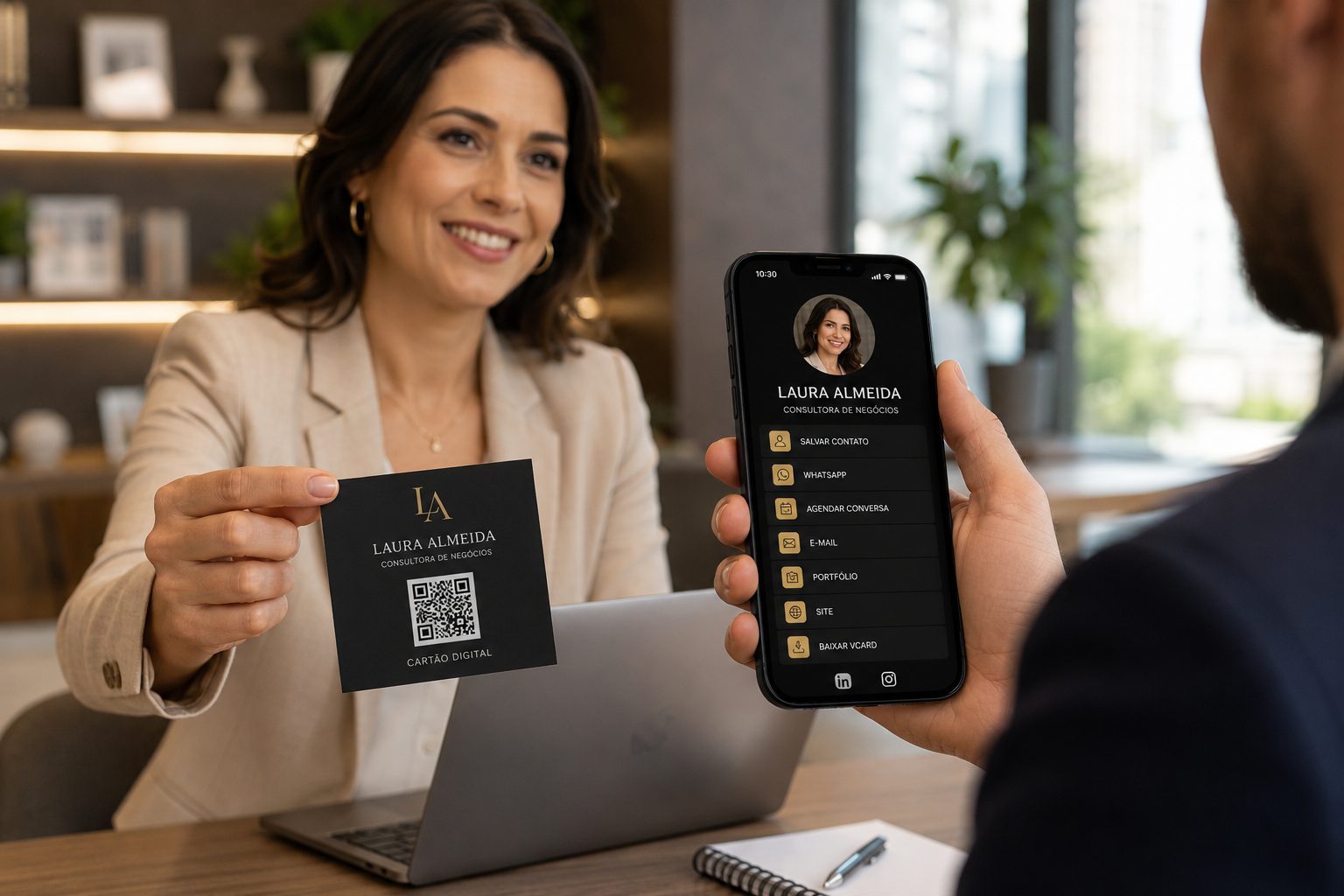
Professionals and service
Good for teachers, consultants, coordinators, offices, service and networking.
vCard, WhatsApp, URL, Links and PDF View ideas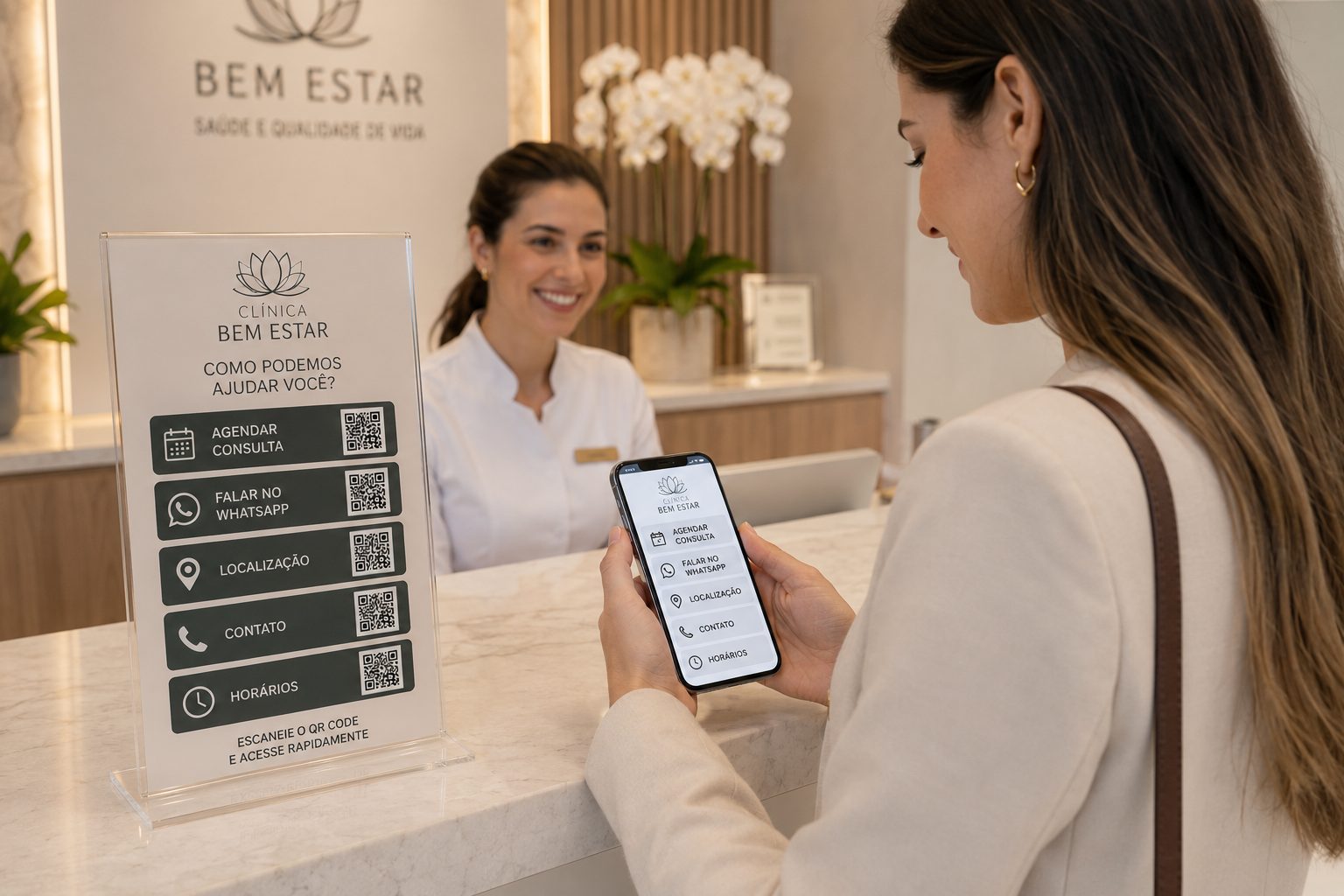
Local services and clinics
Use ideas for addresses, booking, documents, payments, contacts and service.
GPS, WhatsApp, vCard, Pix, PDF and URL View ideasFast access to content
Create QR CodeCreate QR Codes for materials, classes and school communication
Start with free QR Codes for PDF, URL, video, event, GPS and WhatsApp. For URL, WhatsApp, vCard and Links, use dynamic features when you need to change destinations, organize campaigns or track scans.