Use GPS to open directions to attractions, reception, parking, meeting points, trails, ticket offices or accessible entrances.
QR Codes for tourism: turn every point into a guided experience
Tourist destinations, guides, museums, parks, itineraries, attractions, hotels, restaurants and tour operators can use QR Codes to help visitors discover, arrive, take part and keep exploring. A well-placed code connects the physical world to maps, information, booking, service, materials and local experiences.
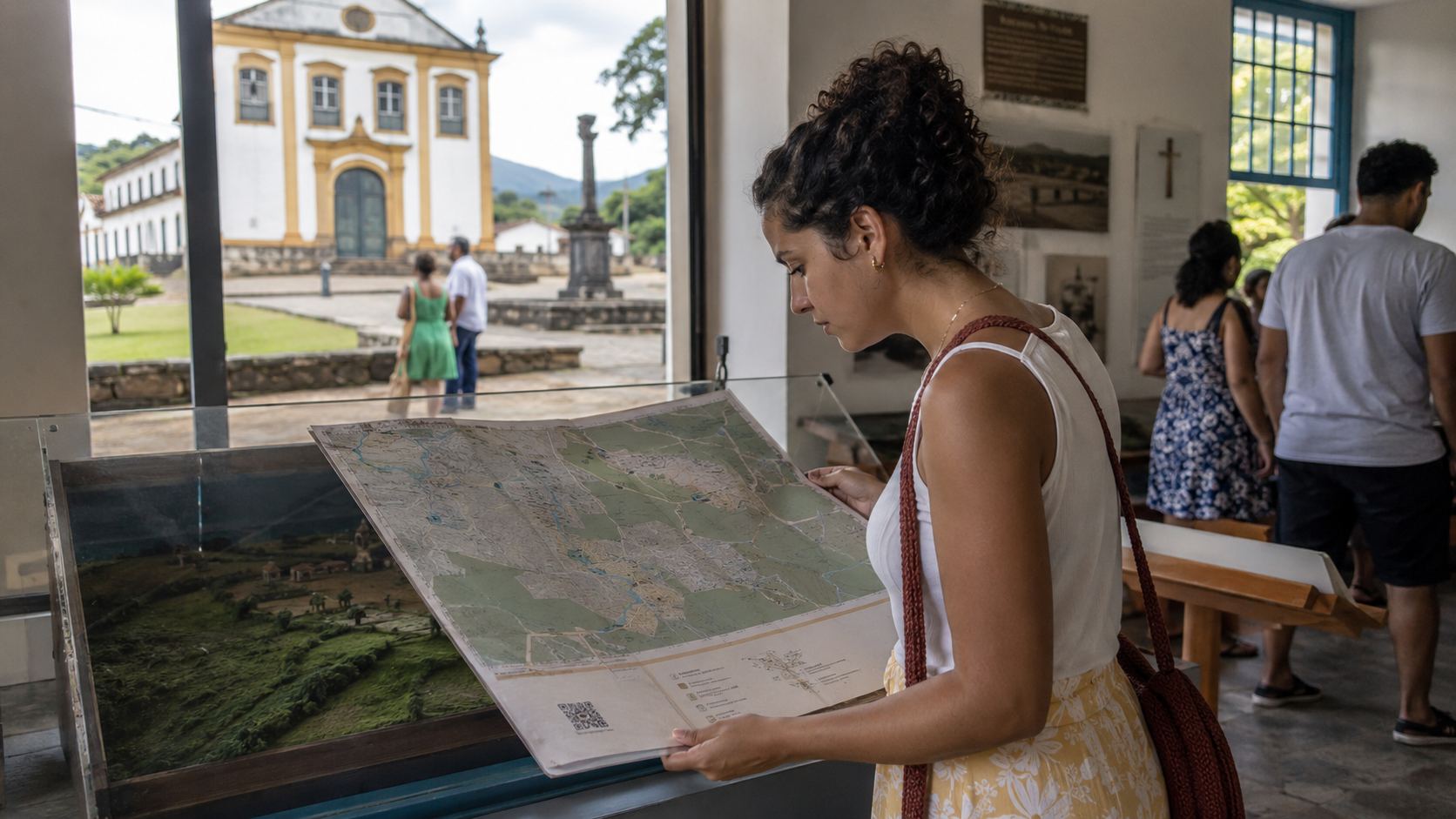
Use onsigns, maps, trails, museums, reception, folders, ticket offices, hotels, restaurants and transport
Answer the question visitors have at that location
Tourism works better when information appears at the decision moment. Instead of a generic QR Code, deliver the right answer to people looking at a sign, opening a map, waiting for service, buying tickets or finishing a tour.
Lead to a page, PDF or Links with itineraries, hours, rules, history, nearby services, menus, maps and useful information.
Use WhatsApp, URL or Event to open service, tickets, guided visits, bookings, schedules or registration.
Invite visitors to review, save an itinerary, share photos, visit another point, return in another season or follow the destination.
Which QR Codes should tourism and attractions use?
GPS solves directions. WhatsApp opens service. Event presents schedules. PDF distributes itineraries. Pix receives payment. Links gathers destination information. Choose the type by the next action, always keeping a clear call to action next to the code.
Maps and location
Take visitors to directions, entrances, parking, meeting points, reception or nearby attractions.
Create GPSTourism service
Open a conversation for questions, booking, hours, accessibility, tours, guides, transport or visitor support.
Create WhatsAppTickets and schedules
Promote guided visits, tours, exhibits, festivals, seasons, presentations or activities with date and location.
Create eventItinerary and guide
Share maps, itineraries, rules, schedules, accessibility information, menus, visitor guides or educational material in PDF.
Create PDFPix for tours or tickets
Use Pix QR Codes to receive ticket, tour, donation, purchase, reservation or service payments with verified data.
Create PixDestination links
Gather itineraries, maps, attractions, bookings, social profiles, local services, reviews and travel information on one page.
Create linksThe physical material changes the digital experience that follows
A sign at a viewpoint calls for orientation and context. A printed map needs detail and continuity. A ticket office needs to handle purchases or rules. In hotels and partner shops, QR Codes can connect people to experiences across the region. Thinking about the material avoids sending every visitor to the same place unnecessarily.
Use a direct phrase: open the map, discover the history, view the itinerary, book your tour or find the next attraction. This small instruction improves trust and scanning rates.
Signs and tourist attractions
Present history, rules, curiosities, accessibility, directions, hours or nearby points of interest.
Printed map and itinerary
Extend the map with details for each location, audio, video, pages, menus, booking or service.
Reception and ticket office
Make Wi-Fi, purchases, Pix, rules, forms, guides, service and reviews easier without queues for simple questions.
Hotels, shops and local partners
Connect guests to attractions, restaurants, events, tours, directions, bookings and updated local information.
Tourist information needs to be reliable at the time of the visit
Hours, access, rules, prices, weather, availability and routes can change. Before placing a QR Code on a sign or high-traffic material, review the destination and think about what happens when visitors have no signal, strong sunlight or a busy setting.
For itinerary pages, booking, campaigns or service that can change, URL, WhatsApp and Links allow updates. For a fixed map, stable PDF or verified Pix, a static QR Code usually works well.
QR Codes can also lead to the next discovery
After a visit, tour or meal, visitors may still want to find another spot, review the experience, save an itinerary, share the trip or plan another date. QR Codes in departure material, cards, receipts and messages make this next step simple and help the destination remain present after people return home.
Segments that complete the visitor experience
Tourism naturally connects with accommodation, events and food. These guides help choose QR Codes for every travel touchpoint and create useful paths between local destinations.

Hotels and inns
Improve booking, check-in, Wi-Fi, menus, location, service and accommodation reviews.
Wi-Fi, WhatsApp, GPS, PDF, Pix and LinksView ideas
Events and fairs
Use QR Codes for schedules, badges, registration, maps, materials and post-event content.
Event, URL, PDF, vCard and GPSView ideas
Restaurants and delivery
Take visitors to menus, Pix, Wi-Fi, service and locations for cafes, bars and restaurants.
Menu, Pix, Wi-Fi, WhatsApp and GPSView ideasMore autonomy for visitors
Create QR CodeCreate QR Codes to guide, inform and inspire travel
Start with free QR Codes for GPS, WhatsApp, Event, PDF and Pix. In URL, WhatsApp and Links, use dynamic features when you need to update destinations, organize campaigns or track scans.