QR Codes on materials: turn print into the next action
Packaging, flyers, labels, posters, invitations, signs and storefronts do not need to end on paper. With the right QR Code, each material can take people to Pix payments, WhatsApp service, catalogs, location, video, PDFs, forms, events or your business page.
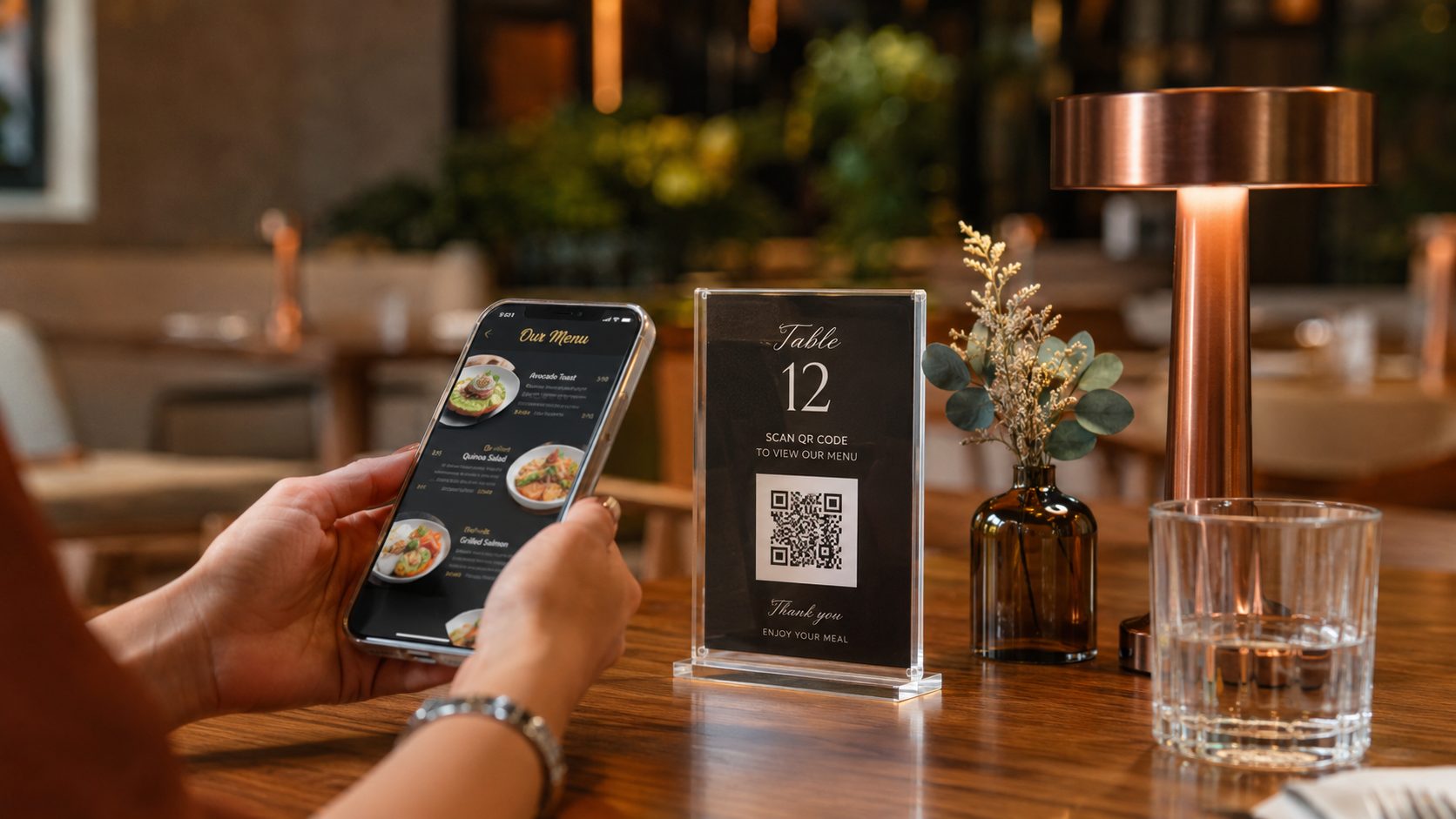
Where to use QR Codes on printed materials?
The same QR Code does not need to appear on every material. People receiving packaging may need instructions; people seeing a flyer want to discover an offer; people at a storefront may want to pay, order or chat. Choose the destination by reading context.
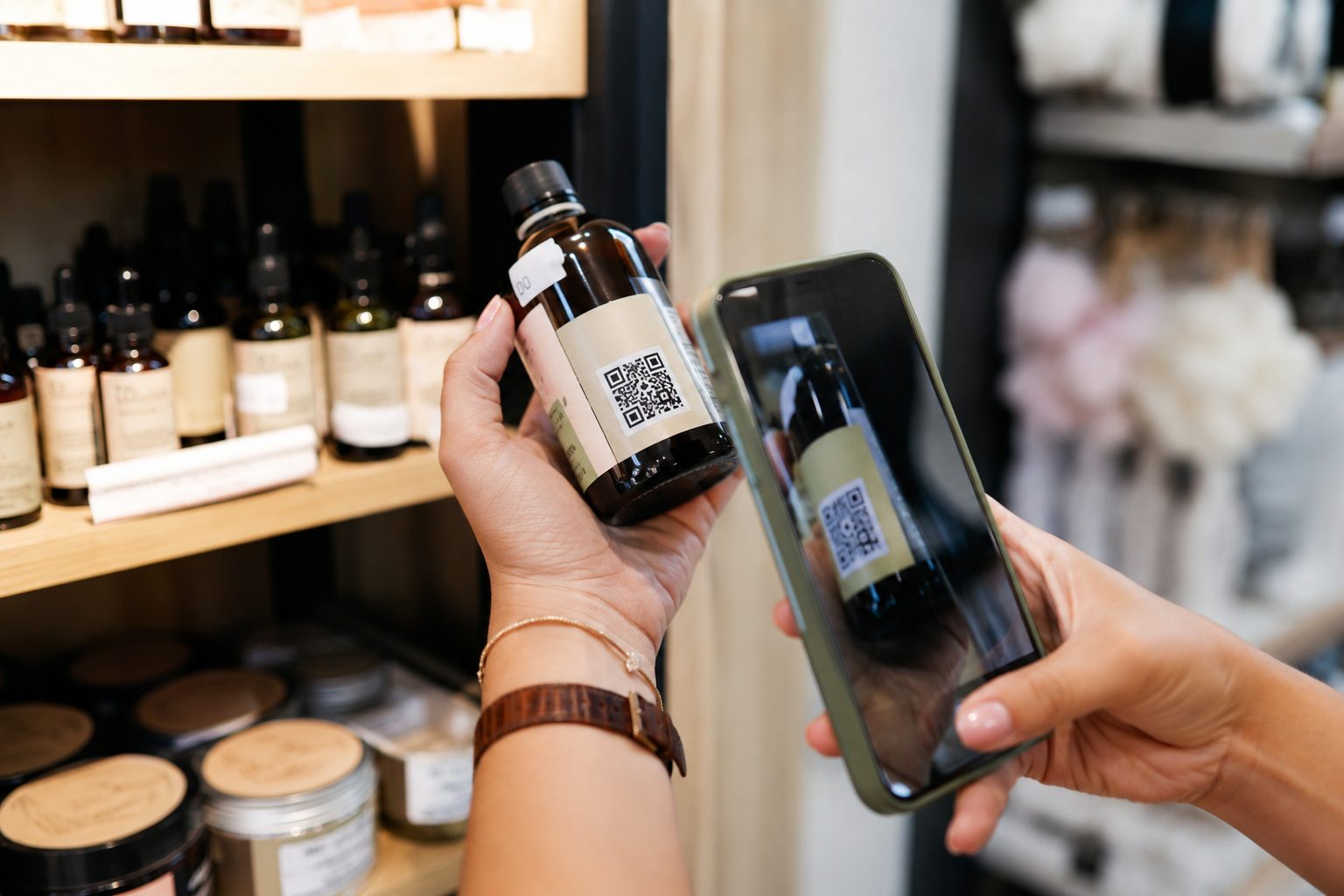
Packaging and products
Take customers to instructions, warranty, video, catalog, coupon, repurchase, reviews or service after purchase.
URL, PDF, WhatsApp, Coupon and LinksView guide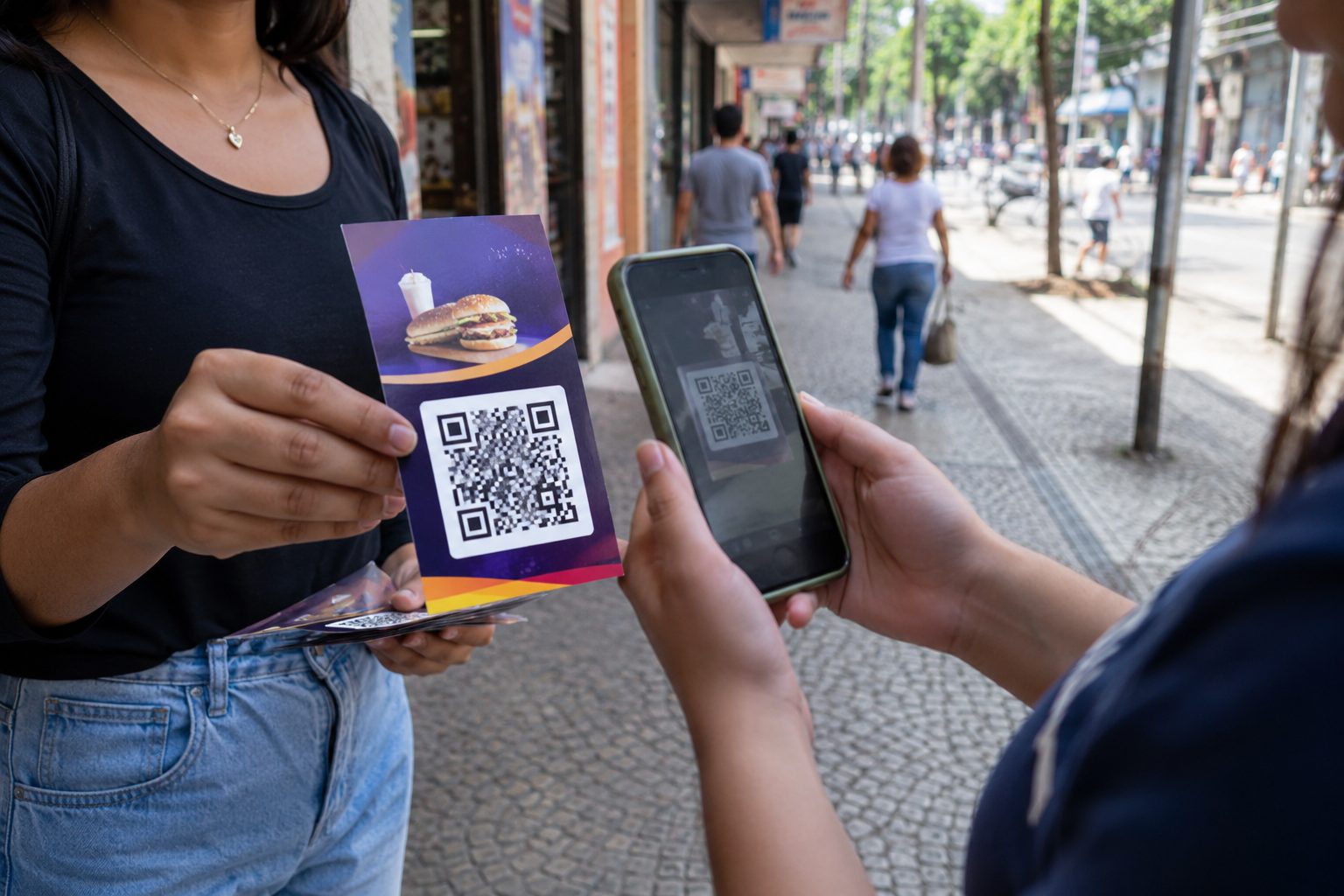
Flyers and leaflets
Turn printed promotion into website visits, quotes, booking, maps, promotions, catalogs or WhatsApp chats.
URL, WhatsApp, GPS, PDF and LinksView guide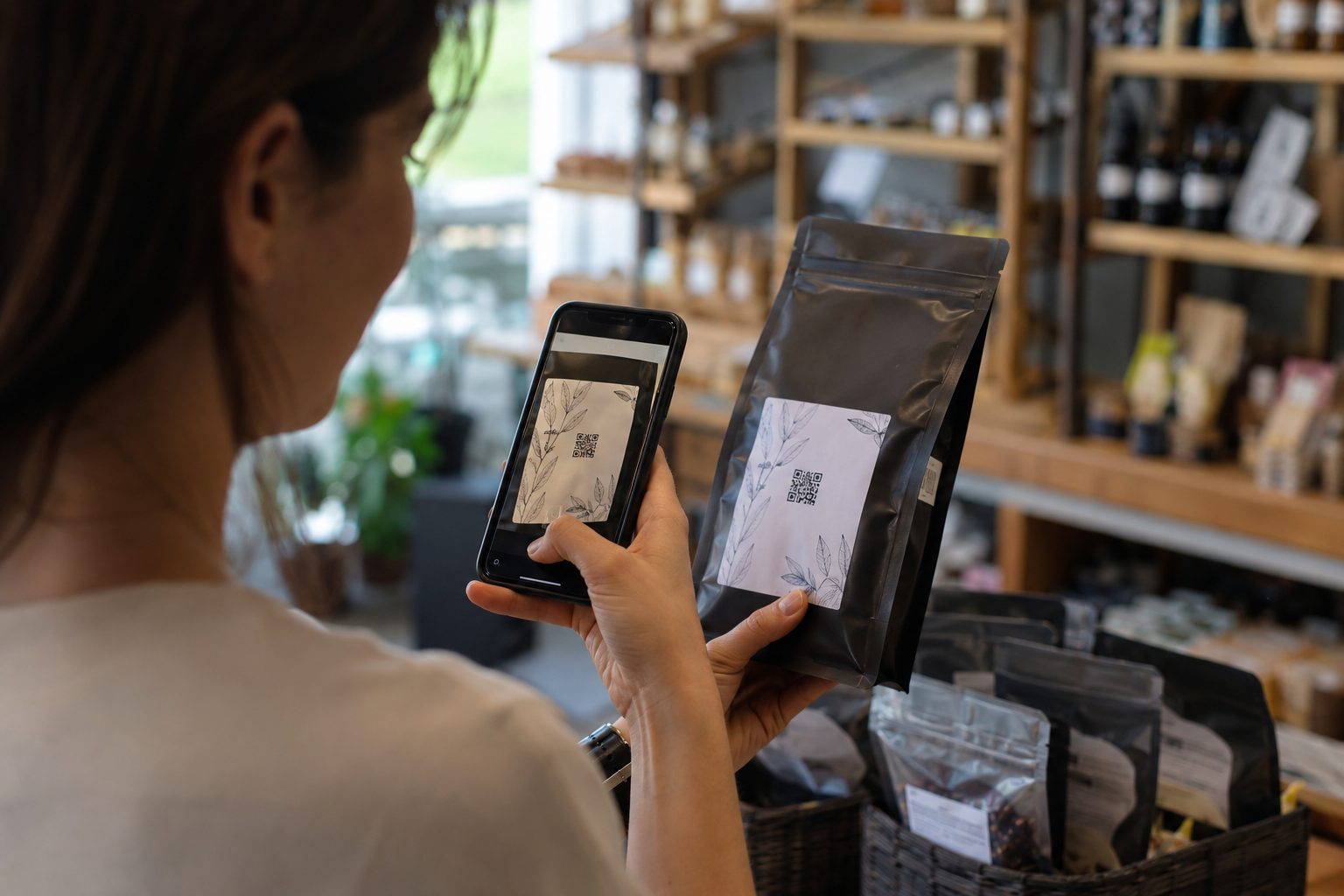
Labels and stickers
Use on products, shelves and gifts for specifications, origin, manuals, video, coupons or replacement pages.
URL, PDF, Video, Coupon and LinksView guide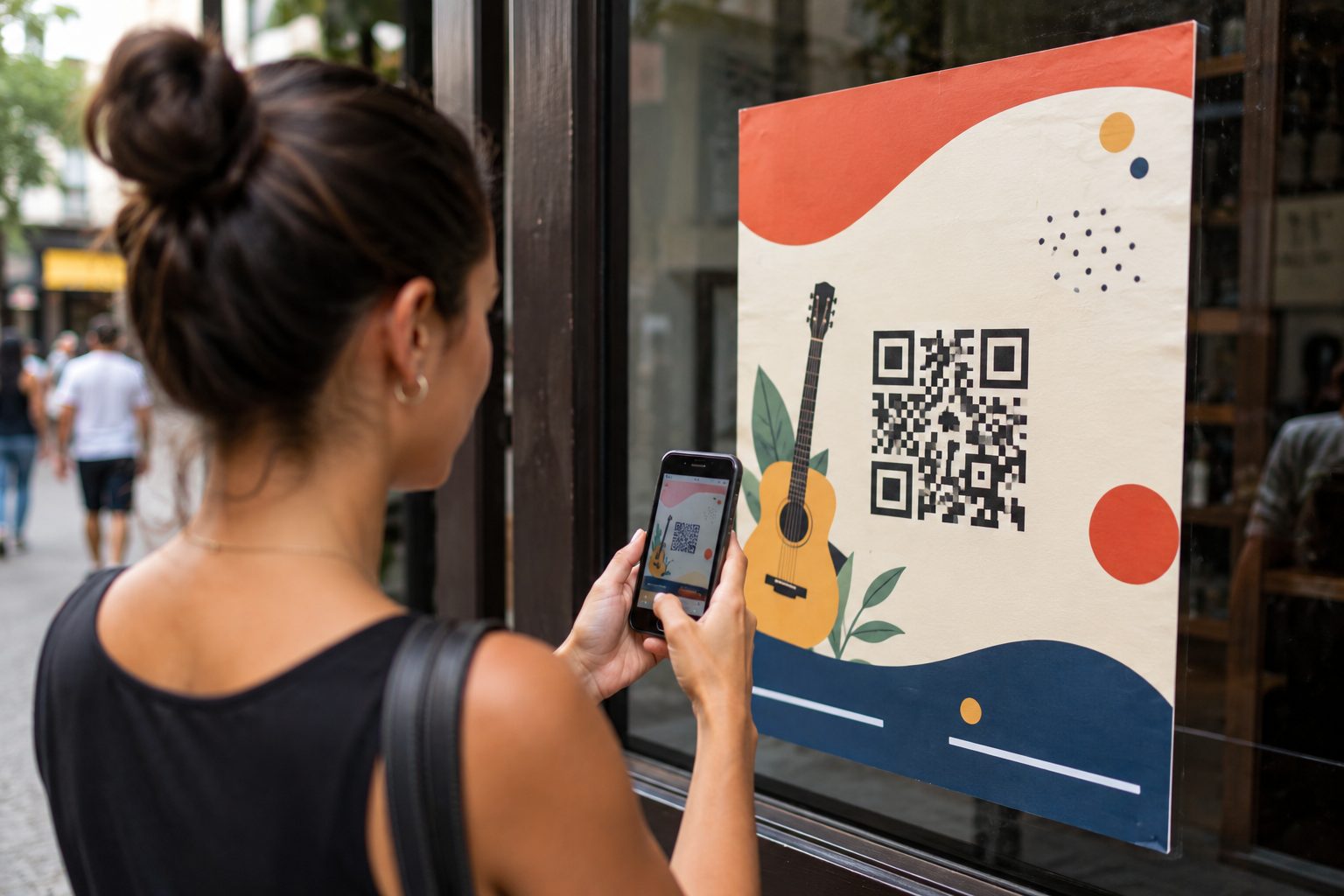
Posters and banners
For street actions, events and campaigns, direct people to registration, events, location, promotions, forms or a main page.
Event, URL, GPS, WhatsApp and PDFView guide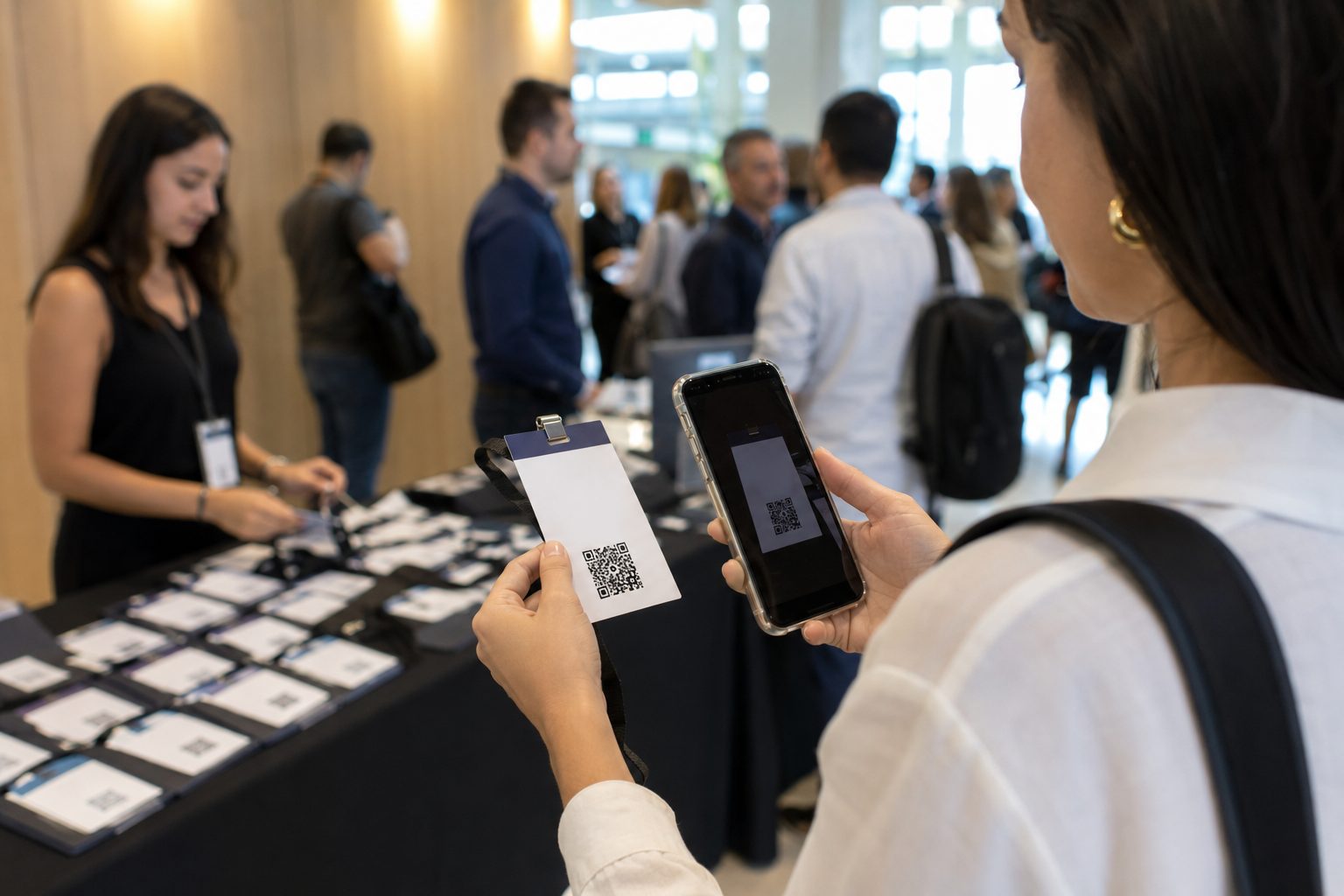
Invitations and badges
Help guests confirm attendance, open schedules, find the location, save dates or contact organizers.
Event, GPS, WhatsApp, PDF and URLView guide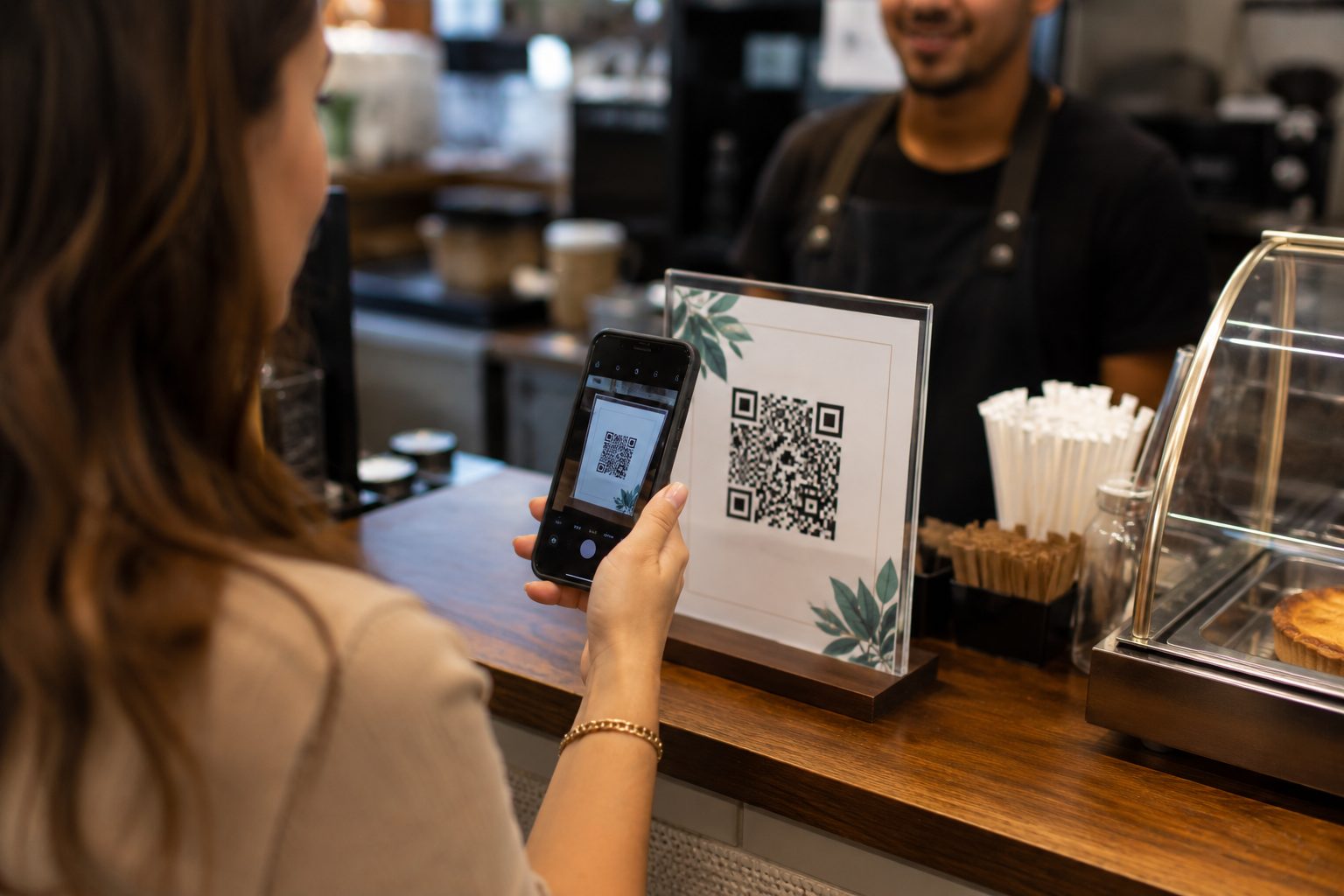
Signs, counters and storefronts
Give customers a quick action at the point of sale: pay with Pix, connect to Wi-Fi, order, chat on WhatsApp or open a catalog.
Pix, Wi-Fi, WhatsApp, Menu and URLView guideBefore printing, validate the full path
A QR Code can look good and still fail if it opens a slow page, wrong phone number, expired promotion or incomplete route. Test it on more than one phone, at the material's real scanning distance and in the lighting where it will be used.
- Use high contrast between the QR Code and background.
- Do not distort or crop the code's clear space.
- Explain the action with a short phrase next to the QR Code.
Choose the material, define the action and generate the QR Code
Start for free with Pix, Wi-Fi, WhatsApp, GPS, PDF and URL. For URL, WhatsApp, vCard and Links, use dynamic features when you need to update destinations, organize campaigns or track scans.