QR Codes on labels and stickers: add information without enlarging the label
QR Codes on labels, stickers, tags, product labels and seals connect products, shelves, gifts and packaging to useful information. They are a simple way to open manuals, specifications, video, warranty, catalogs, coupons, service, replacements or reviews without taking too much physical space.
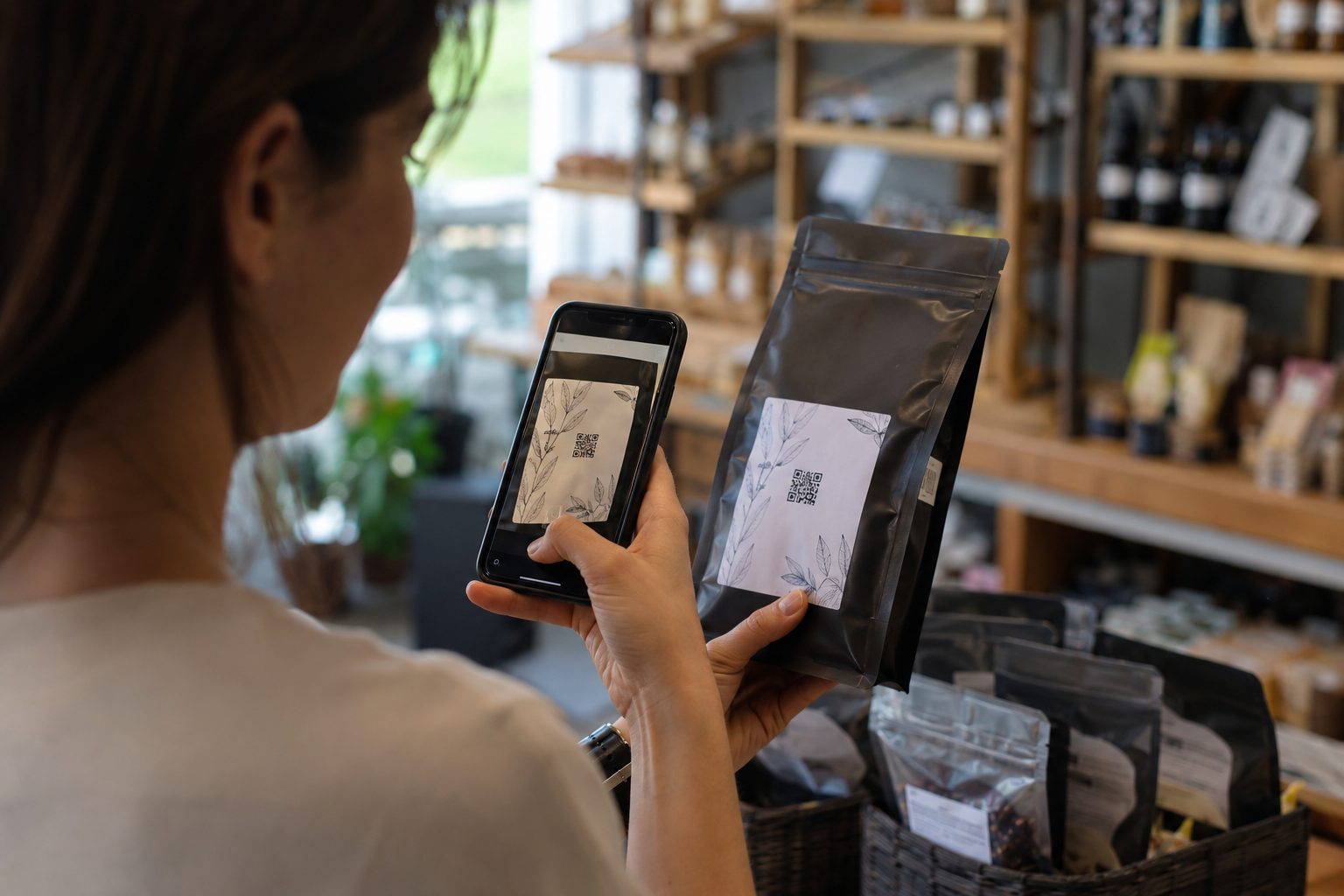
Where should QR Codes go on labels and stickers?
The answer depends on the question people will have at the scanning point. On a product, it may be how to use or store it. On a shelf, it may be price, specifications or catalog. On a tag, it may be coupons, reviews or repurchase. The best QR Code on a label answers a real and immediate need.
A small label calls for an even clearer decision
QR Codes on stickers and labels are usually seen quickly, on a small surface and close to the product. The call to action must explain the benefit: view the manual, check composition, access warranty, get a coupon, review your purchase or contact the brand.
For fixed data, such as a PDF manual or product information, a static QR Code can be enough. For changing destinations such as catalogs, campaigns, support and replacement pages, URL, WhatsApp and Links allow updates as needed.
The label can also help sell again
After purchase, a label with a QR Code can guide use, reduce questions, lead to support, show accessories, suggest replacements, offer return coupons and open WhatsApp service. This creates a more useful experience for stores, manufacturers, private labels, e-commerce, restaurants and local businesses.
Create a QR Code for your label or sticker
Choose a useful destination, preserve clear space and test on the final material. Start with URL, PDF, WhatsApp, Coupons or Links and connect the label to product, service and repurchase pages.