At first purchase
Show essentials without overloading packaging: how to use it, where to find details, how to contact the brand and what to do after opening the product.
QR Codes on packaging, labels, boxes, tags and product labels turn physical products into digital touchpoints. They can open manuals, instructions, warranty, video, recipes, catalogs, WhatsApp, coupons, replacement pages, reviews or repurchase without taking all the printed space.
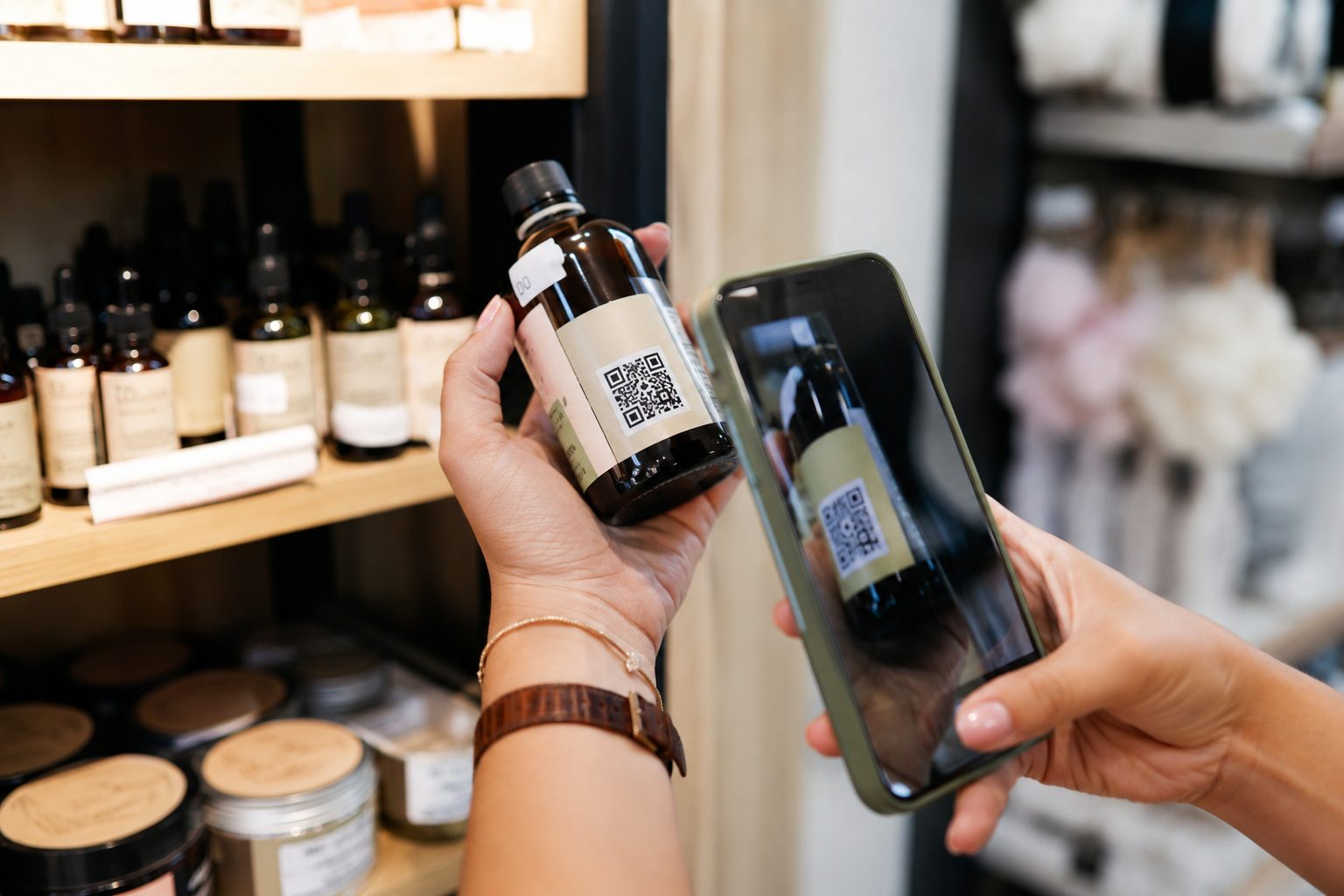
Packaging has limited space, but customers often have many questions after purchase: how to use, assemble, preserve, exchange, clean, replace or contact the brand. A QR Code on products helps take this information to a complete page without cluttering the design.
For people searching for QR Codes on packaging, labels or products, the main point is always the same: choose a clear and useful action for that purchase moment.
Show essentials without overloading packaging: how to use it, where to find details, how to contact the brand and what to do after opening the product.
A QR Code on labels or boxes can open video, instructions, recipes, care, assembly, cleaning, conservation, specifications or support.
When a product runs out or needs renewal, packaging can lead to catalogs, orders, coupons, points of sale, WhatsApp or replacement pages.
URL opens the product page. PDF delivers manuals and warranty. WhatsApp makes support easier. Coupons encourage the next purchase. Pix handles simple payments. Links gathers more than one action. Choose a destination that makes sense for when packaging is read.
Open catalogs, specifications, composition, sizes, colors, stock, launches, campaigns or repurchase pages.
Create URLShare manuals, assembly instructions, care, specifications, certificates, warranty, recipes, guidance or return policies in PDF.
Create PDFOpen a ready conversation for questions, returns, support, quotes, replacement, technical assistance or WhatsApp orders.
Create WhatsAppTake customers to a promotion, coupon, return benefit, launch or complementary product.
Create couponUse Pix QR Codes on packaging, catalogs or pickup material when payment is simple and the details are verified.
Create PixGather website, catalogs, social profiles, service, reviews, replacements, resellers and other actions on one page.
Create linksPackaging can be folded, wet, curved, glossy, small or seen from far away. So generating the QR Code is not enough: test the printed version, preserve clear space around the code and make sure people know what they get by scanning.
When the destination can change, such as catalogs, campaigns, support, coupons or replacement pages, URL, WhatsApp and Links allow updates. For a fixed manual or Pix with verified details, a static QR Code can work well.
A QR Code on packaging can reduce support questions, guide usage, present complementary products, increase repurchase, facilitate reviews and open a service channel. It is a practical way to keep the product present after it leaves the store, delivery or e-commerce.
Start with URL, PDF, WhatsApp, Coupons, Pix or Links. Use dynamic features in URL, WhatsApp and Links when you need to update destinations, organize campaigns or track scans.