Table and counter
Menus, Pix, ordering, reviews, coupons and Wi-Fi appear when customers are ready to act.
QR Codes at the point of sale turn a simple sign into a shortcut for Pix payments, Wi-Fi, menus, WhatsApp, catalogs, quotes, products or coupons. People see the material at the moment the action makes sense.
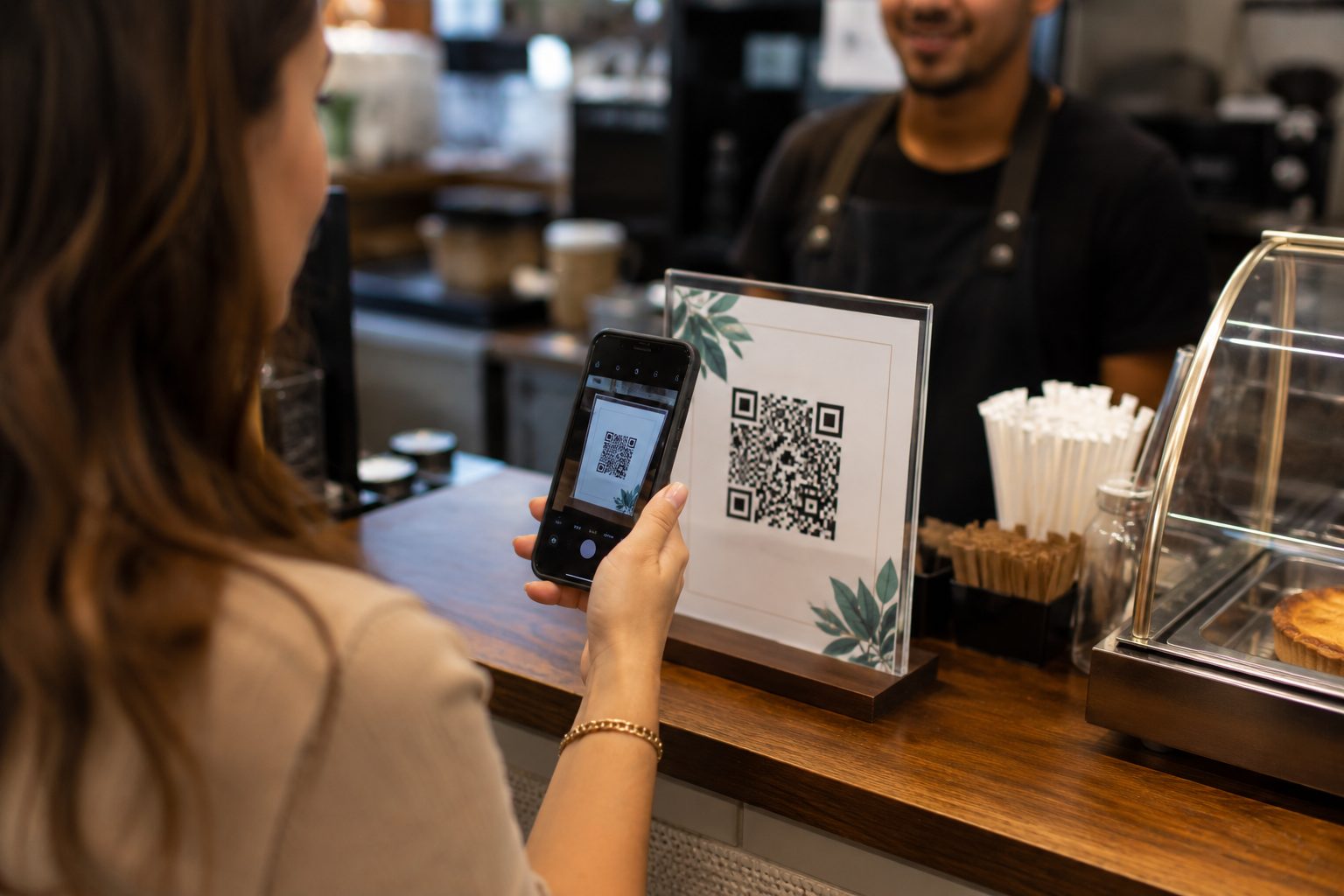
The QR Code position changes what people expect when scanning. At a table, it can open menus or payments. At a storefront, catalogs or offers. At reception, Wi-Fi, booking and information. Choosing the right type makes the experience faster and avoids confusion.
Menus, Pix, ordering, reviews, coupons and Wi-Fi appear when customers are ready to act.
Take passersby to hours, maps, catalogs, promotions, WhatsApp, bookings or store pages.
Offer Wi-Fi, service forms, information, catalogs, booking, videos or contact.
At the counter, scanning takes seconds. A Pix sign should say pay with Pix. A Wi-Fi sign should say connect to Wi-Fi. A menu sign should lead to the menu. If customers need to choose between paths, a Links QR Code can organize the page without making the sign confusing.
Pix and Wi-Fi usually work well when details are fixed and verified. For catalogs, service, promotions or pages that can change, URL, WhatsApp and Links are better when updates are needed.
Use Pix QR Codes for payment at counters, tables or payment signs. Use Wi-Fi to connect visitors without typing a password. Use Menu for restaurants, cafes, bars and delivery. Use WhatsApp for quotes, orders, reservations or support. Use GPS for directions and URL for catalogs, offers, booking and business pages.
When a sign needs to offer different paths, a Links QR Code can gather menus, Pix, location, Instagram, WhatsApp, reviews and offers on one organized page. The choice should respect the decision customers are about to make, not only what the brand wants to promote.
In retail, QR Codes at counters help customers view products, pay, receive coupons or contact staff. In restaurants, they can open menus, ordering, Wi-Fi, Pix and reviews. In clinics, gyms, salons and local services, they can direct people to booking, location, forms, service or preparation information.
The secret is not turning the sign into a long explanation. One action per piece, one guidance line and a QR Code tested at final size usually perform better than a storefront full of different codes. For permanent materials, review links and details whenever campaigns, hours, prices or contacts change.
Use Pix, Wi-Fi, Menu, WhatsApp, URL, GPS, Coupons or Links according to the action customers need to take. Test before printing and keep each sign simple, readable and useful.