Before the order
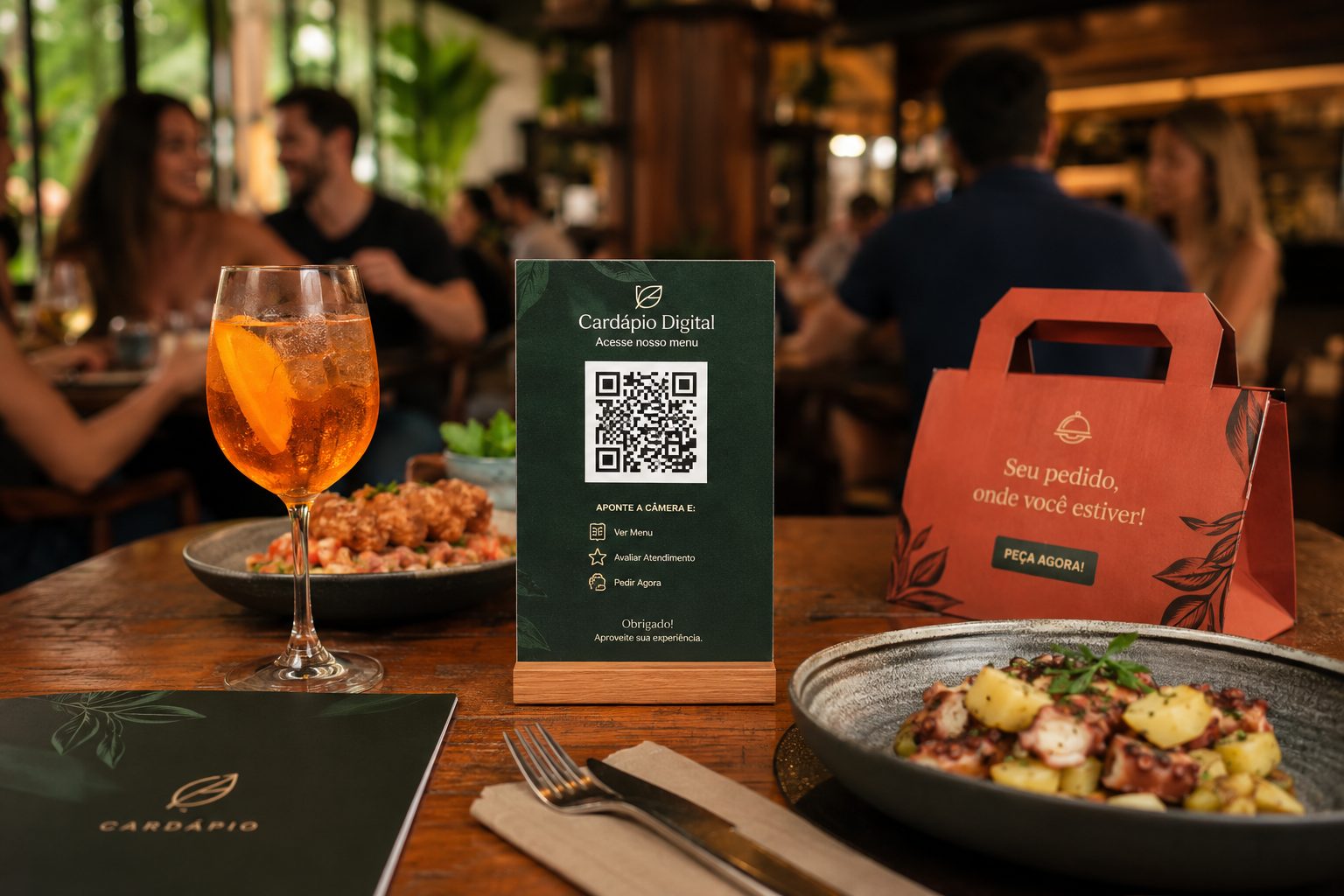
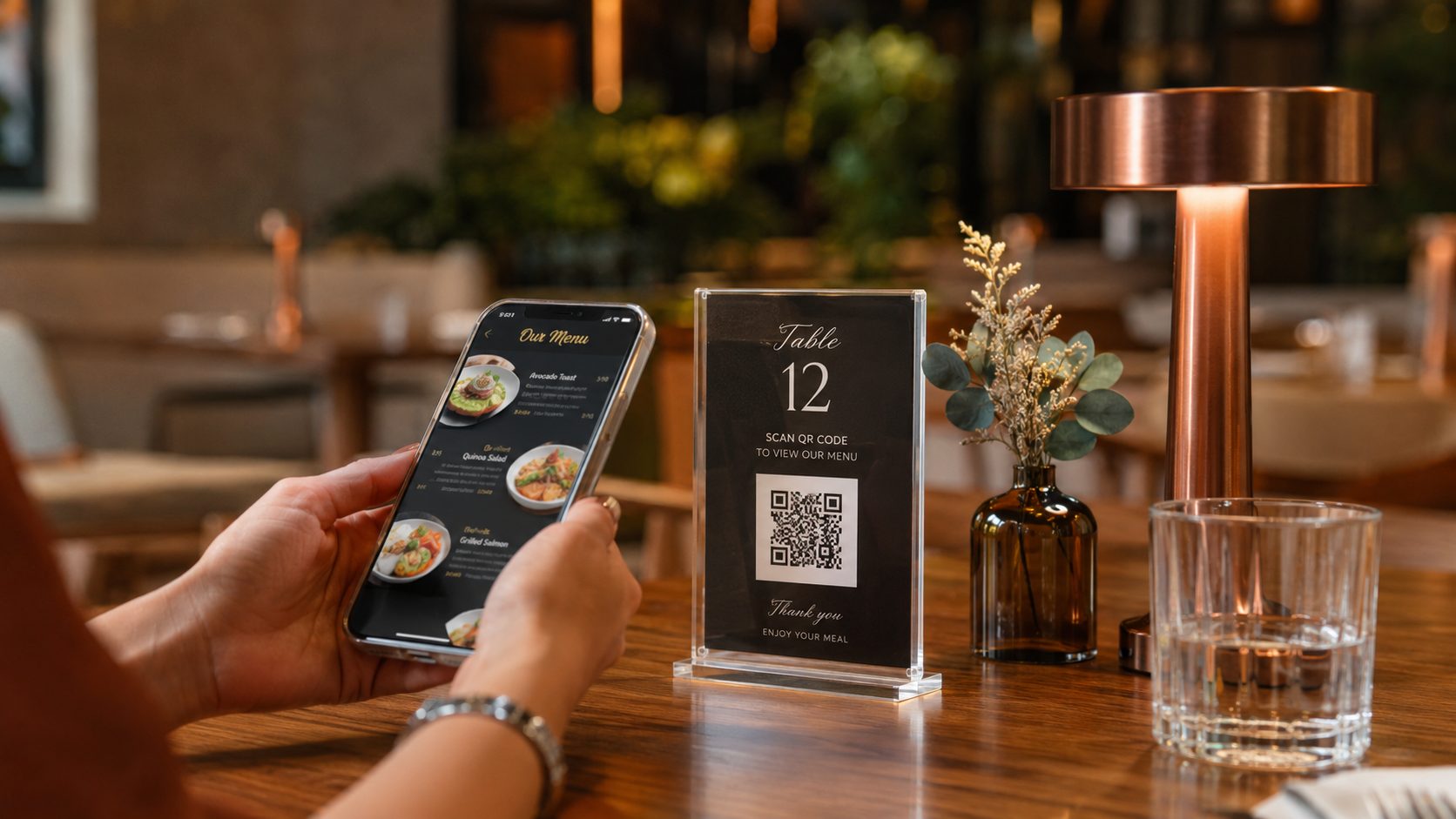
Use menu, Wi-Fi and link QR Codes to answer early questions, show photos, present offers and reduce the time until customers choose.
Restaurants, bars, cafes, food trucks and delivery businesses do not need QR Codes only for menus. The same touchpoint can speed up payments, connect Wi-Fi, open WhatsApp orders, show location, promote offers and reduce service questions.
In restaurants, a QR Code does not need to be only a shortcut to the menu. It can organize service from choosing a dish to payment, delivery orders and encouraging the customer to come back.
The key is deciding which action you want at each point: open the menu, pay with Pix, connect Wi-Fi, start WhatsApp, view location, join an offer or review the experience.
Use menu, Wi-Fi and link QR Codes to answer early questions, show photos, present offers and reduce the time until customers choose.
Use Pix QR Codes with clear recipient identification, amount when it makes sense and a short instruction to avoid mistakes at checkout, tables or delivery.
Use QR Codes on packaging, coupons, reviews and WhatsApp to encourage repeat orders, collect feedback, promote offers and keep the relationship alive.
The best strategy usually combines a few types, each with a clear action. Avoid placing a generic QR Code without saying whether it opens a menu, payment, Wi-Fi, service or location.
Ideal for tables, counters, storefronts and delivery. If the menu changes often, prefer a solution that lets you update items, prices and photos without reprinting the QR Code.
Open typeWorks well for checkout, tables, delivery, tabs, food events or reservation fees. Generate with fixed or open amount and always test in a banking app before printing.
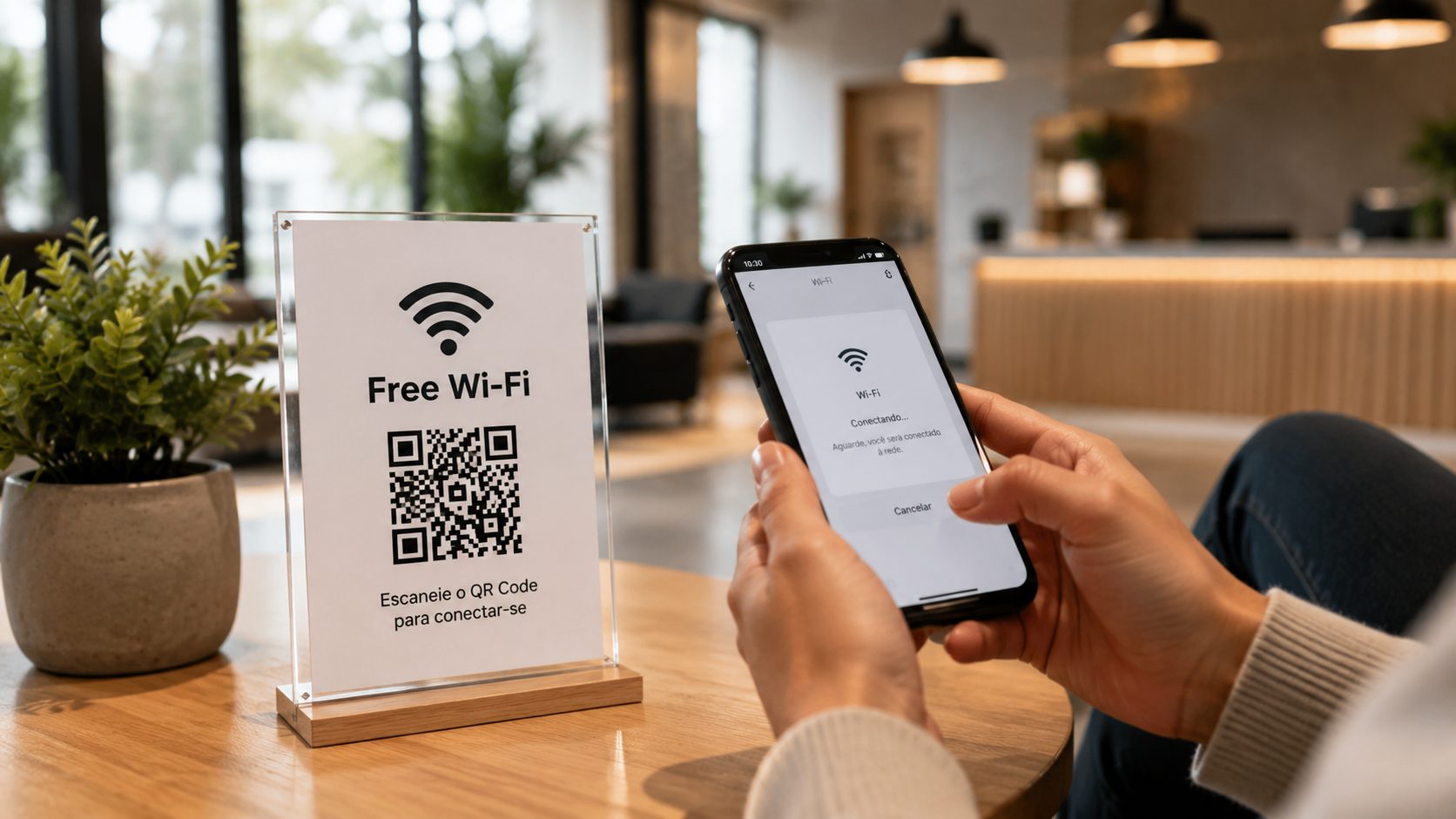
Open typeAvoids typing passwords and reduces repeated questions to staff. In QR Plus, public Wi-Fi QR Codes are suited for fixed network and password details.
Open typeHelps with delivery, reservations, waiting lists and service. You can add a prepared message so the customer starts the chat with less friction.
Open typeUse it on social posts, flyers, business cards, packaging and events to guide customers to the correct map location.
Open typeGroup Instagram, delivery apps, WhatsApp, reservations, reviews, website and promotions on one page when customers need several options.
Open typeA good strategy starts by separating QR Codes for operations, relationship and promotion. Operations help the team every day: menu, Wi-Fi, Pix and WhatsApp. Relationship helps customers come back: coupons, reviews, social profiles and link pages. Promotion connects external materials: flyers, storefronts, banners, packaging and events.
It is also worth thinking about maintenance. If the destination changes often, such as offers, links, campaigns and menu pages, prefer a path that can be updated. If the information is fixed, such as a stable Wi-Fi network or location, a static QR Code usually works well.
To appear better in local searches and improve customer experience, each QR Code should have a clear role: digital menu QR Code, Pix QR Code for payment, Wi-Fi QR Code for connecting guests, WhatsApp for orders and location QR Code to guide people to the restaurant. The clearer the context, the higher the chance of scans and conversion.
The QR Code should appear at the right moment. On the table, it helps customers choose and order. At checkout, it helps payment. On packaging, it encourages repeat orders. On storefronts, it opens menus or reservations. Each placement needs a short instruction and a clear destination.
Instead of placing the same QR Code everywhere, think about the usage moment. Each placement needs a clear promise, the right destination and a simple way to know whether it is helping.
QR Codes work best when they solve the customer's first need: opening the digital menu, connecting Wi-Fi, calling service or paying without waiting. Use direct labels such as "Open the menu" or "Connect to Wi-Fi".
Menu, Wi-Fi, Pix, WhatsAppAt the counter, the QR Code must be quick to understand. Pix, coupons, catalogs, Instagram and WhatsApp work well because they reduce lines, speed up payment and turn in-person service into a digital channel.
Pix, Coupon, Links, WhatsAppPackaging can keep selling after delivery. A QR Code can lead customers to order again, review the experience, access the updated menu, get a coupon or talk to the restaurant.
WhatsApp, Links, Coupon, MenuOutside the restaurant, the QR Code should lead to a specific action: see directions, make a reservation, open an offer, check hours, download a PDF or access a page with all important links.
GPS, URL, Event, PDFRestaurants often overlap with retail, events and local services. These links help choose nearby ideas when QR Codes appear at counters, delivery, partnerships, fairs, service or campaigns.
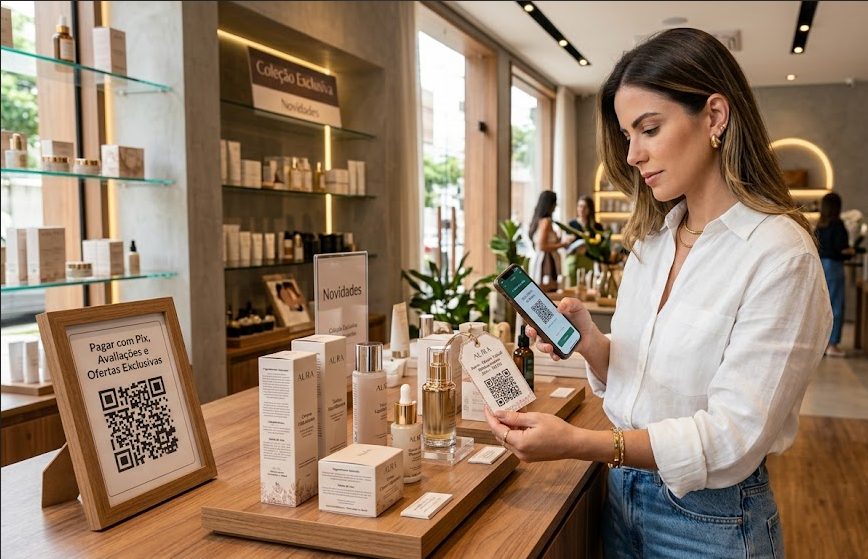
Use QR Codes for Pix, coupons, catalogs, reviews, social profiles and fast WhatsApp service.
Pix, URL, Coupon, WhatsApp and Links View ideas
Connect posters, badges, booths and tickets to schedules, signups, maps and post-event contact.
Event, URL, PDF, vCard and GPS View ideas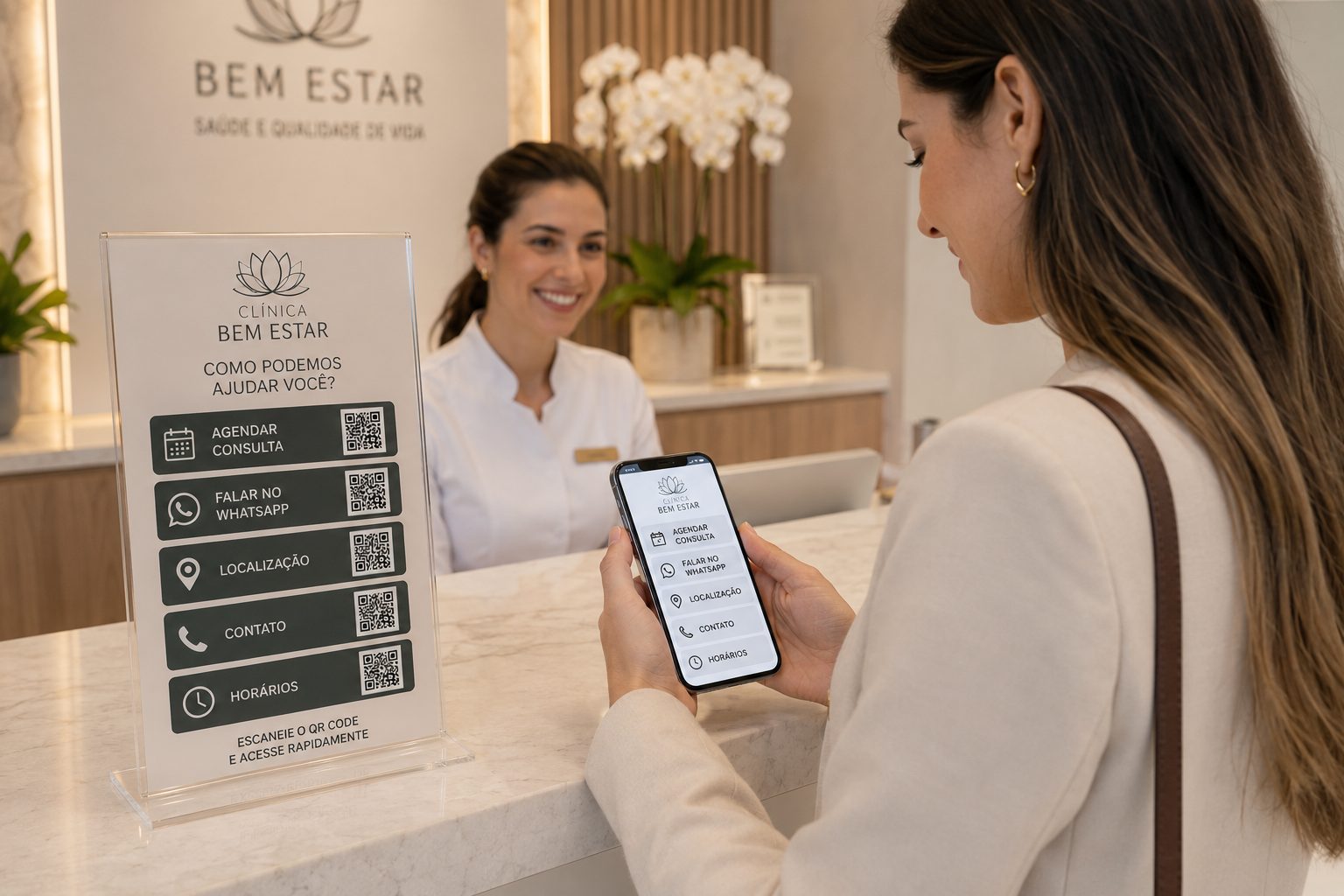
Help customers find the address, book service, save contacts, pay deposits or talk to the team.
GPS, WhatsApp, vCard, Pix, PDF and URL View ideasFor many restaurants, the first gain comes from menus, Pix, Wi-Fi or WhatsApp. Then it is worth organizing campaigns, links, reviews and printed materials more carefully.